How to launch Click & Collect this weekend (step-by-step guide)
A practical, no-fluff guide to going live with Click & Collect in 48 hours — menu, slots, payments, packaging, ops handover. The exact playbook the launches that work follow.
Click & Collect is the single fastest way to grow off-premise revenue without changing your kitchen. We've helped hundreds of venues launch it. The ones that succeed all follow roughly the same playbook — in 48 hours flat.
Here it is, in order.
Friday afternoon — Decide your model (30 min)
Three decisions to make before anything else.
- Pickup slots: continuous or every 15 minutes? Continuous works for low volume. 15-min slots work above 20 orders/service.
- Cut-off time: orders close 30–45 minutes before pickup. Be ruthless or your kitchen will hate you.
- Capacity: how many orders can the kitchen handle per 15-min slot? Set it low for week 1, raise it after.
If you can't answer the third question, pick 4 orders per 15 minutes. You can always increase tomorrow.
Friday evening — Build the takeaway menu (1 hour)
Don't republish your whole carte. Take 60–80 % of it. Cut what doesn't travel well: rare beef, anything with fries that go soggy, hot soups in winter.
For each surviving item:
- Photo (phone-shot is fine, natural light).
- 1-line description (think Deliveroo, not Michelin).
- Real price (most operators add 5–10 % to cover packaging — totally legitimate, just be transparent).
Loyalty rewards work great here: give first-time C&C customers 10 % off their next order. Conversion to a second order doubles.
Saturday morning — Wire the operations
The order should print exactly the same way as a regular table order. Same KDS, same kitchen printer, same flow. If your team has to log into a different tool, you'll get errors by service 3.
Three checkpoints:
- [ ] Test order printed on the kitchen printer with a clear "TAKEAWAY — 13:15" header.
- [ ] Pickup confirmation SMS reaches the customer's phone (test on iPhone and Android).
- [ ] Receipt + label print together with the order ticket.
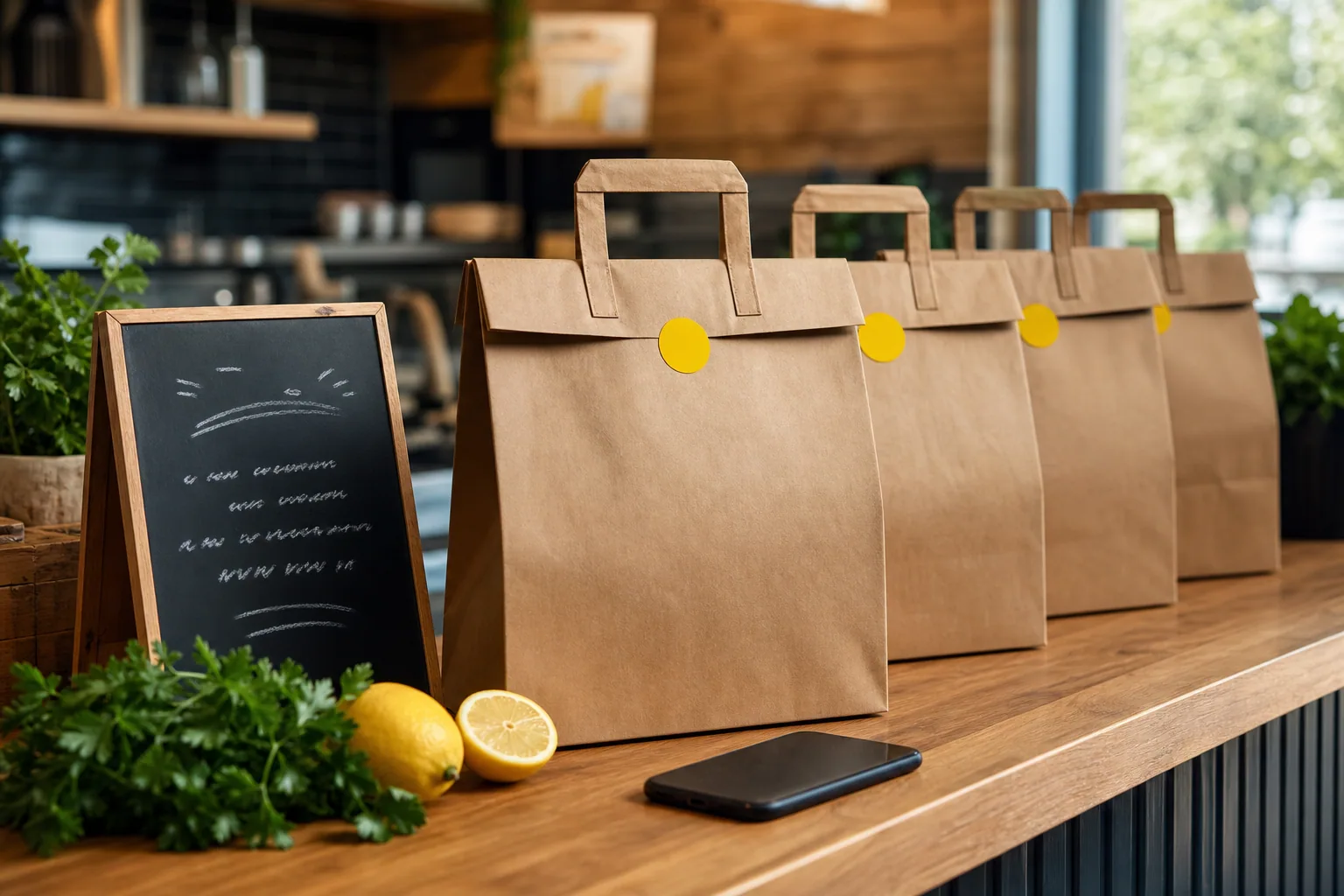
Saturday afternoon — Pack like a pro (30 min)
Bad packaging kills repeat orders faster than bad food. Three rules:
- Hot and cold in separate bags. Always.
- Sauces in mini-containers, never poured on. Customers will reorder if reheating works.
- A handwritten "Thanks ❤" sticker on every bag. It costs nothing. Reviews double.
Saturday evening — Soft-launch with regulars
Email 30 of your best customers a "we're testing C&C this weekend, 15 % off this Sunday" code. They'll forgive launch hiccups and give honest feedback. Strangers will not.
Sunday — Go live
- Open the link publicly.
- Post on Instagram once (with the menu photo, not a screenshot of the website).
- Add the QR code on the receipts.
Monday — Review the 5 numbers that matter
| Metric | Healthy target |
|---|---|
| Orders this weekend | 8–25 (week 1) |
| Average ticket | 80–110 % of dine-in |
| Late pickups | < 10 % |
| Errors | < 5 % |
| Reviews | 4.5+ stars |
If you miss two of these, adjust one thing and try again next weekend. Don't overhaul everything — most issues are slot capacity or packaging.
Want our exact launch checklist as a PDF? Ping us, we'll send it.
Want this running in your venue?
Book a 15-minute demo — we show you the exact setup top operators use.