CLICK & COLLECT
Your takeaway orders. No middleman.
Customers order on your own page, pay online or at the counter, and collect when it is ready.
The order goes straight into your production queue, and online payments settle into your own payment account.
- Included in every plan
- No commitment
Your channel
Customers order from you, not from somebody else’s shopfront.
Paid before collection
Orders can be settled online before the kitchen even starts.
No queue at the counter
It is ready when they arrive. They pick it up and go.
Customers who return
Every order feeds a customer record, loyalty points and a review.
YOUR ORDERING PAGE
Online ordering that happens on your own page.
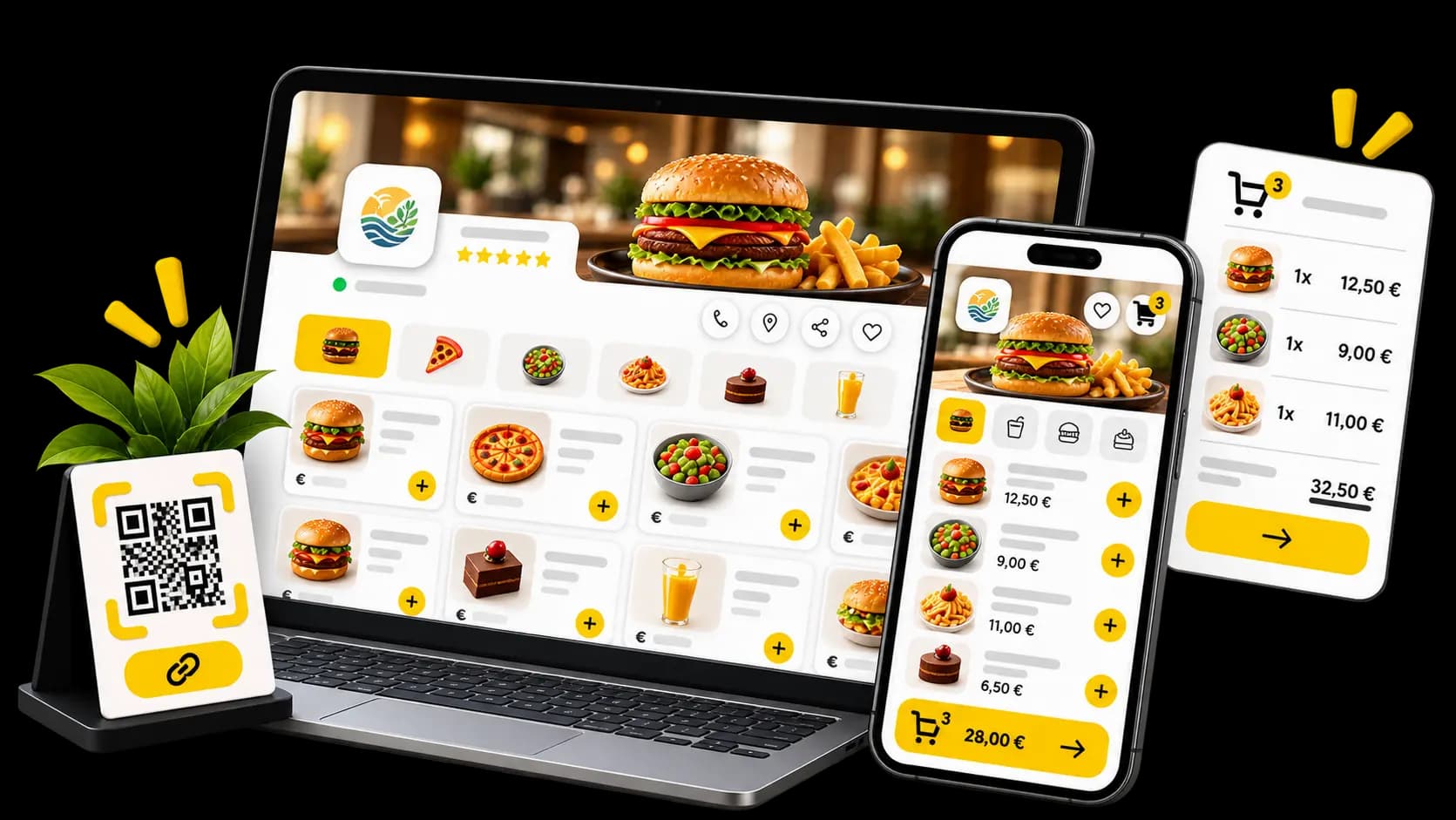
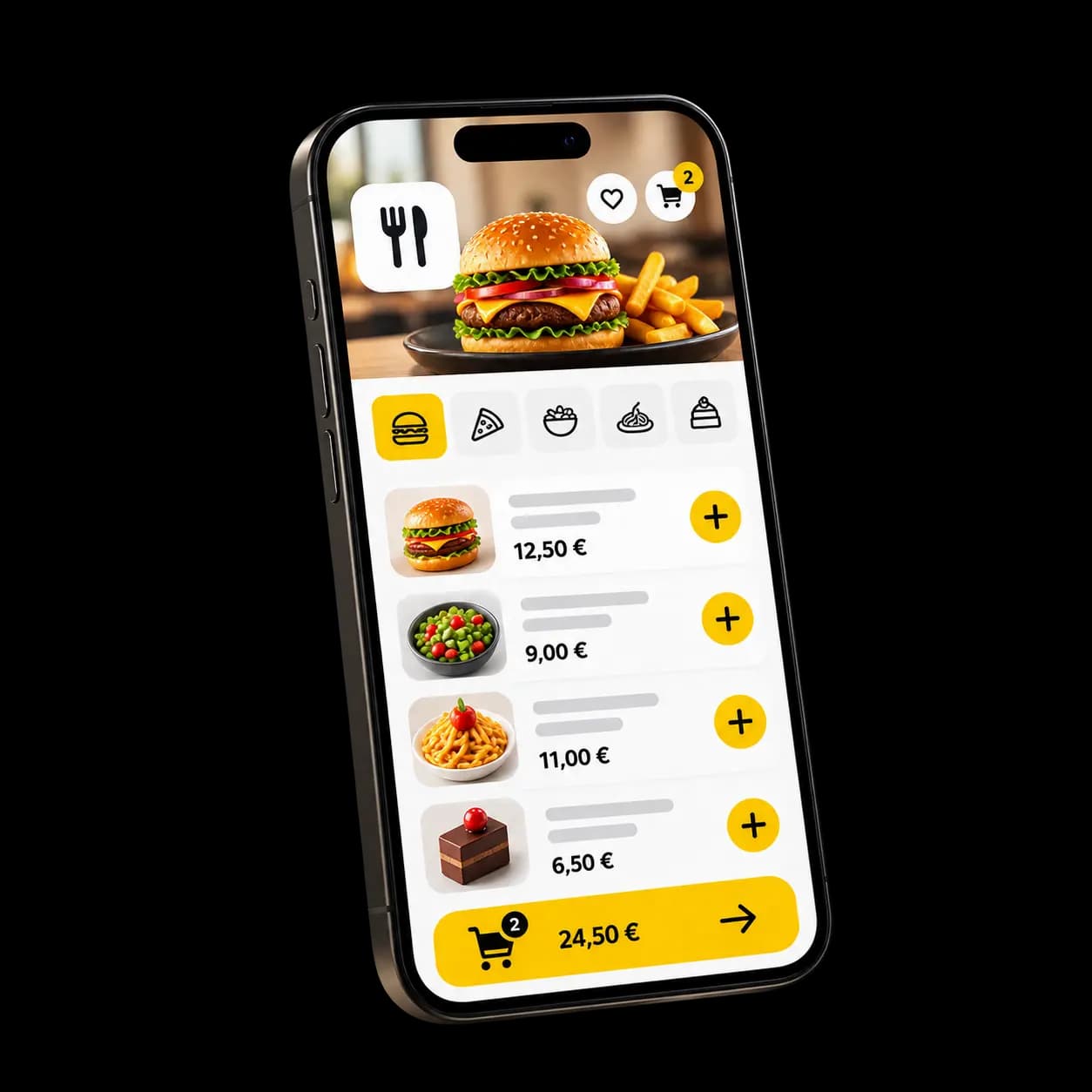
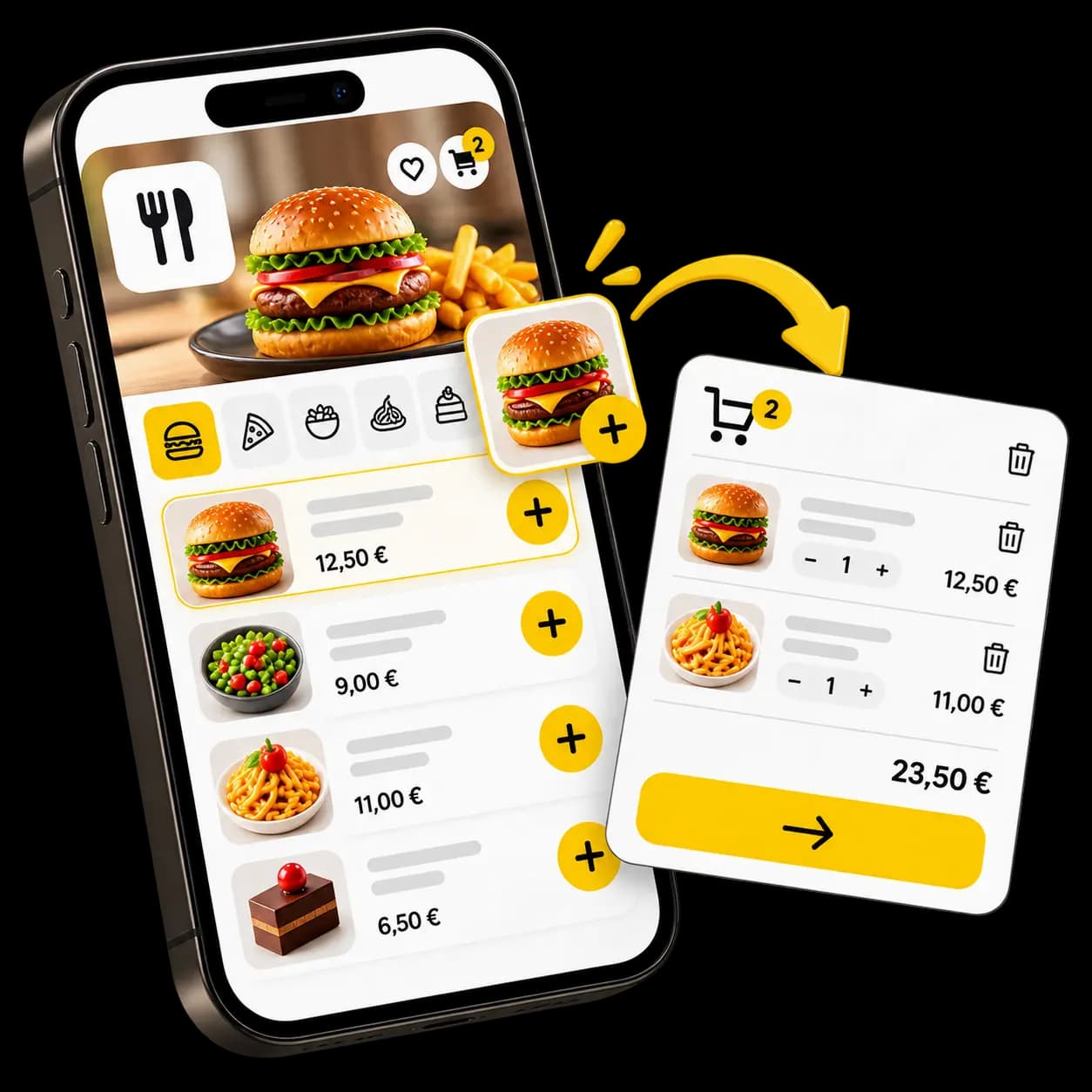
Your venue gets its own takeaway ordering page: your menu, your photos, your prices. Customers order in their browser, with nothing to install.
Your page
A ready-to-use takeaway ordering page in your venue’s name.Your menu
Your categories, products and descriptions — the menu you already keep in Waiterr.Your photos
A photo sells a dish better than a line of text, takeaway especially.Options and extras
Sizes, cooking, sides, add-ons: they build it, the price follows.Basket and tip
They adjust the basket, add a tip if they want to, then pay.No app
It all happens in the browser. Nothing to download, nothing to install.
FROM CRAVING TO COUNTER
Five steps, and the bag is on the counter.
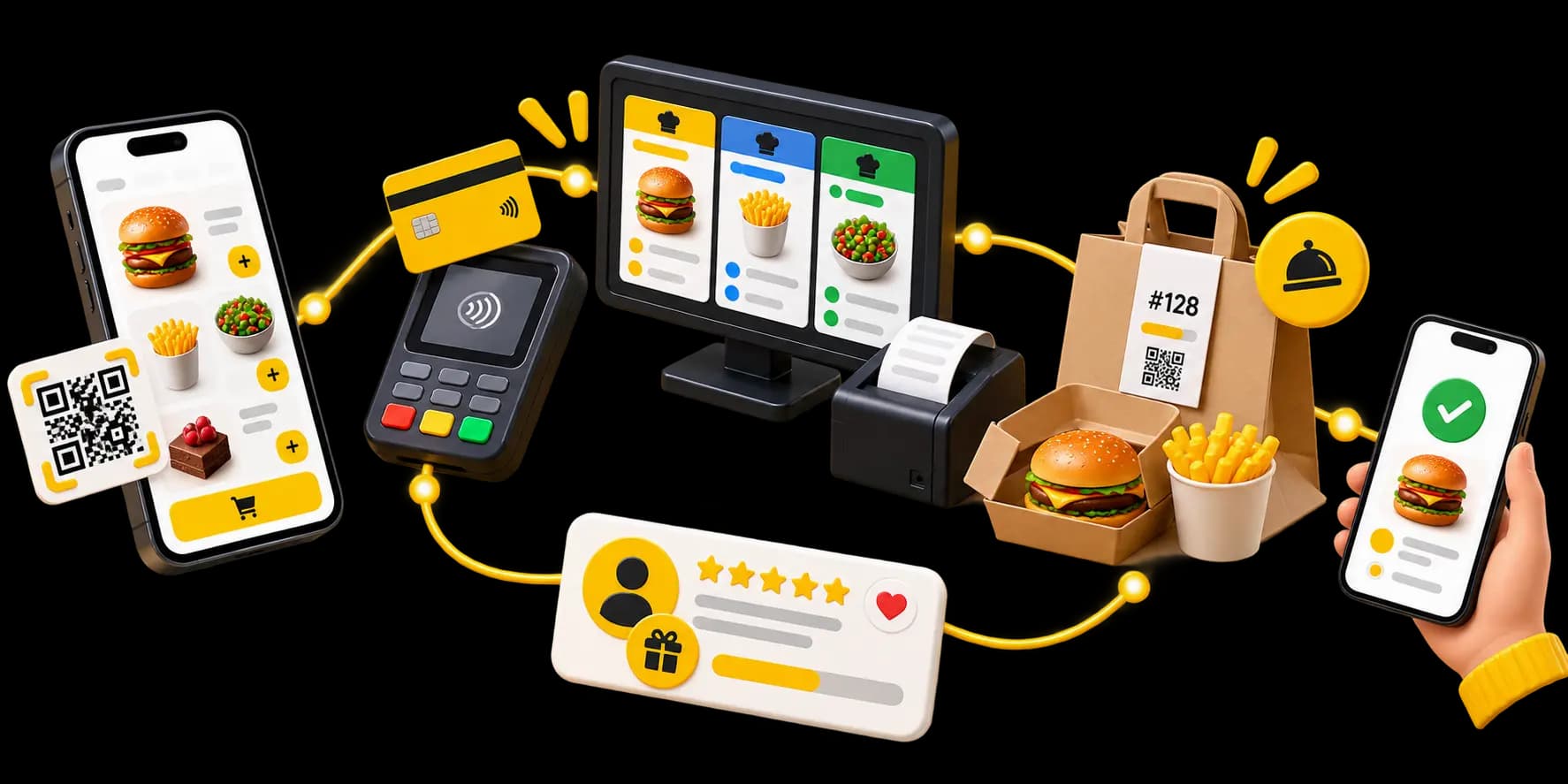
What happens between a customer opening your page and walking out with their order.
They open your page
From a link, a QR code or your public listing.
They build the order
They browse your menu, pick their options and fill the basket.
They pay
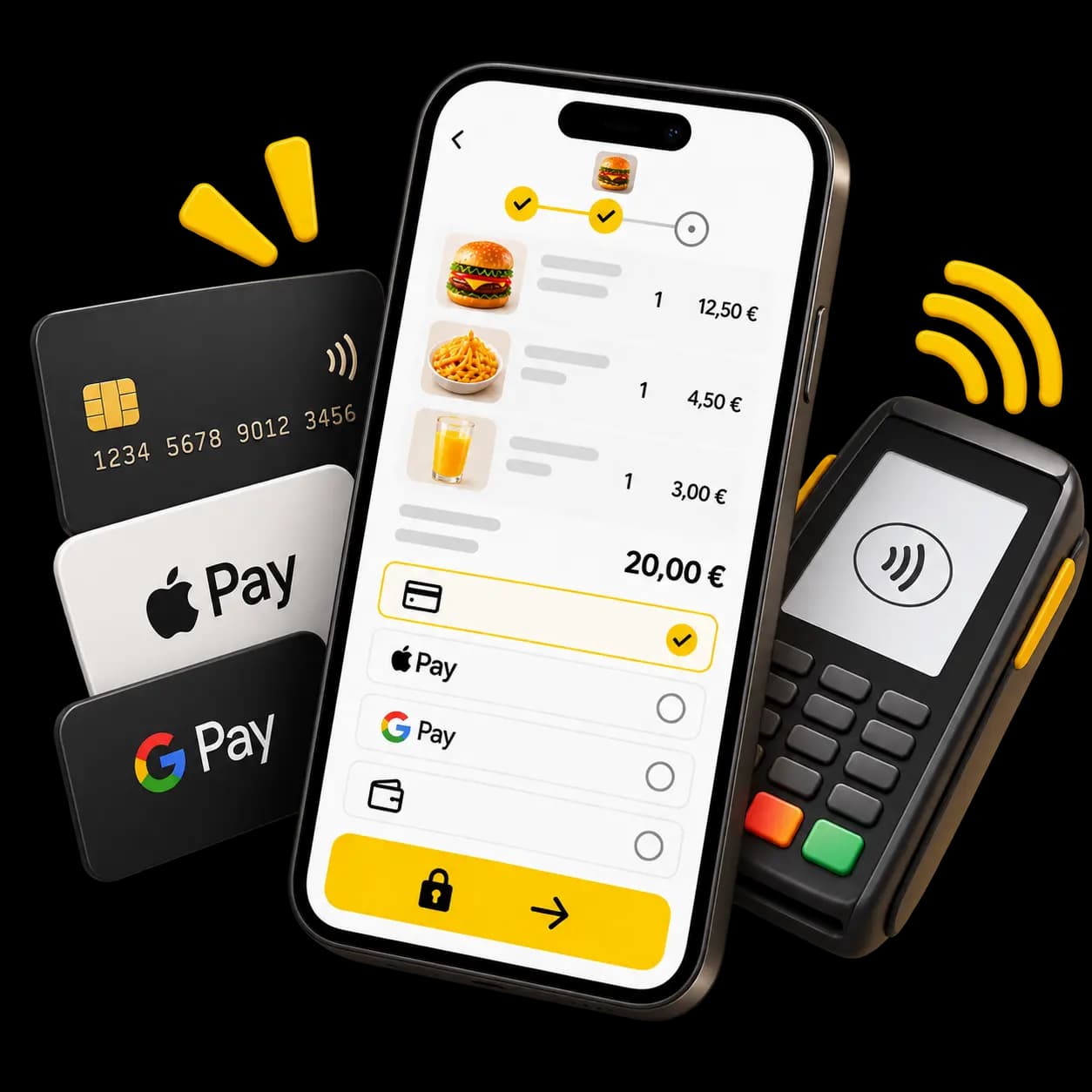
By card online, or at the counter if you allow it.
You prepare it
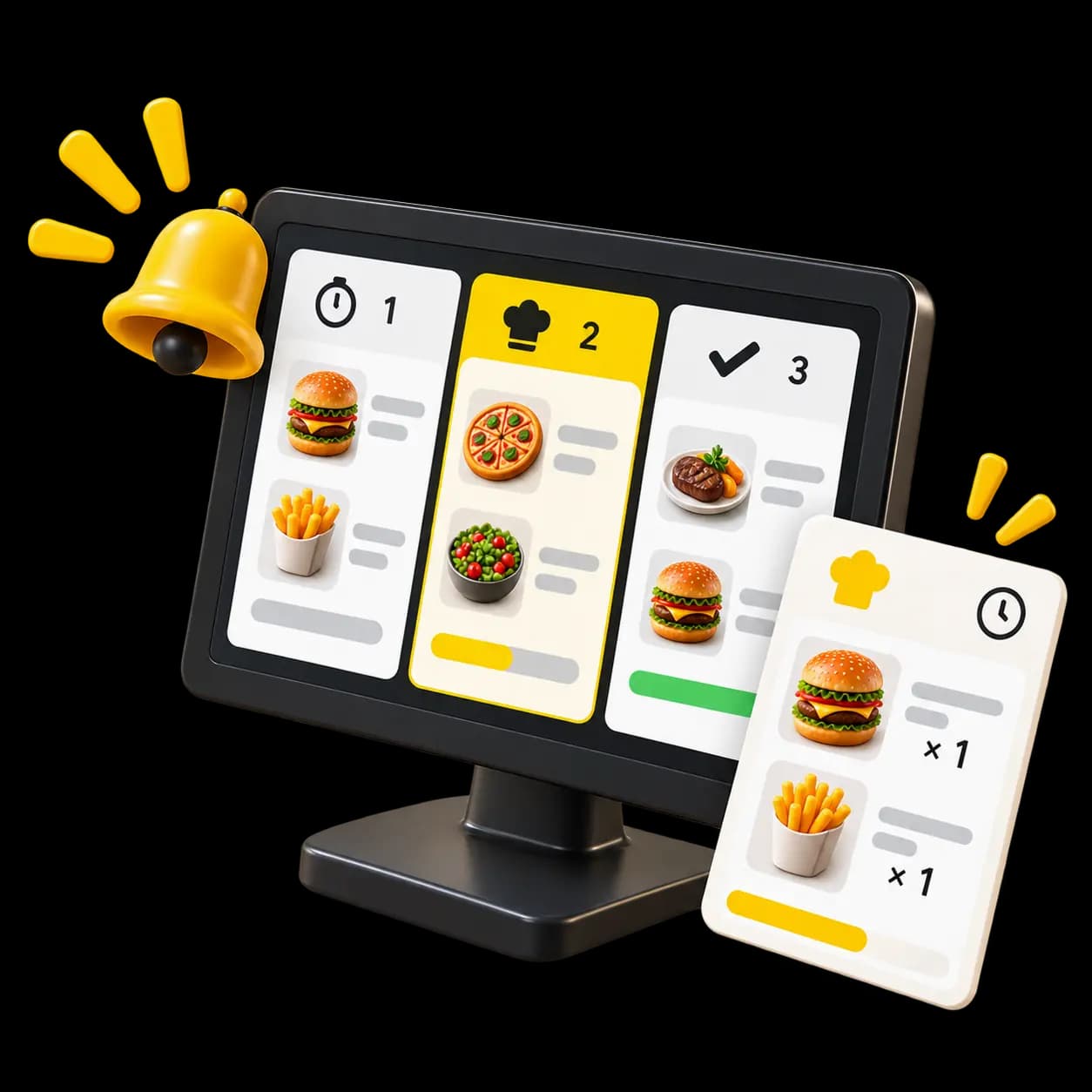
The order joins the production queue alongside the ones from the floor.
They collect
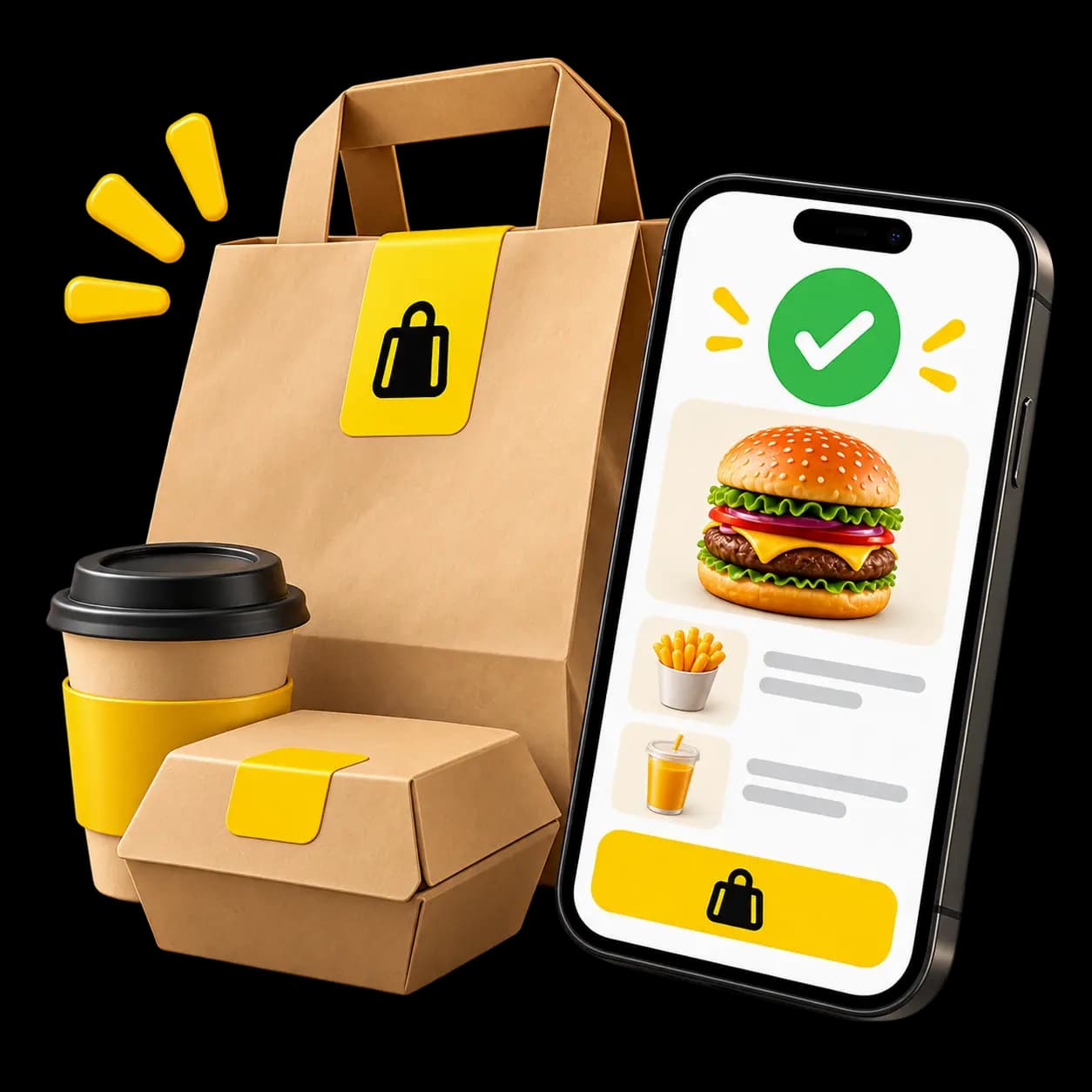
The order turns “ready” and the customer comes to pick it up.
ORDERS COMING IN
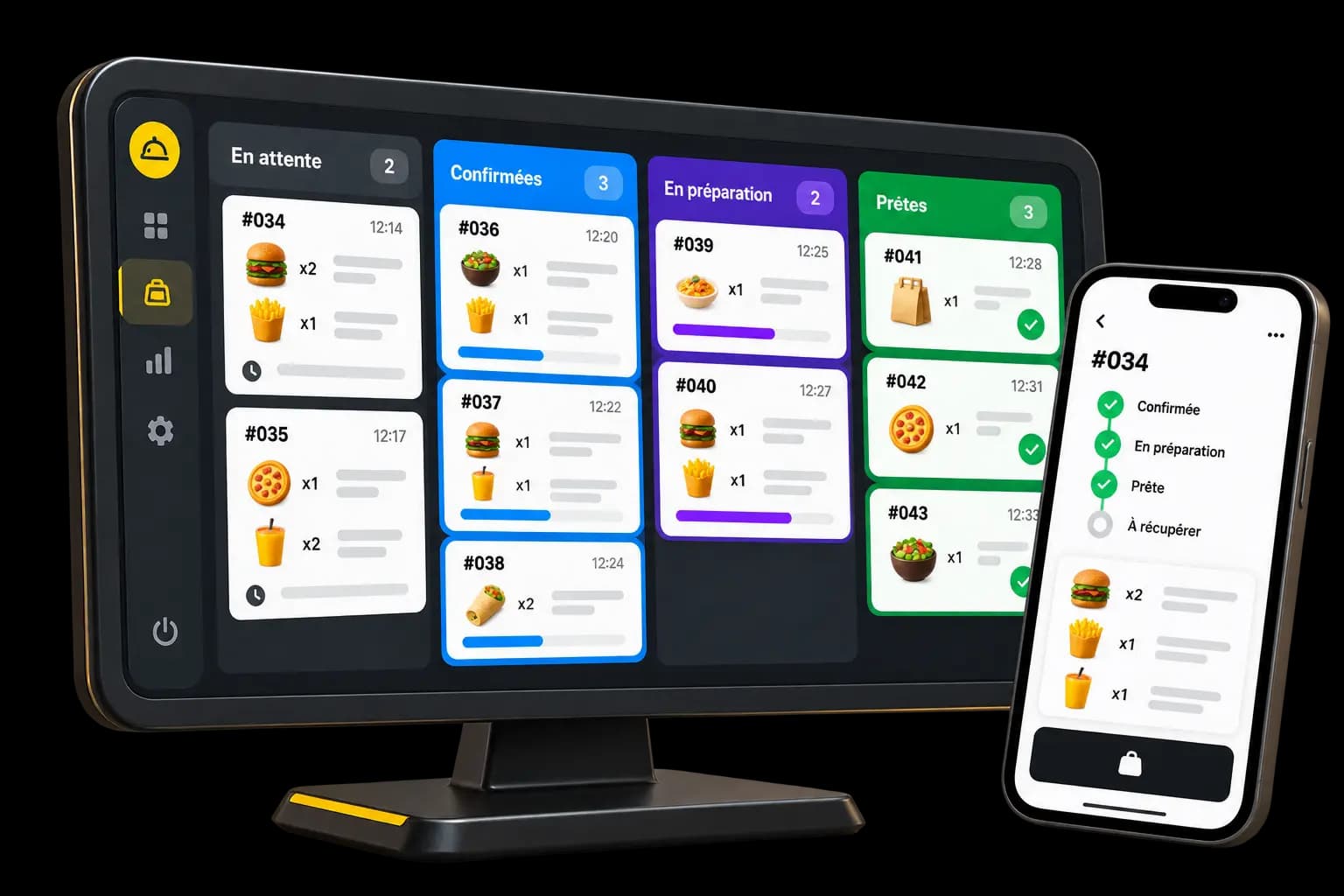
They land where they get made.
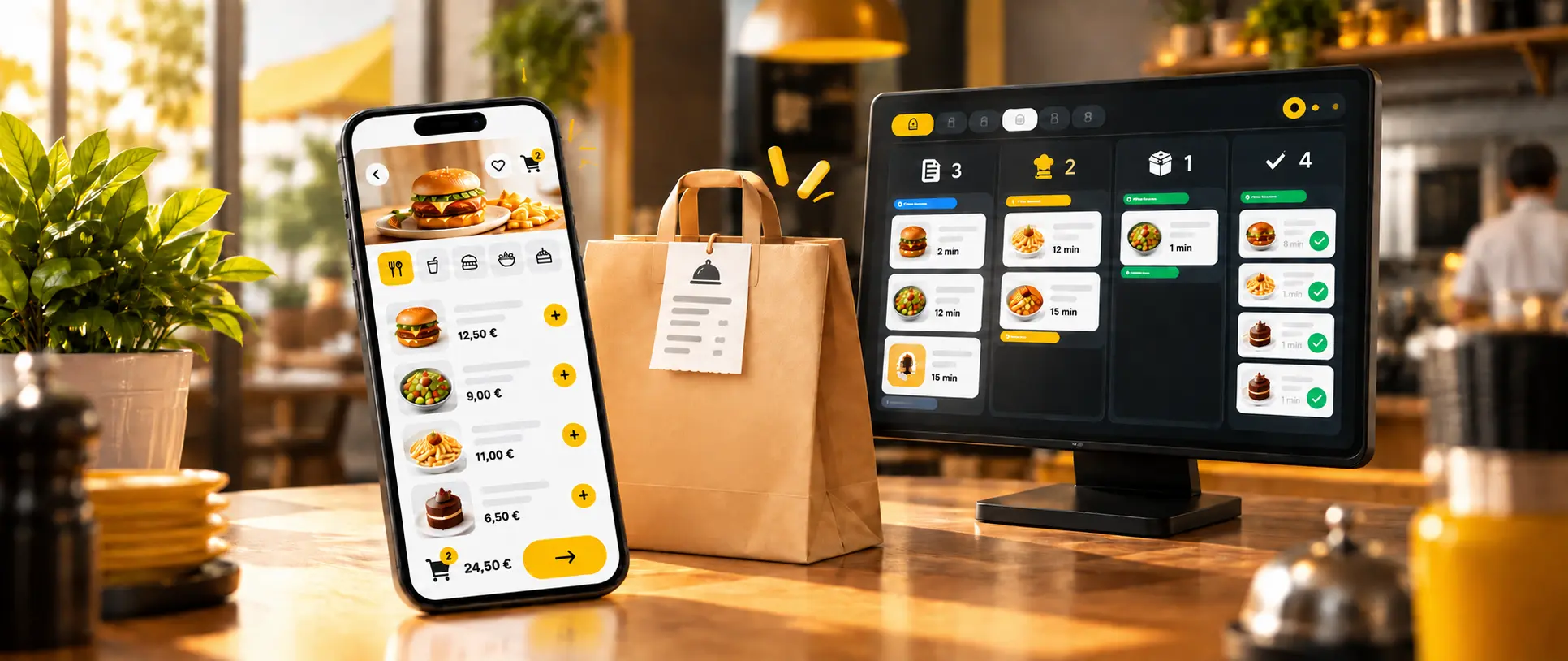
An online order is not an email somebody has to retype. It enters the same queue as the rest of service, with its items, its options and its number.
One queue
Floor, QR and takeaway orders in the same list.Straight to production
The order appears on the kitchen screen as soon as it is confirmed.Confirmed, preparing, ready
Your team moves it along and the customer sees the same status.Printed ticket
Routed to the right station’s printer if you work on paper.Nothing to retype
No order to key into the till again — it is already there.
YOUR PAYMENTS
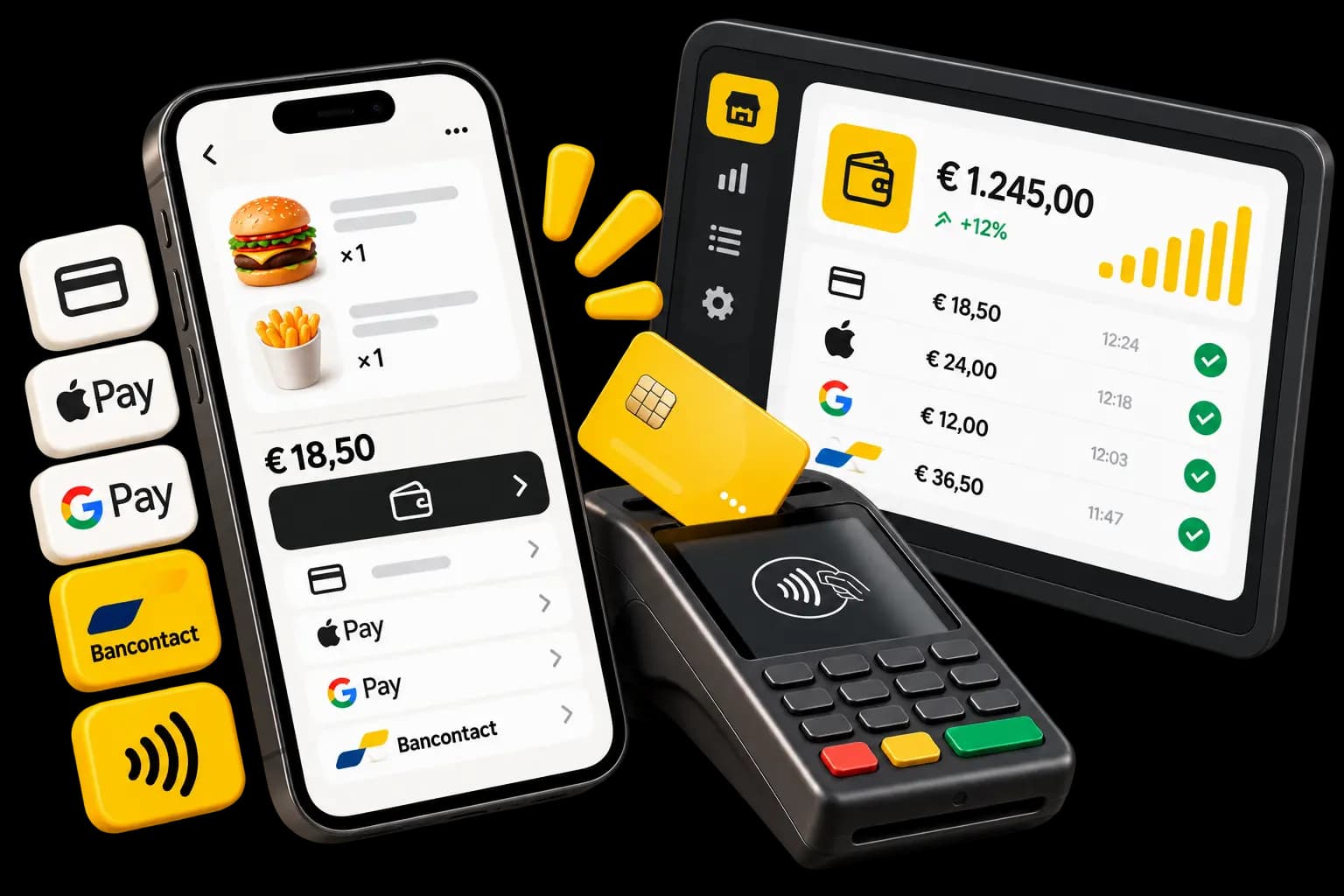
Your sales. Your money.
You connect your own Stripe account, and online orders settle into it. The money does not sit in a Waiterr wallet on its way to you.
Your account
Payments are taken into your connected Stripe account, not ours.Card online
The customer pays when they order, before anything is prepared.Wallets and local methods
Apple Pay, Google Pay, Bancontact or Payconiq, depending on what you enable.Pay at the counter
You can let customers settle on collection instead of online.Tips
Customers can add one at checkout if they want to.You decide
Each payment method can be switched on or off for takeaway.
ORDER STATUS
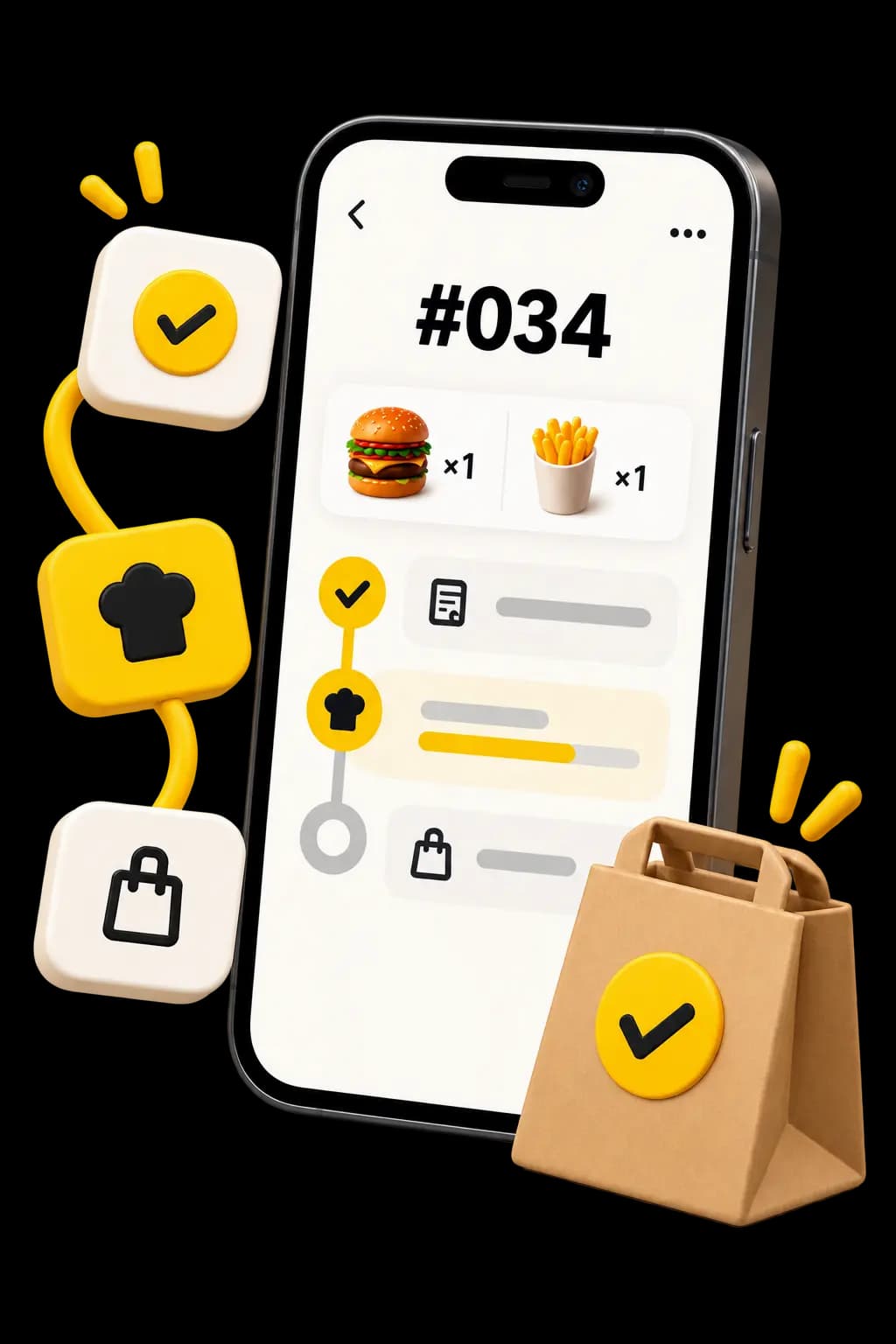
They know when to come.
Once they have ordered, customers keep their status page open. It updates itself as your kitchen works, so nobody has to guess.
Confirmed
The order is accepted and sent to the kitchen.
Preparing
Your team has started on it.
Ready
They can come and collect it.
That is every “is it ready yet?” your counter no longer has to answer.
YOUR RULES
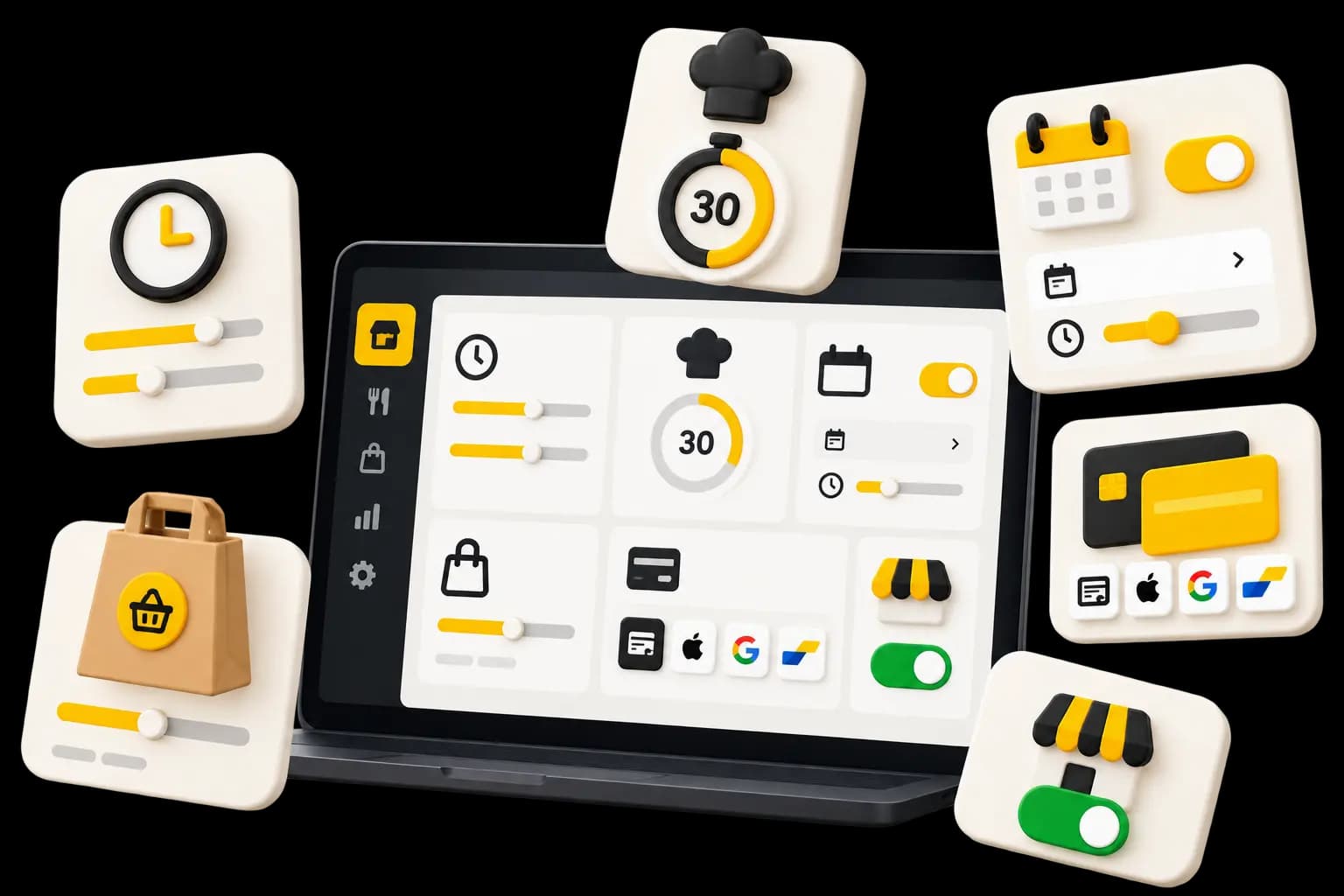
Your service. Your rules.
What you sell for takeaway, at what price and when: you decide, and you can change any of it between two services.
Open and close
Switch online ordering off when the kitchen is under water, back on after.Service hours
Publish the hours during which you take takeaway orders.Preparation time
Show an average wait so customers know what to expect.What is available
Turn off a dish you have run out of and it leaves your ordering page.Takeaway price
A product can carry a different price to eat in and to take away.Payment methods
Choose which ones appear on takeaway orders.
WHERE YOU SHARE IT
One page. Everywhere your customers are.
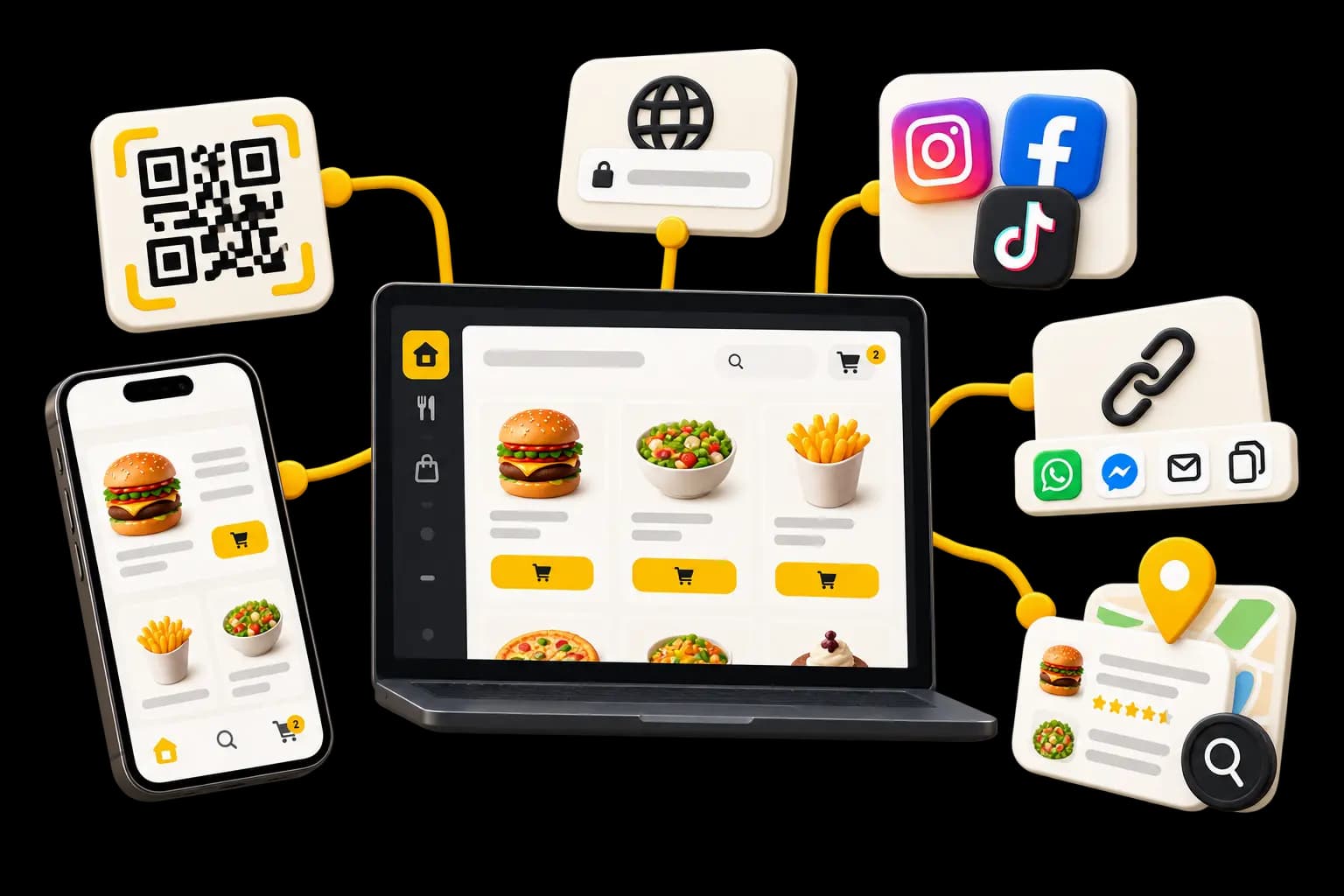
Your ordering page has an address. Who sees it and where it shows up is entirely up to you.
A link
Send it in a message, a story or an email signature.A QR code
On the window, the counter, your bags or your flyers.Your site and socials
Add an “Order” button pointing at your page, from your website or your profiles.Yumer, if you want it
List your venue publicly to be found on Yumer, or keep the page for your own customers only.
AFTER THE ORDER
An order today. A customer you see again next week.
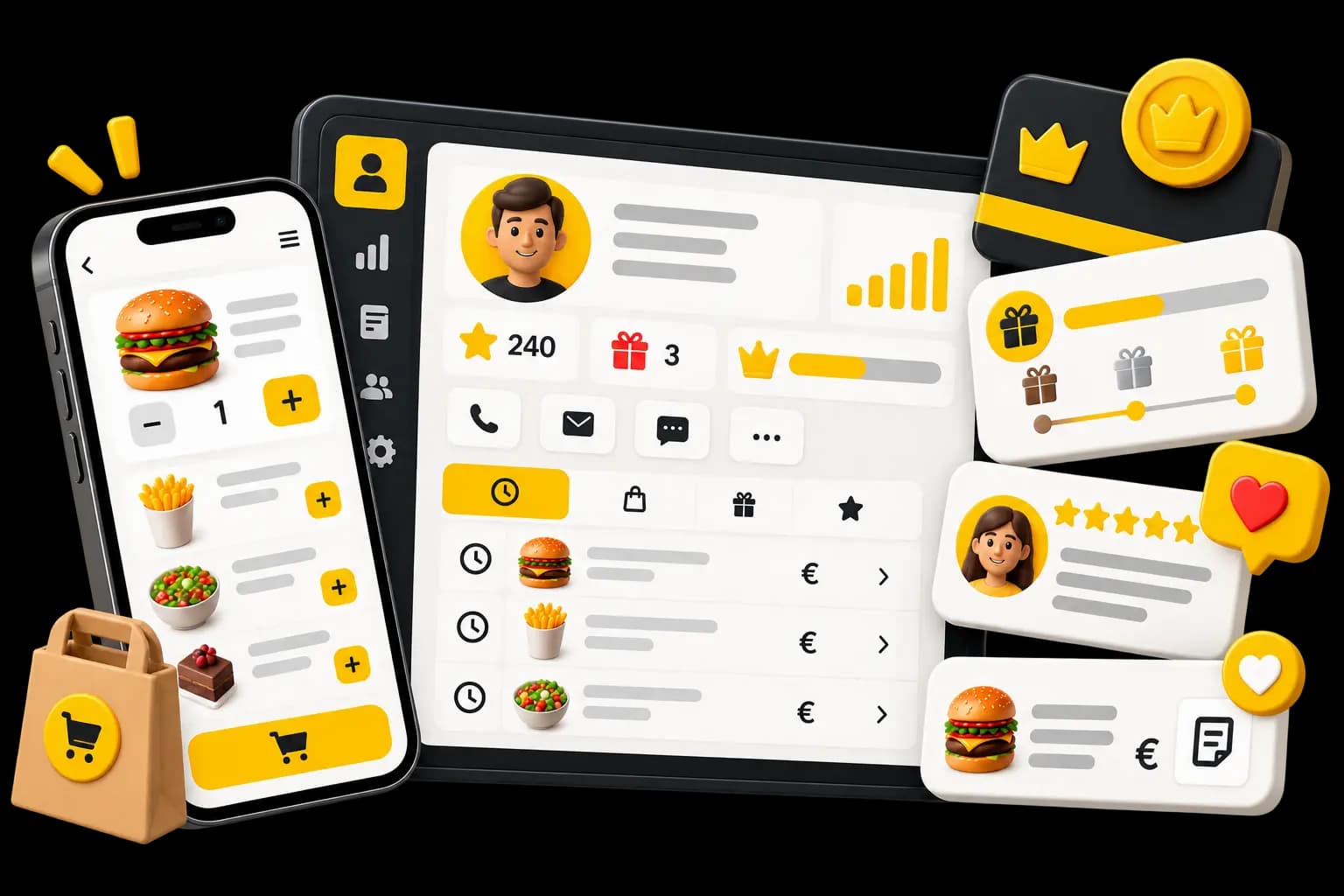
Ordering direct leaves something useful behind on both sides: they find their usual, you find them.
A customer account
Customers can create one on their first order and reuse it after that.Order history
What they ordered, when, and how often they came back.Loyalty points
Takeaway orders feed your programme if you enable it for this channel.Rewards and promo codes
Turn points into something worth having, or run a code on a quiet week.Reviews
Customers can leave a review attached to their order.Your customer relationship
This information serves your venue and its relationship with its customers.
INSIDE WAITERR
Far more than a takeaway order.
The order does not stop at the bag. It runs through your menu, your payments, your kitchen, your till and your loyalty programme.
- MenuThe same menu as the floor, with its takeaway prices.
- PaymentsOnline checkout into your connected account.
- Kitchen screenThe order hits production the moment it is confirmed.
- TillTakeaway sales land in the same day’s numbers.
- LoyaltyPoints build up on takeaway orders too.
- ReviewsThe review left after collection comes back to you.
WHAT IT COSTS
Click & Collect is in every plan.
No module to buy. What changes between plans is the Waiterr fee.
0.5%
Waiterr fee
On the Essential plan.
TO GET GOING
Free plan
Click & Collect is included, with a 2% Waiterr fee.
Your payment provider’s own fees stay theirs and never pass through us.
See the plansWHO IT IS FOR
Anywhere people order before they arrive.
The same ordering engine, whether you serve tables in the evening or only a counter at lunch.
Restaurants
Another source of sales without adding a table.
ExploreCafés and tea rooms
The morning coffee ordered on the walk in, collected without waiting.
ExploreFood trucks
Orders arrive before the customers do, so the queue keeps moving.
ExploreFood courts
Every counter keeps its own menu and its own orders.
Explore
Click & Collect questions
What venues ask before they put their ordering page live.
How does Waiterr Click & Collect work?
Your venue gets its own takeaway ordering page. Customers browse your menu there, build a basket and pay online or at the counter, depending on what you offer.
The order then arrives in your order list and on your production screen. Your team moves it from “confirmed” to “preparing” to “ready”, and the customer follows those same states on their status page before coming to collect.
Do my customers need to install an app?
No. Your ordering page opens in any browser, on a phone or a computer, and there is nothing to download.
Customers can create an account to keep their history and loyalty points, but they do not need one to place an order.
Can customers pay online?
Yes, by card. Connecting your Stripe account also lets you offer Apple Pay, Google Pay and local methods such as Bancontact, depending on what is enabled on your account. Payconiq is available too.
You decide which payment methods appear on takeaway orders.
What if I would rather take payment on collection?
You can: paying on site is one of the payment methods you can enable for takeaway. The order goes to the kitchen and you take the money at the counter.
You do not have to pick one — offer both and let the customer choose.
How do online payments reach me?
They are taken into your own connected Stripe account. The money does not pass through a Waiterr wallet, and payouts follow your Stripe account’s own timings and fees.
The Waiterr commission depends on your plan — the detail is on the pricing page.
Can I stop online orders when the kitchen is slammed?
Yes. Takeaway service can be switched on and off in your settings, and while it is off no new order can be placed on your page.
For a single sold-out dish it is quicker to turn that product off: it leaves the menu without closing the service.
Can I use the menu I already have in Waiterr?
Yes, it is the same one. Your categories, products and their options serve the floor, QR ordering and takeaway alike — there is nothing to rebuild.
A product can carry a different takeaway price. Turning it off, though, removes it from every channel at once.
Do I need a website, and can I be found on Yumer?
A website is not required: your ordering page has its own address, which you share by link, by QR code or from your social profiles. If you do have a site, adding a button that points at it is enough.
You can also list your venue publicly to appear on Yumer, our consumer-facing directory. That is an option you switch on, not a requirement.
Ready to take your orders direct?
Set up your menu, pick your payment methods and your hours, then share your ordering page.
- Free plan available
- No commitment
- Ready in minutes