Order at the table
QR code ordering
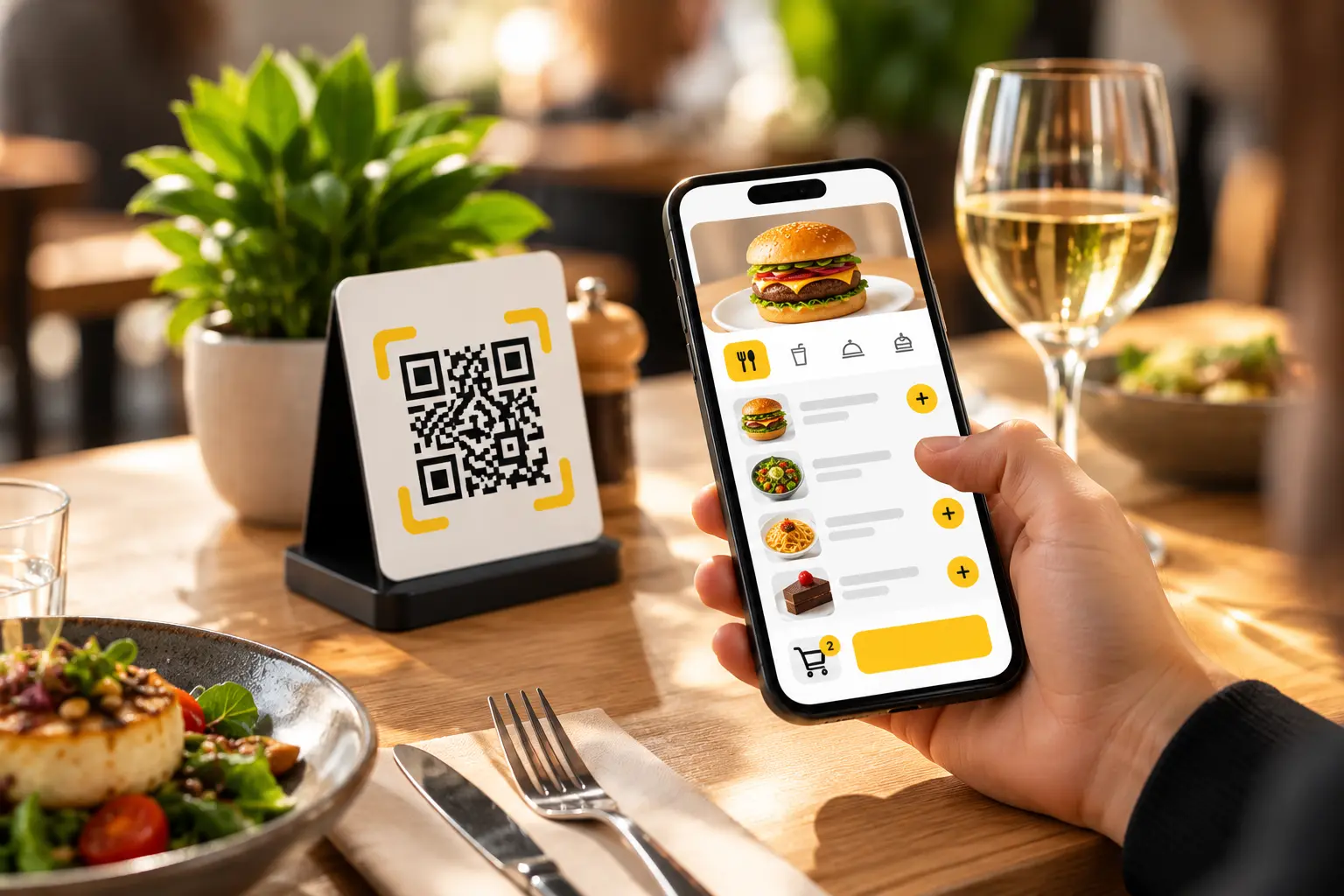
Guests order when they're ready. Your team stays on the floor.
One scan opens the menu, takes the order and settles the bill — all from the table, with no app to download.
No more waiting
Nobody has to catch a server's eye to place an order.
More chances to order
The menu stays within reach for the whole meal.
Fewer mistakes
What the guest taps is what reaches the kitchen.
A smoother service
Orders flow through without being written out twice.
From scan to plate
How it works
Five steps, from the moment a guest sits down to the moment they leave.
The guest scans
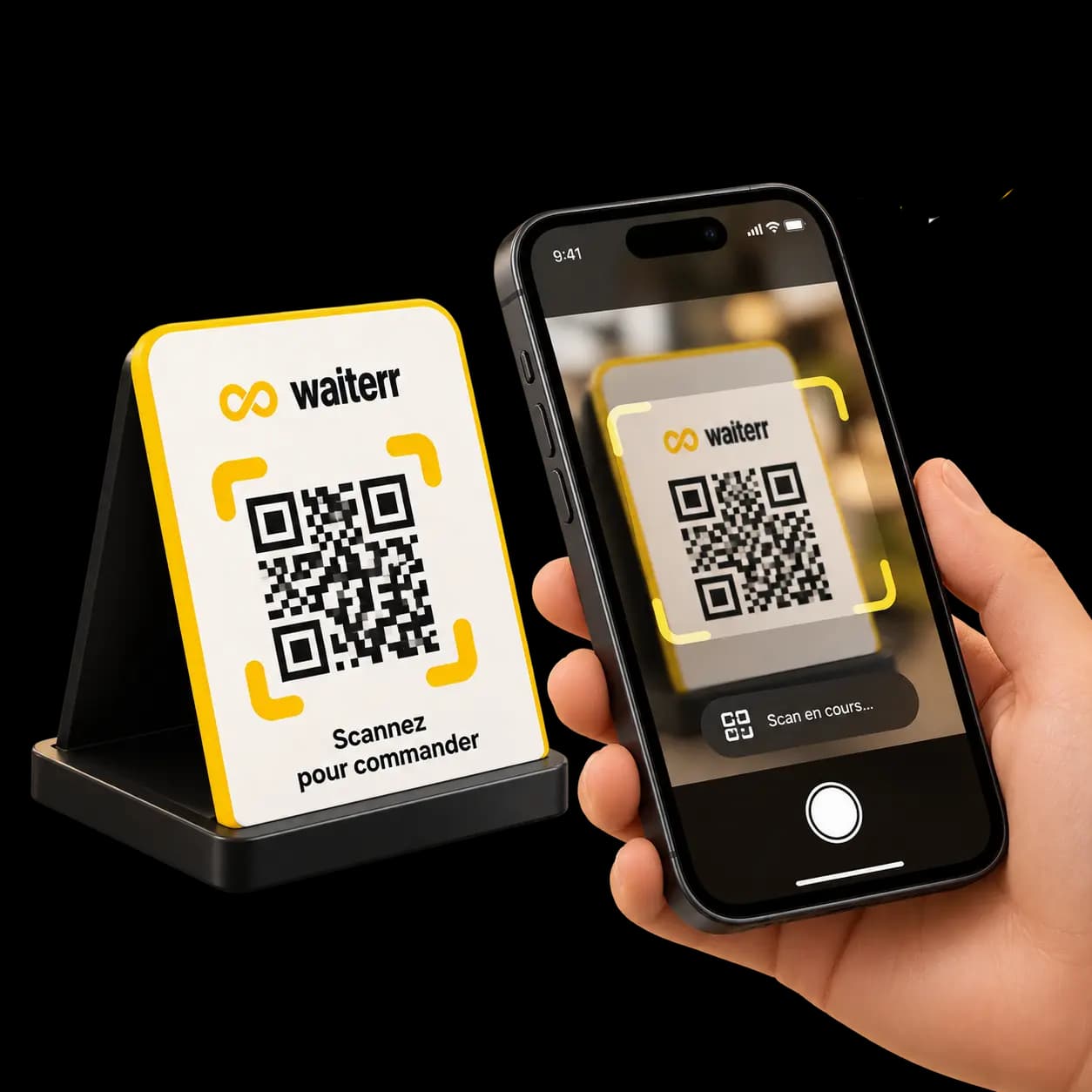
Every table has its own QR code. The phone camera is enough — the menu opens in the browser.
They build the order
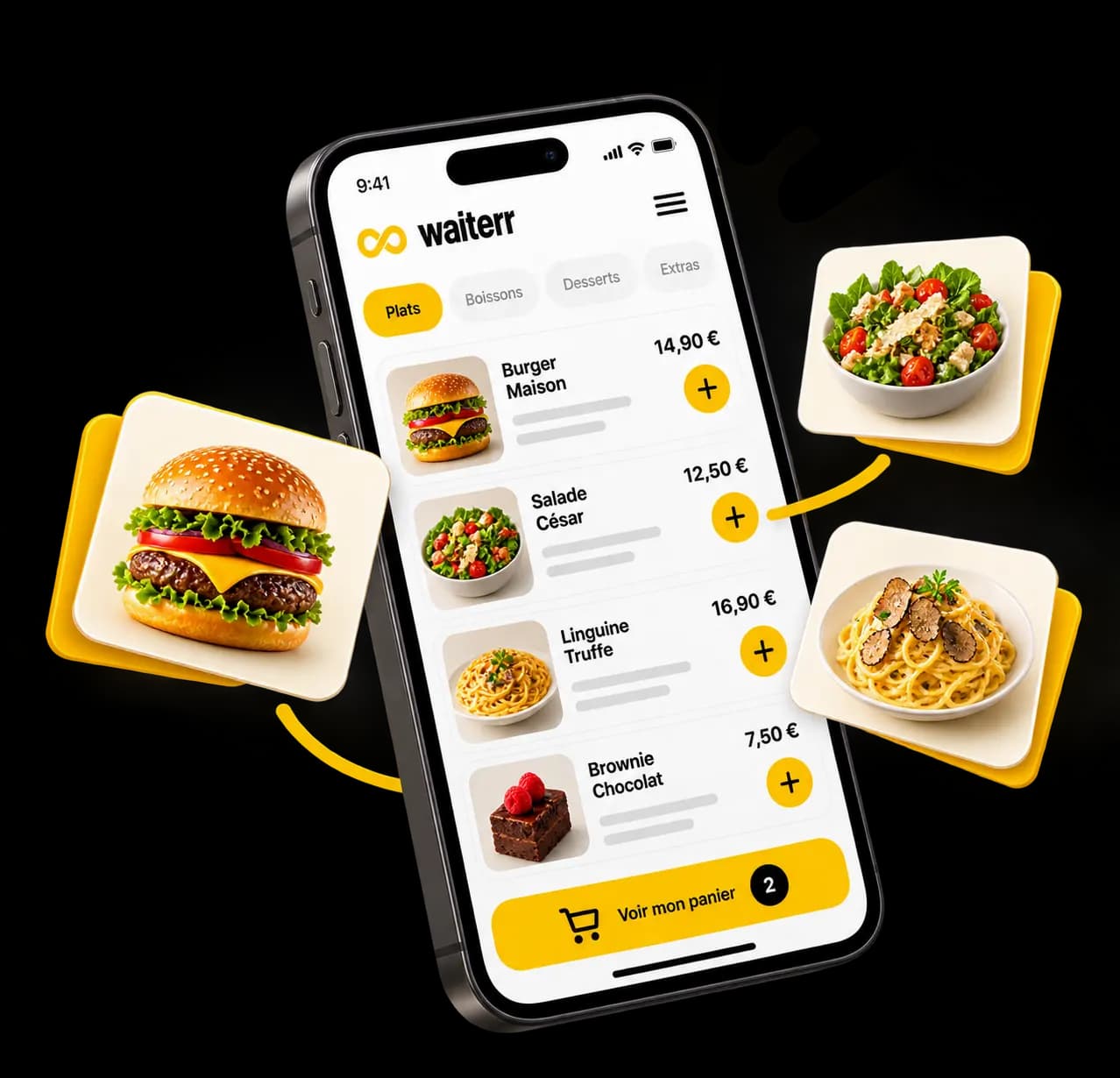
They browse the menu, pick products, options and extras, then send it through.
They pay now or later
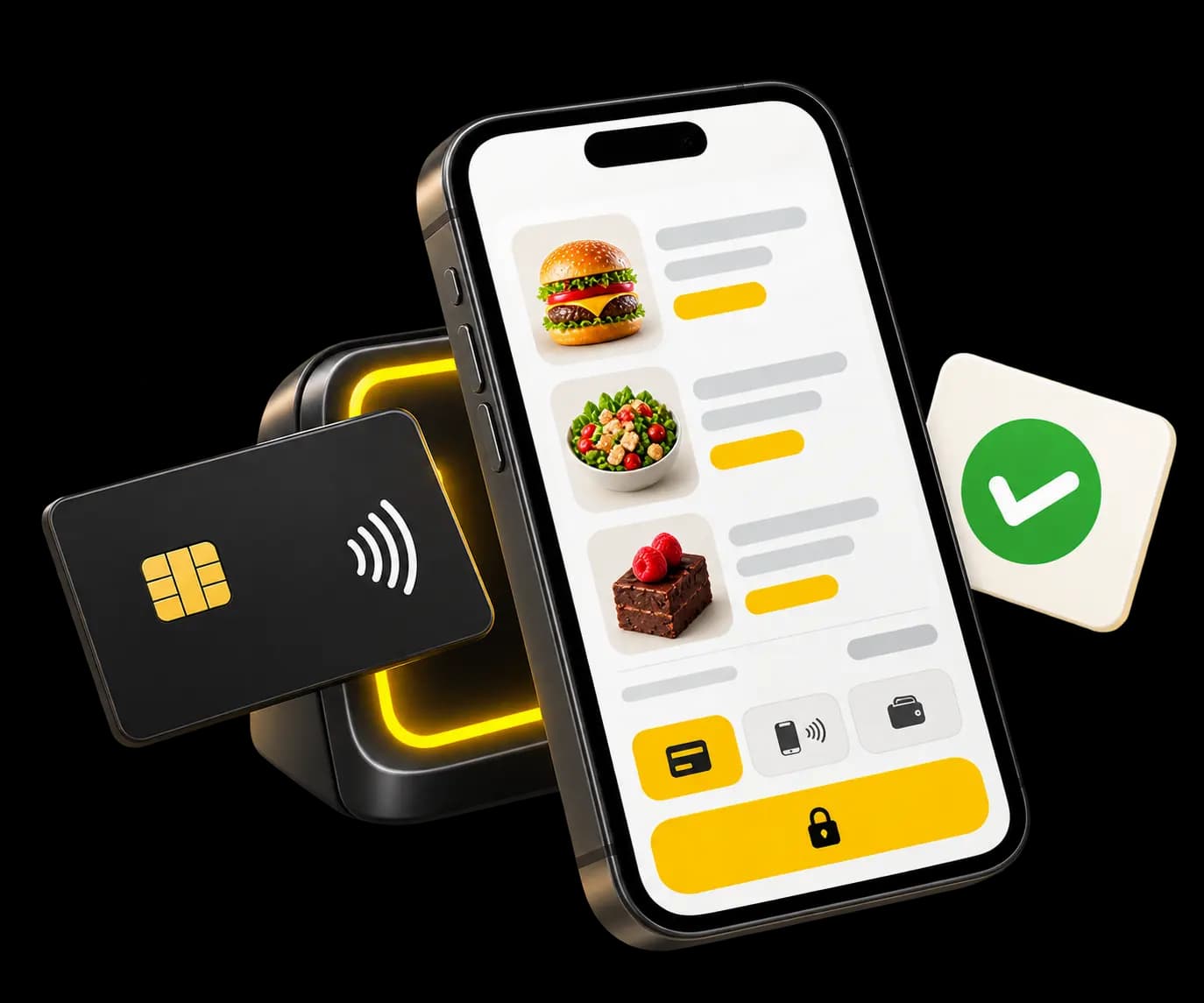
Depending on how you set it up, payment happens with the order or at the end of the meal. A tip can be offered.
It reaches production
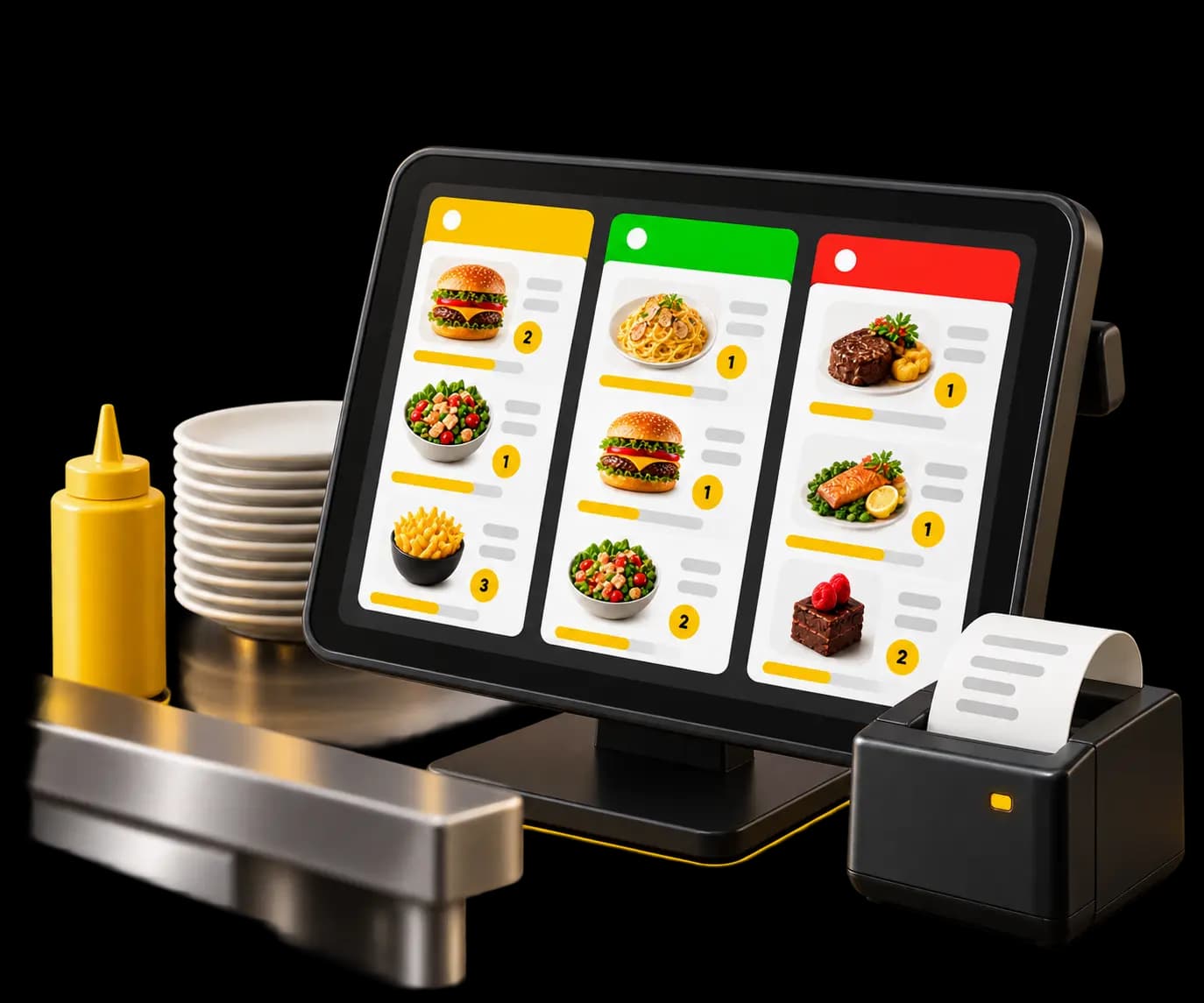
The order shows up on the kitchen screen and prints at the right station, according to your setup.
You serve the right table
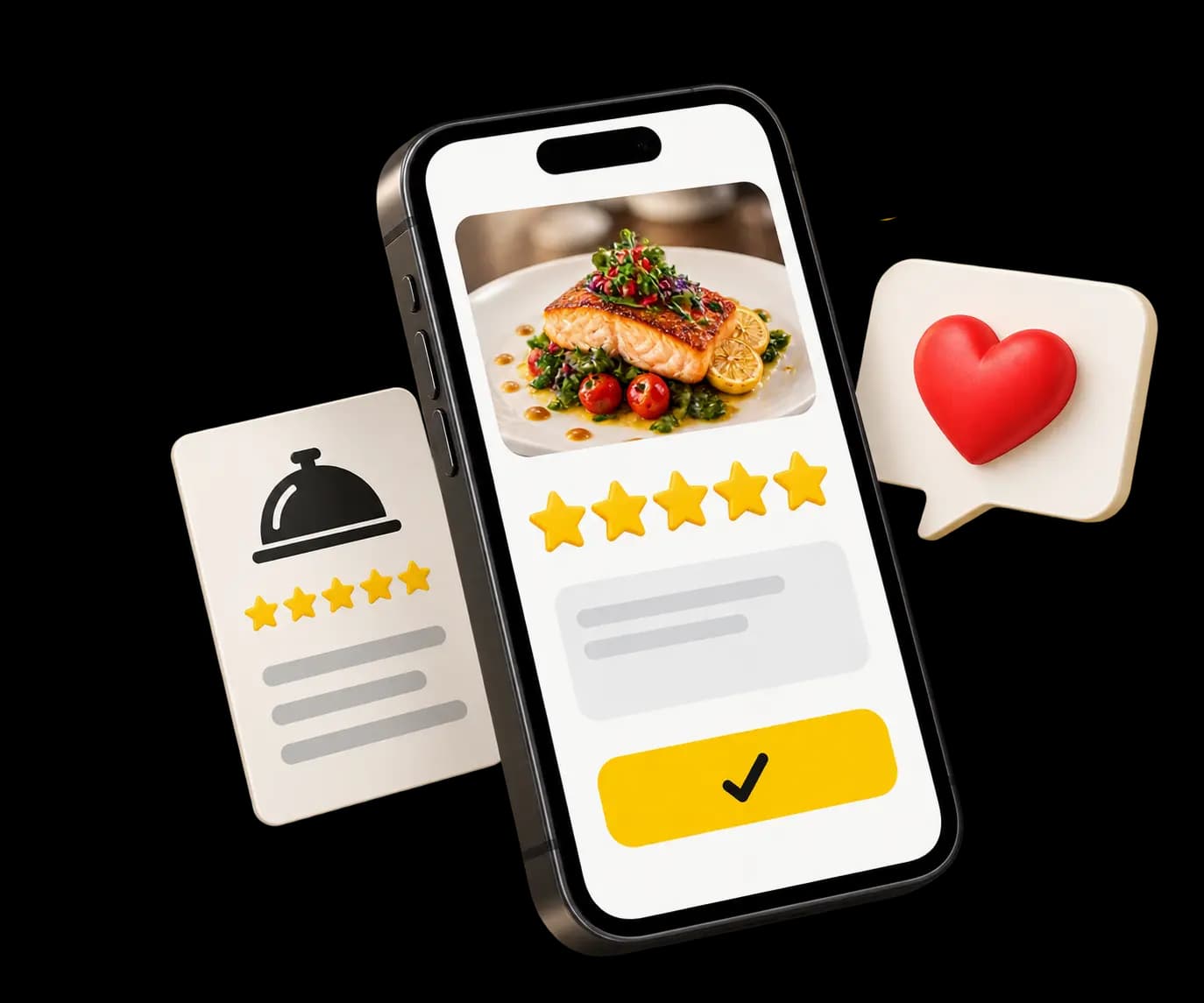
The order stays tied to its table. Afterwards, the guest can be invited to leave a review.
On the guest side
The small things that change the experience
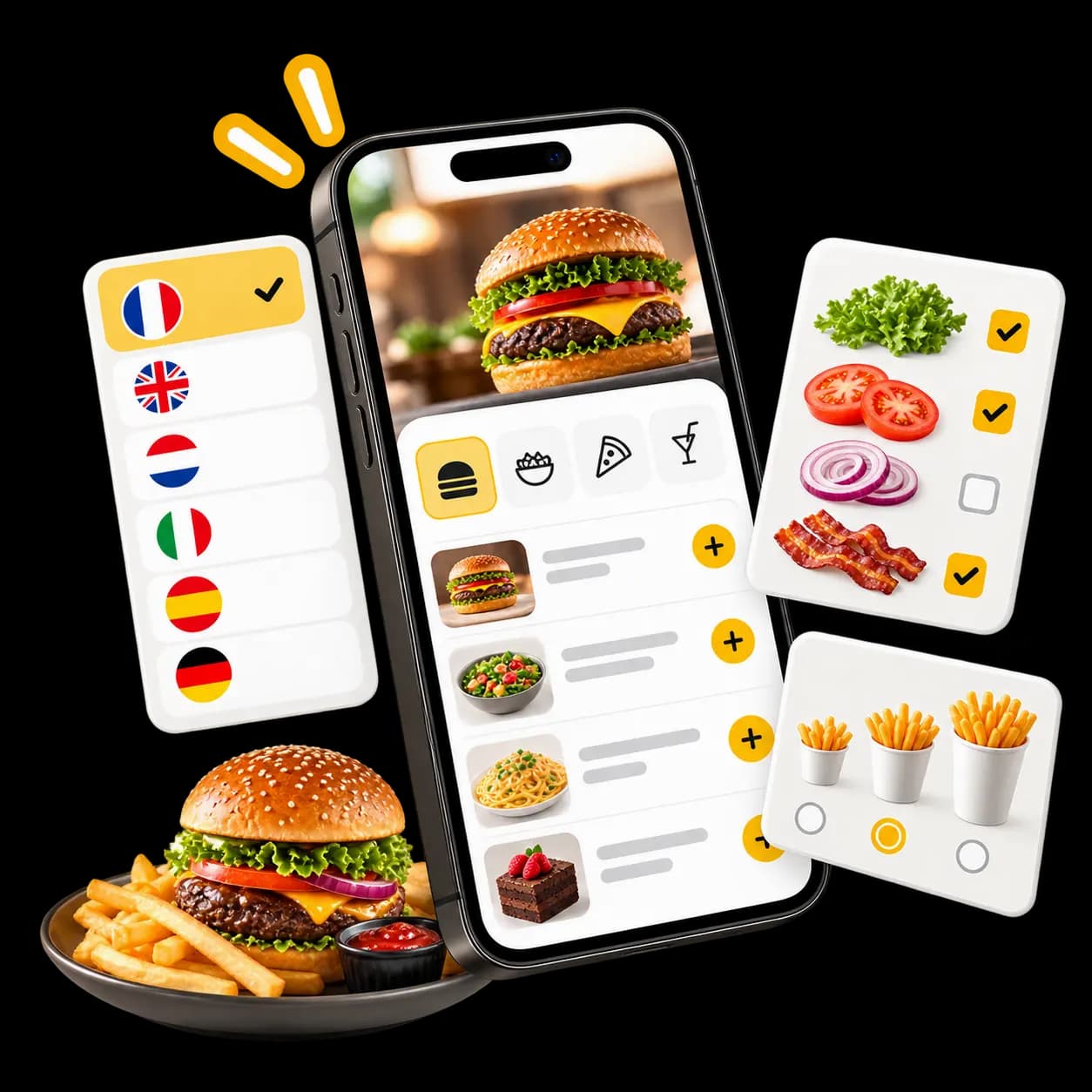
A digital menu built to be read at the table, on a phone screen.
Multilingual menu
Each guest reads the menu in a language they understand, from the ones you switch on.Payment on your terms
With the order or at the end of the meal — you decide what fits your service.Photos and descriptions
Dishes are shown, not just listed.Options and extras
Cooking, size, sides, add-ons: the guest specifies it themselves.Tipping
Switch it on and leaving a tip takes one tap.Guest reviews
The experience carries on after the meal, with review collection offered to the guest.
What changes on the floor
No more waiting just to order.
QR ordering doesn't stand in for your team. It takes the repetitive part of the job off them and leaves the part that matters.
Guests order when they're ready
They don't wait for a server to walk past, and the server doesn't walk past three times for nothing.
Fewer trips across the room
The walks whose only purpose was collecting an order disappear.
Your team does hospitality
Advising, presenting dishes, reading the room — that's where the freed-up time goes.
Nothing gets retyped
The order arrives already entered; nobody keys it in again at the till.
A second round without the detour
Dessert, coffee, another bottle: the guest reorders without hunting for someone.
Connected to your setup
Everything stays connected.
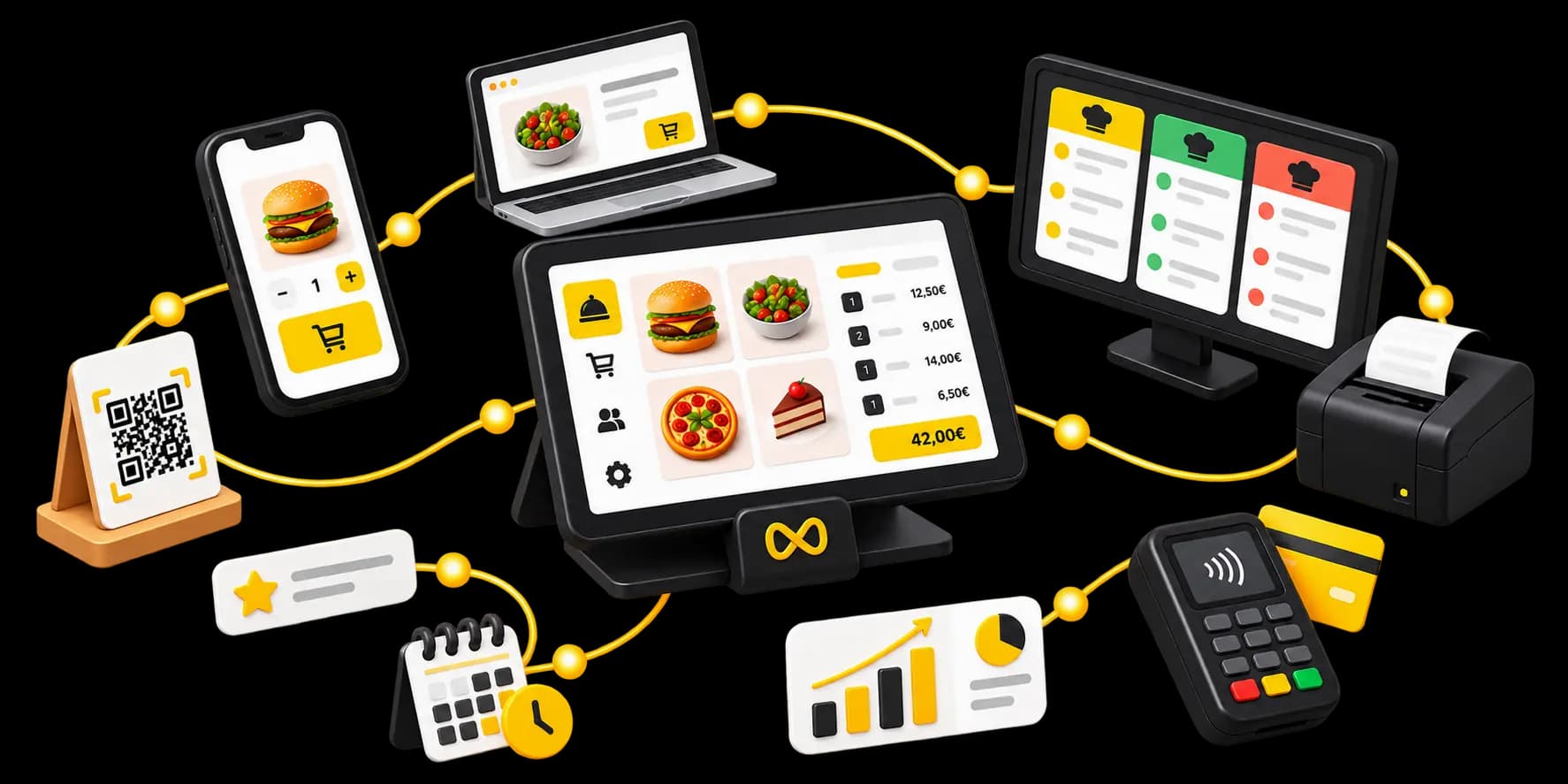
QR ordering isn't a standalone menu sitting next to your software. Every order enters Waiterr and follows the same path as any other.
- POSThe order appears at the till like any other.
- PaymentsTake payment online at the table, or at the counter — your call.
- Kitchen displayProduction sees orders arrive in real time.
- Floor planEvery order stays attached to its table.
- DashboardSales, products, peak hours: all measured in one place.
- LoyaltyA guest ordering at the table can be recognised and rewarded.
Where it fits
One capability, shaped to your service
Table, terrace, counter or stand — the way people order adapts to how you run the room.
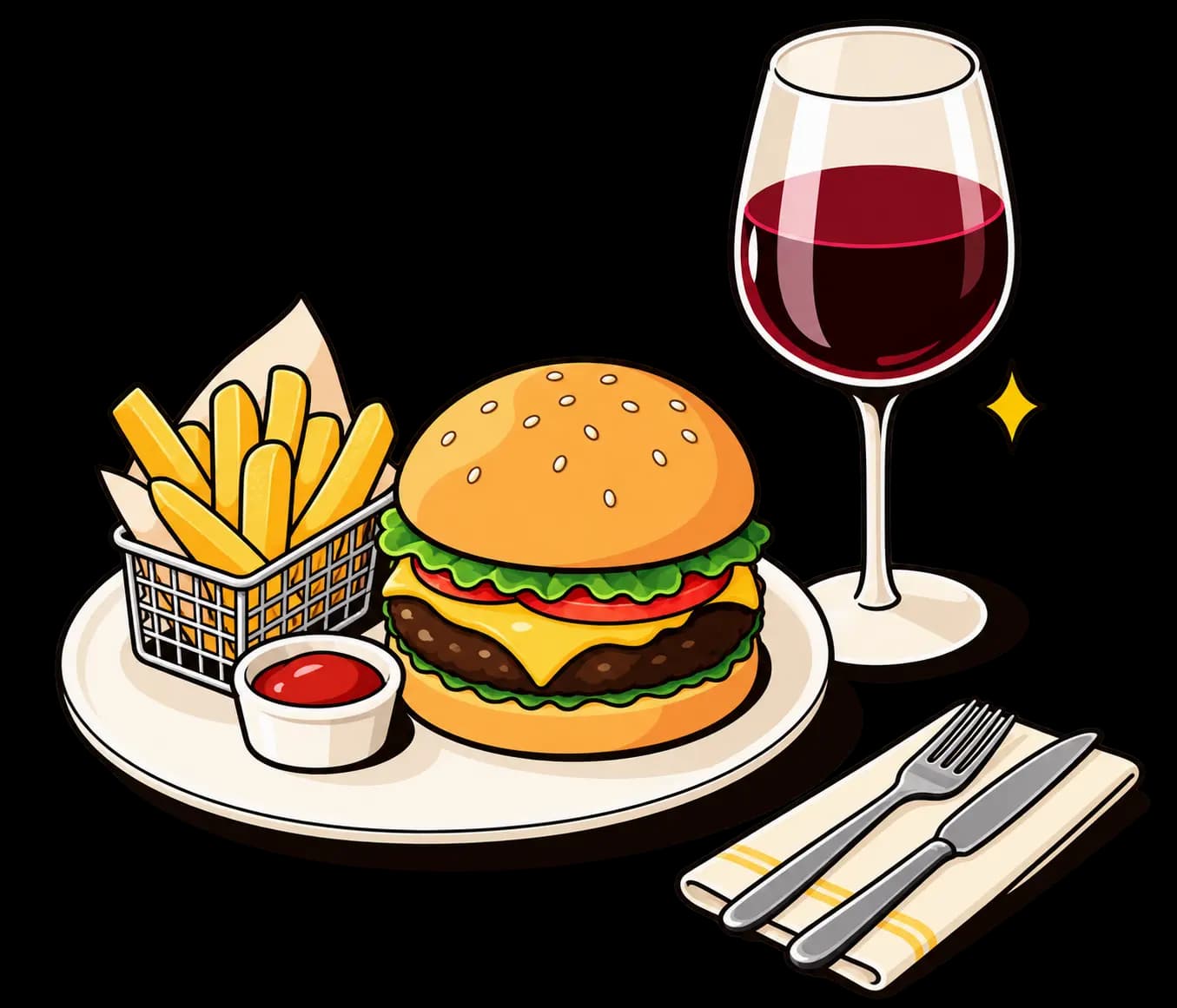
Restaurant
Table service, plus a mid-meal reorder without calling a server back.
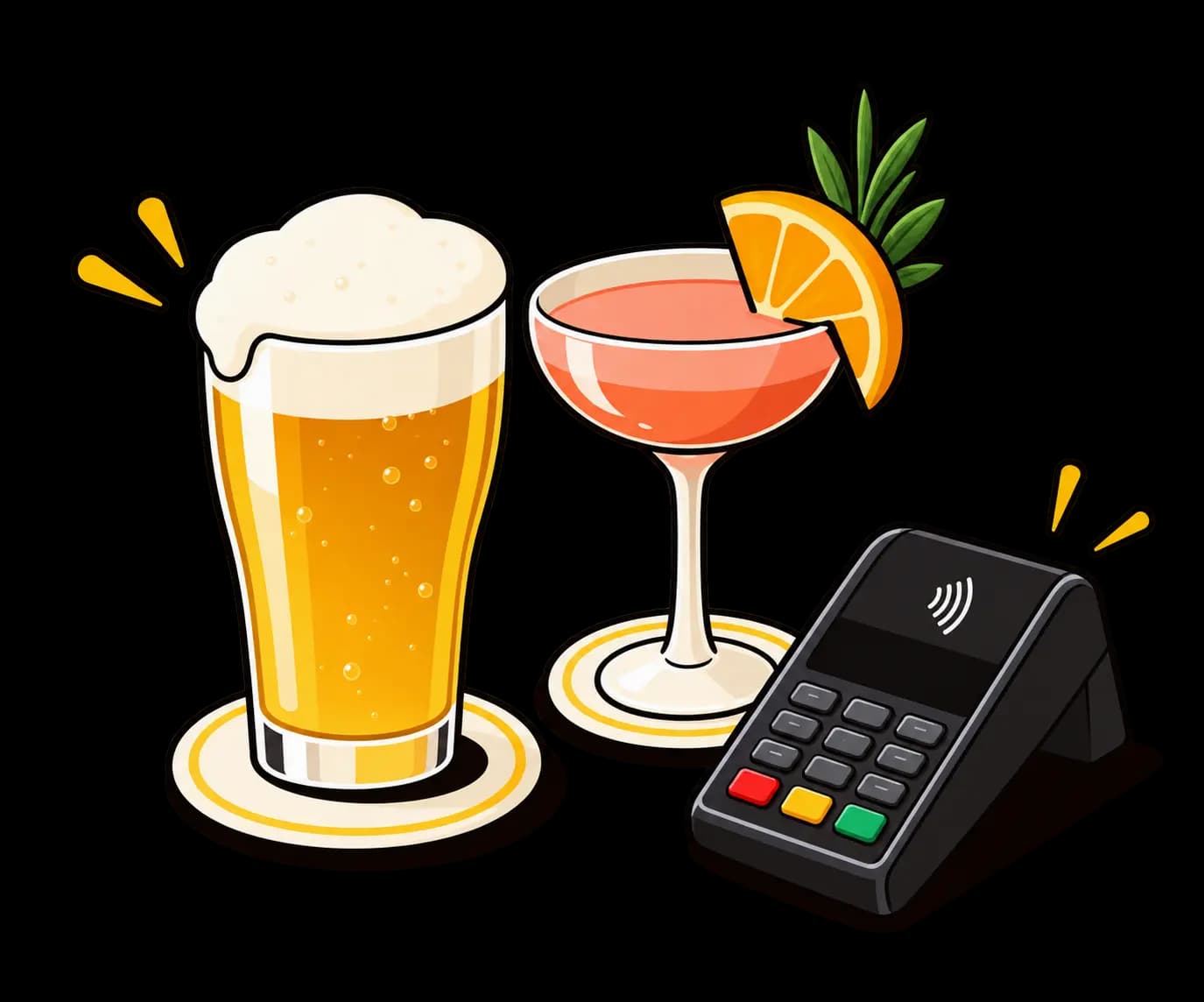
ExploreBar and café
Ordering from a table or the terrace, even when the room is full.
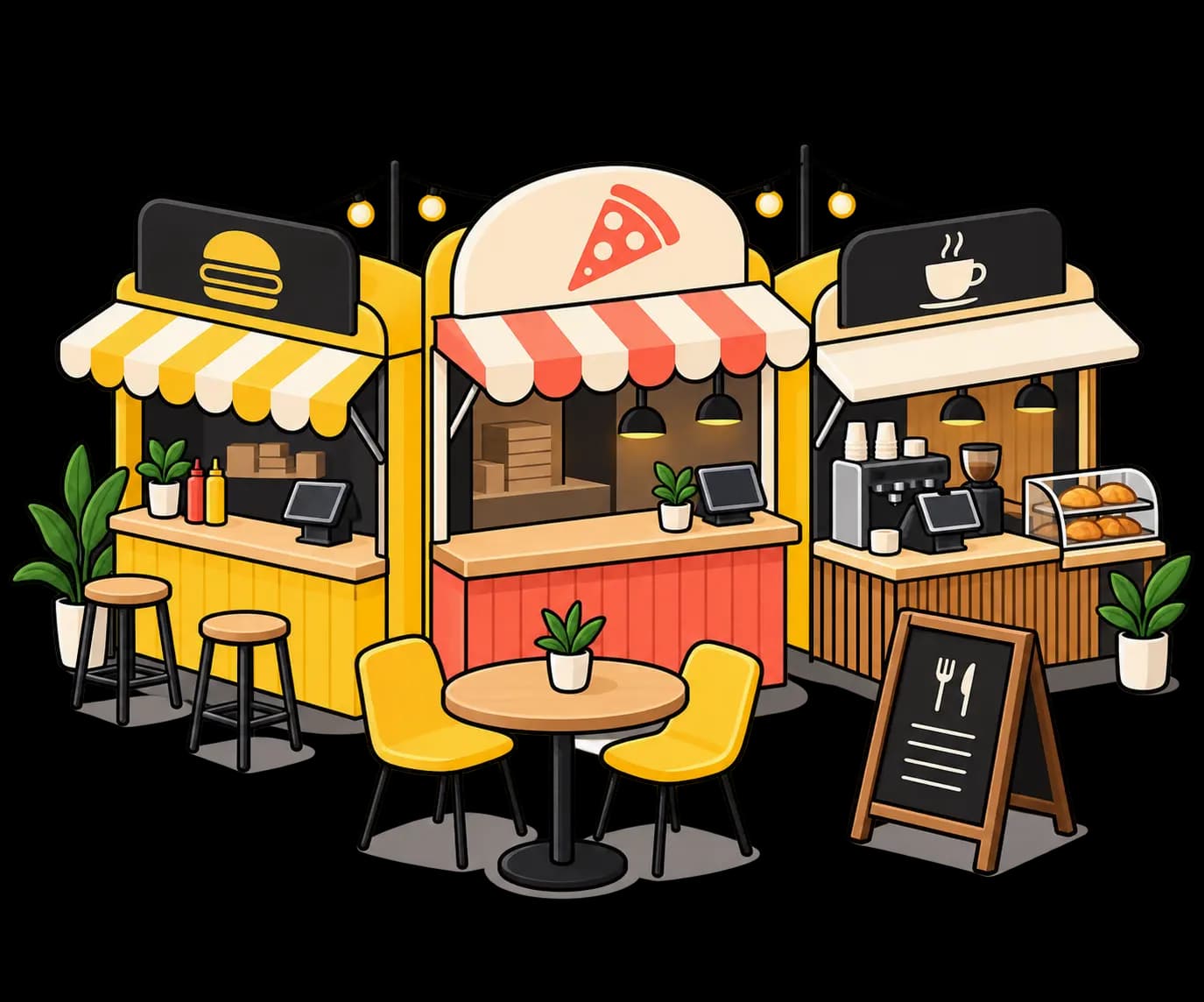
ExploreFood court
Several outlets, high order volume, each one tied to the right spot.
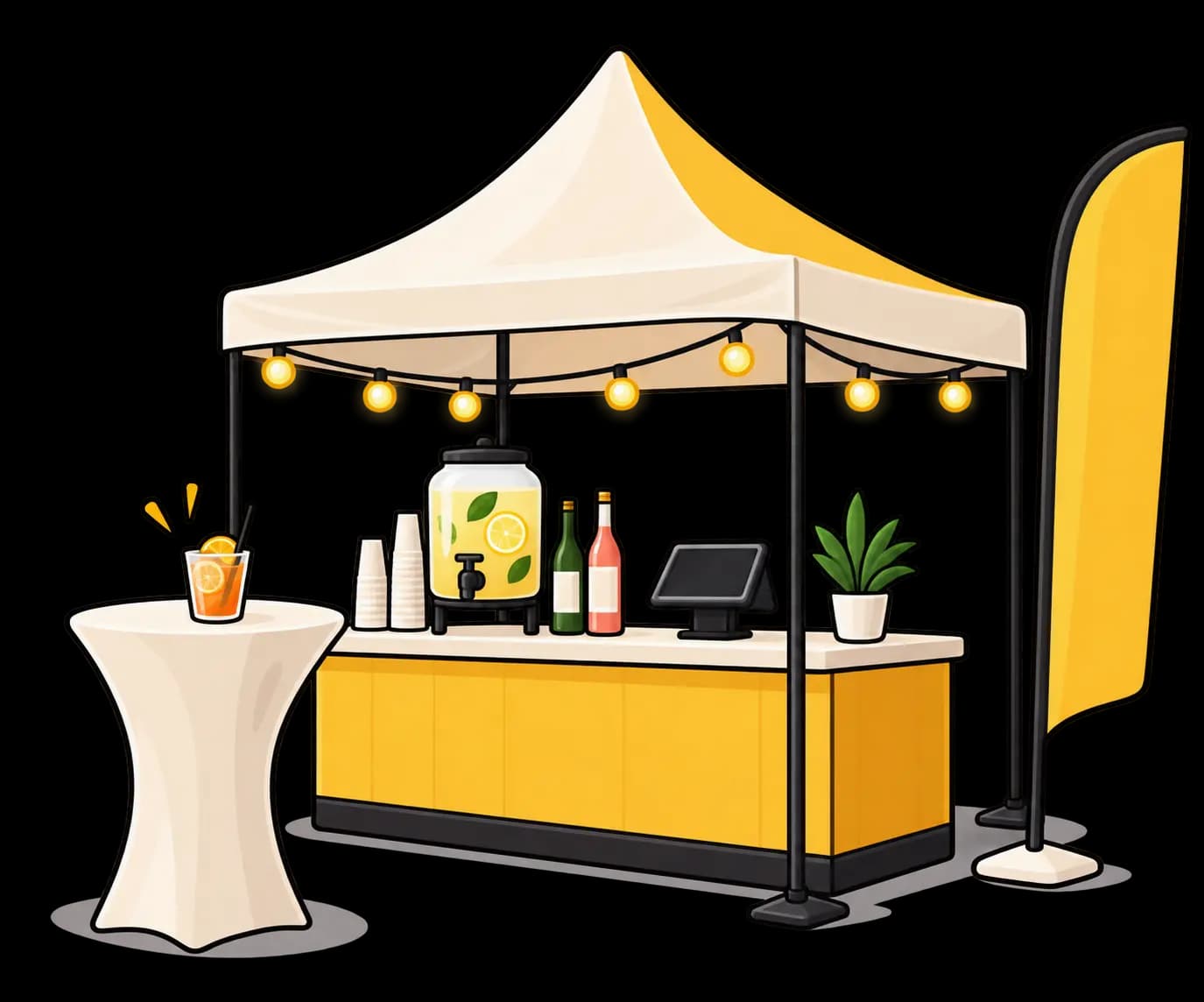
ExploreEvents
A large crowd to serve without growing the queue.
Explore
Questions about QR code ordering
What operators ask us most often before moving to ordering at the table.
How does it work for my guests?
Your guests scan the QR code on their table with their smartphone camera. They browse your menu, add items to their basket and place the order directly. The order flows automatically to the kitchen and the POS — your staff don't enter a thing.
Do my guests need to download an app?
No, no app to download. Everything happens in the phone's web browser, which removes the friction and works on iOS and Android.
Does payment happen when ordering, or at the end of the meal?
Both work — it's a setting on your venue. You can take payment at the moment of ordering, which suits a terrace, an event or fast service, or let the guest settle at the end like in a classic service.
If you enable tipping, the guest can also leave one when they pay.
Can my guests still pay with cash?
Yes. The QR menu supports online payment but guests can still settle at the counter, in cash, by card or with meal vouchers — exactly like before. Digital ordering is complementary, not exclusive.
How do I create the QR codes for my menu?
Once your menu is online in Waiterr, the QR codes are generated automatically — one per table, so you know exactly where each order came from.
You can change prices, pull a dish or rebuild the whole menu without ever replacing the printed stands: the QR code points at your online menu, not at a frozen version. We can supply the physical holders (table stands, stickers) too if you need them.
Can the menu be multilingual?
Yes. You switch on the languages you want to offer, and each guest reads the menu in the one they understand.
In a tourist area this is the single thing that changes the experience most: nobody has to explain a dish in a language no one at the table really speaks.
How does the kitchen receive the order?
As soon as the guest confirms, the order enters your production flow: it appears on the kitchen screen and/or prints at the relevant station, depending on your setup. Nobody re-enters it, and the originating table is shown on the order.
Can QR ordering coexist with traditional table service?
Yes, and that is the most common setup. Your servers keep taking orders at the till or on mobile, and QR orders arrive in the same flow.
Nothing forces a guest to use their phone: the QR code is one more option, not a mandatory step.
Ready to take the friction out of ordering?
Give your guests a smoother experience, and your team the time to look after them.
- Free plan available
- No commitment
- Ready in minutes