DELIVERY
Take your delivery orders, directly.
Guests order from your page, enter their address and pay.
You prepare the order, and your venue organises the delivery.
- Included on every plan
- No commitment
Your channel
The order, the guest and the sale stay with you.
Your zones
You decide where you deliver, and at what fee.
Paid to your account
Online payment lands with the provider you connect.
You deliver
Preparation and the drop-off stay on your side.
YOUR ORDERING PAGE
Your ordering page, ready for delivery.
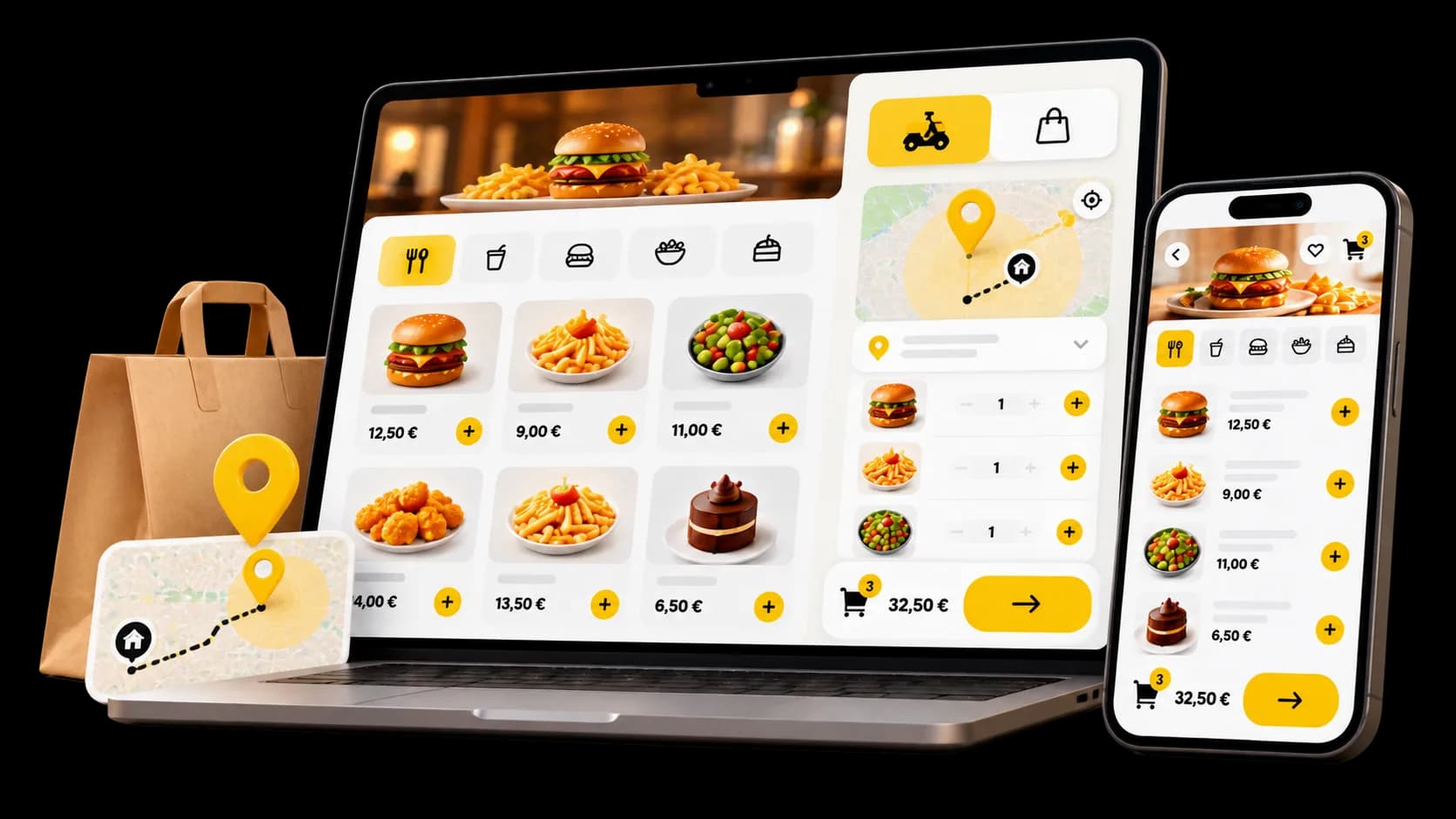
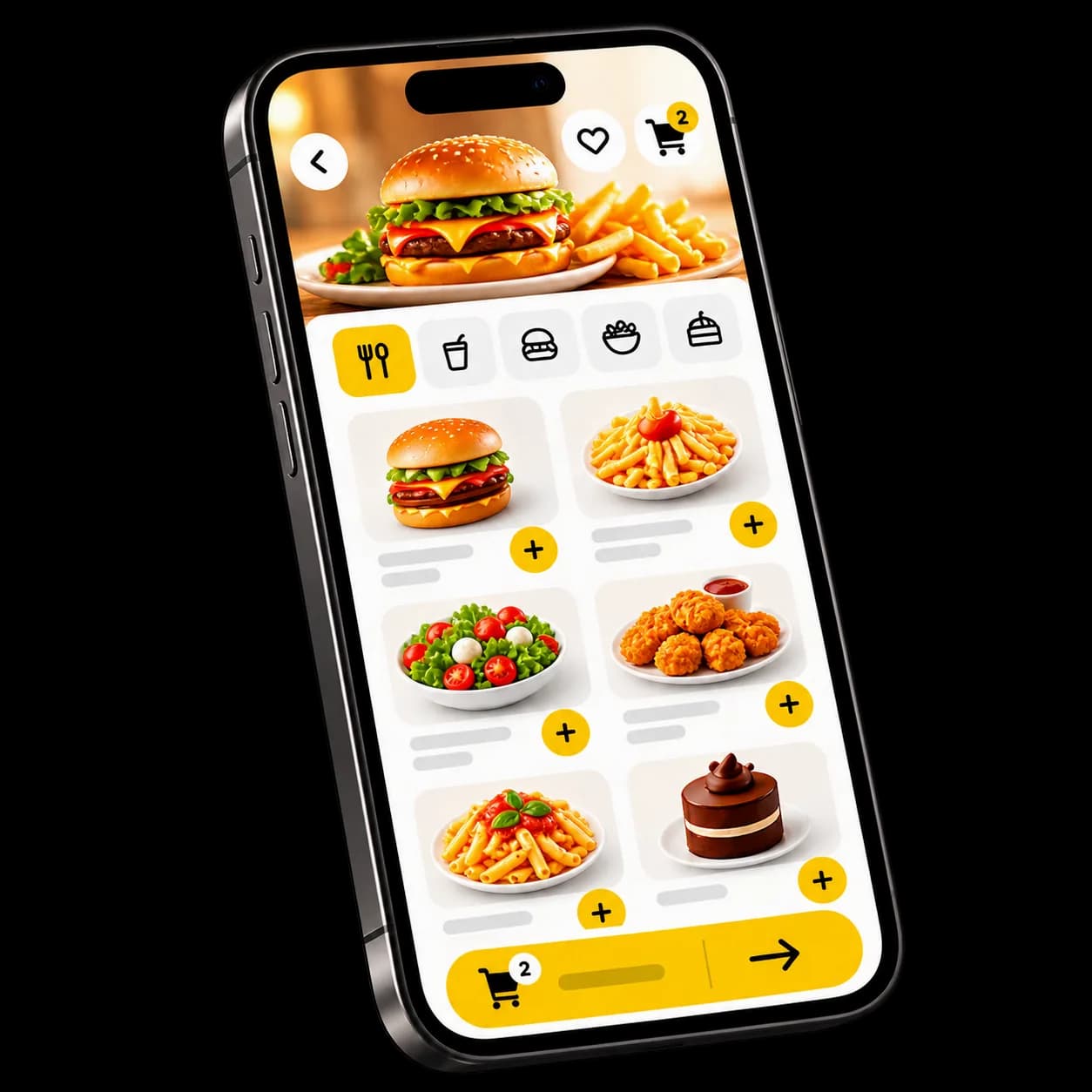
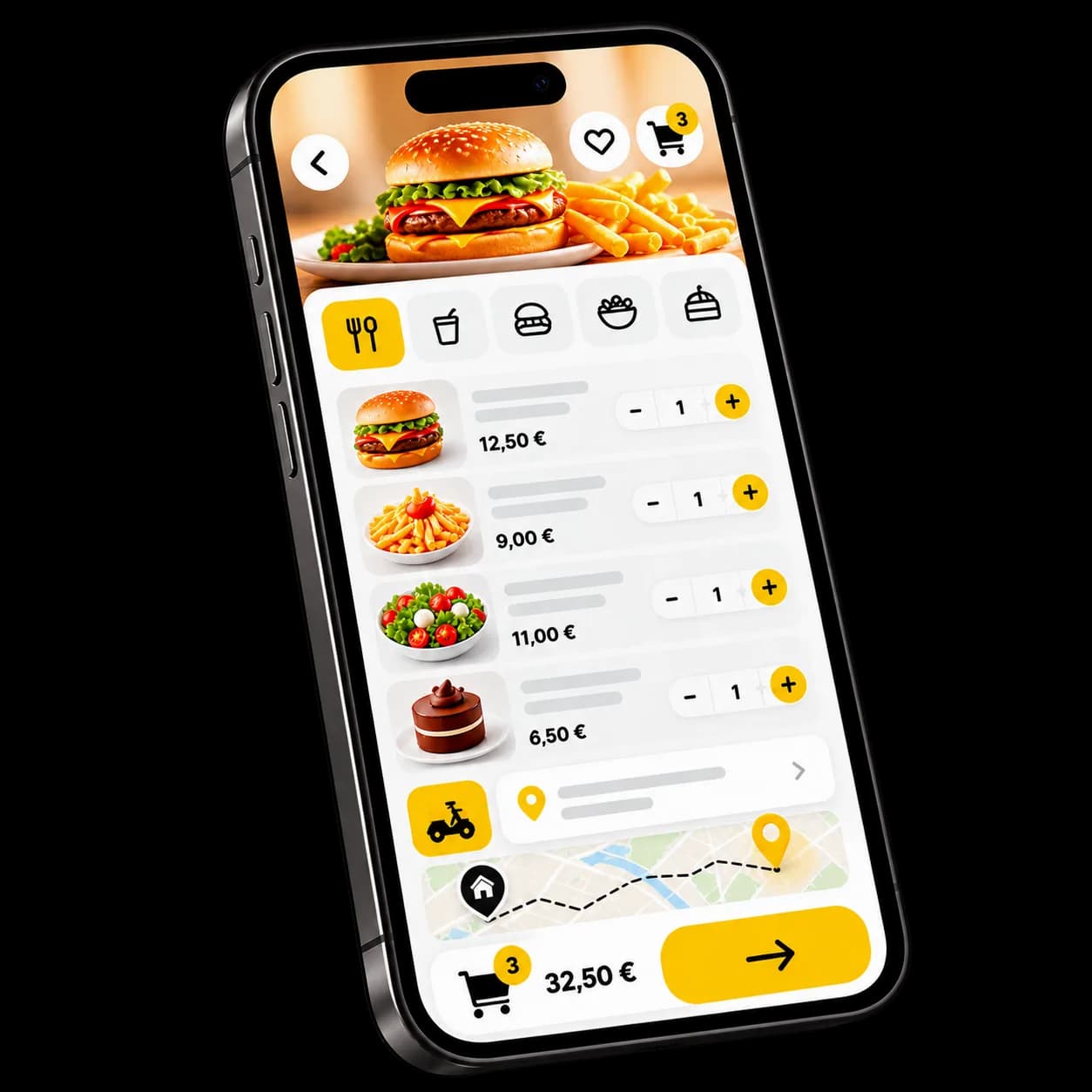
The guest reads your menu, chooses delivery when the service is on, enters an address and orders. The page works on mobile and desktop. Share the link, and list the venue on Yumer if you want to.
Your page
An ordering page in your venue’s name, ready to share.Your menu
Your categories, products and options: the menu you already run.Their address
They enter it before paying. If you do not deliver there, the order does not go through.Their basket
Quantities, delivery fee and total, visible before payment.No app
It all happens in the browser. Nothing to download.
THE JOURNEY
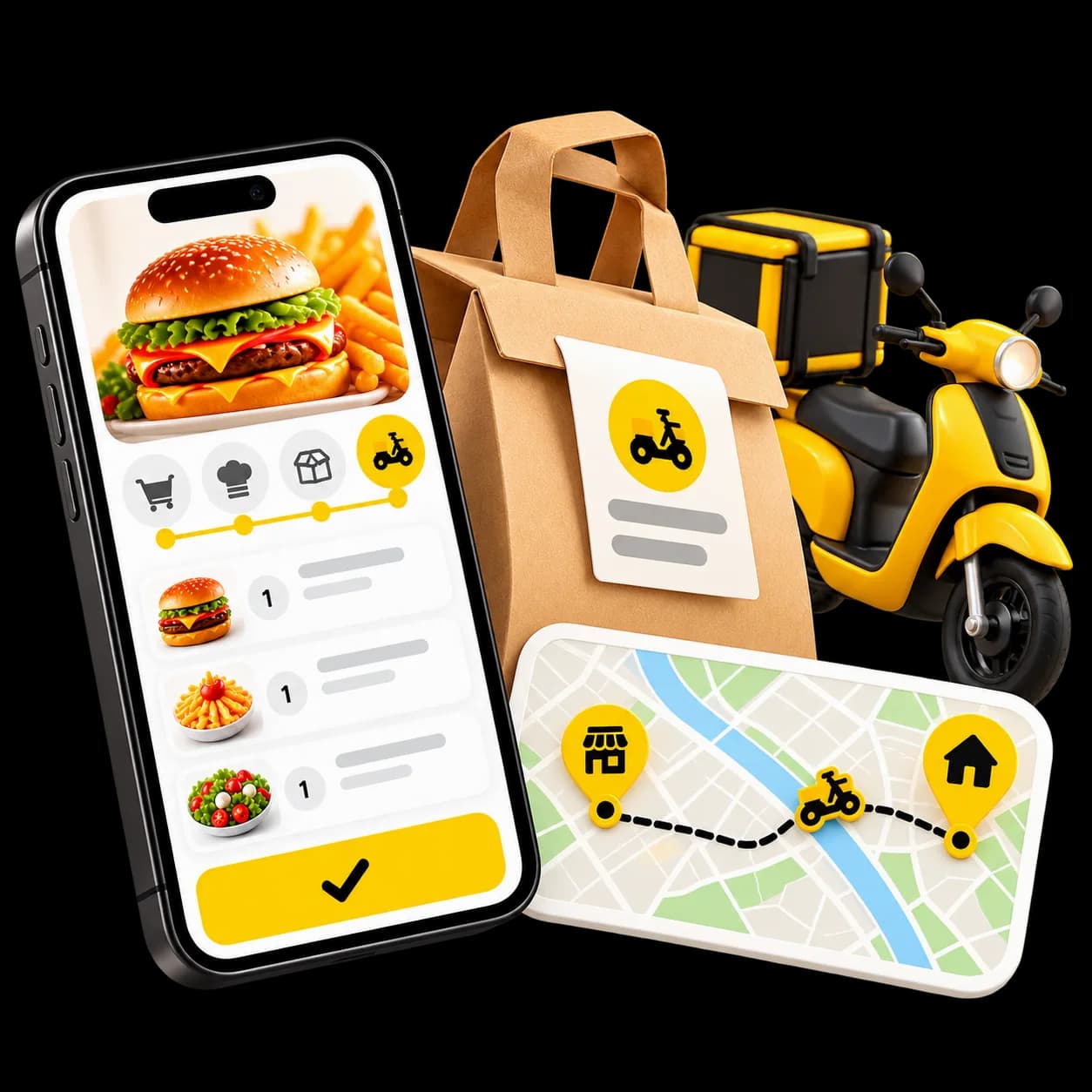
Five steps, from the menu to the door.
What happens between opening your page and the order leaving.
They browse the menu
Your products, with photos and options.
They enter an address
Delivery is offered only when that address sits in one of your zones.
They order and pay
By card online, or on delivery if you leave that option on.
You prepare
The order joins your queue, marked as a delivery.
You deliver
Your team organises the drop-off. The guest follows the order status.
DELIVERY ZONES
You decide where you deliver.
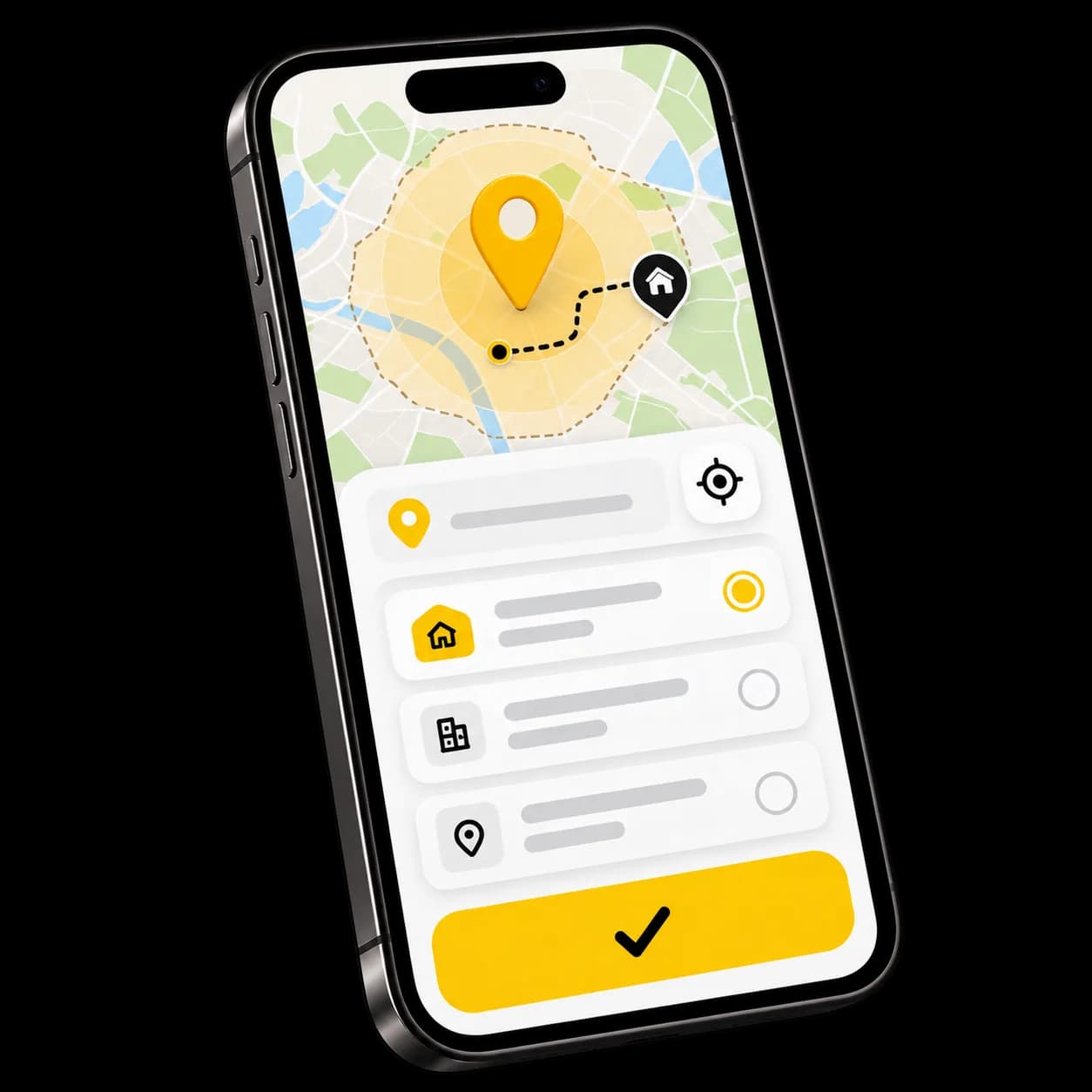
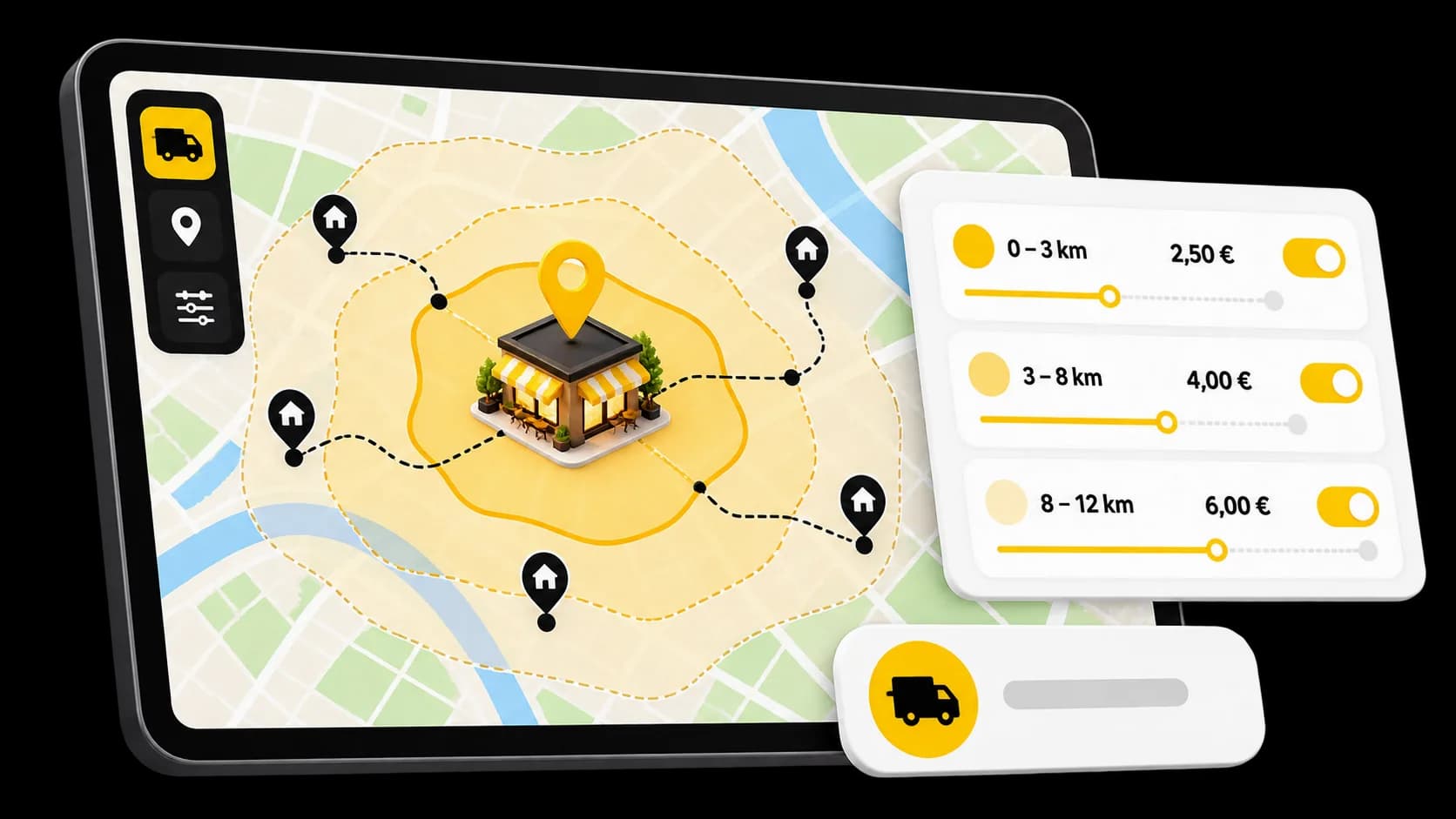
One zone, or several. Each has its own fee and an announced time. An address outside them cannot be ordered.
A radius
Kilometres around your venue, as the crow flies.A drawn area
A neighbourhood or a set of streets: you trace the outline on the map.A fee per zone
Each zone has its own fee. Where they overlap, the lower one applies.An announced time
You set an average. It is not a calculated arrival time.Zone by zone
Switch one off without closing the whole service.Out of zone
The address is checked. If no zone covers it, the order is refused.
PREPARATION
Delivery orders land with the rest.
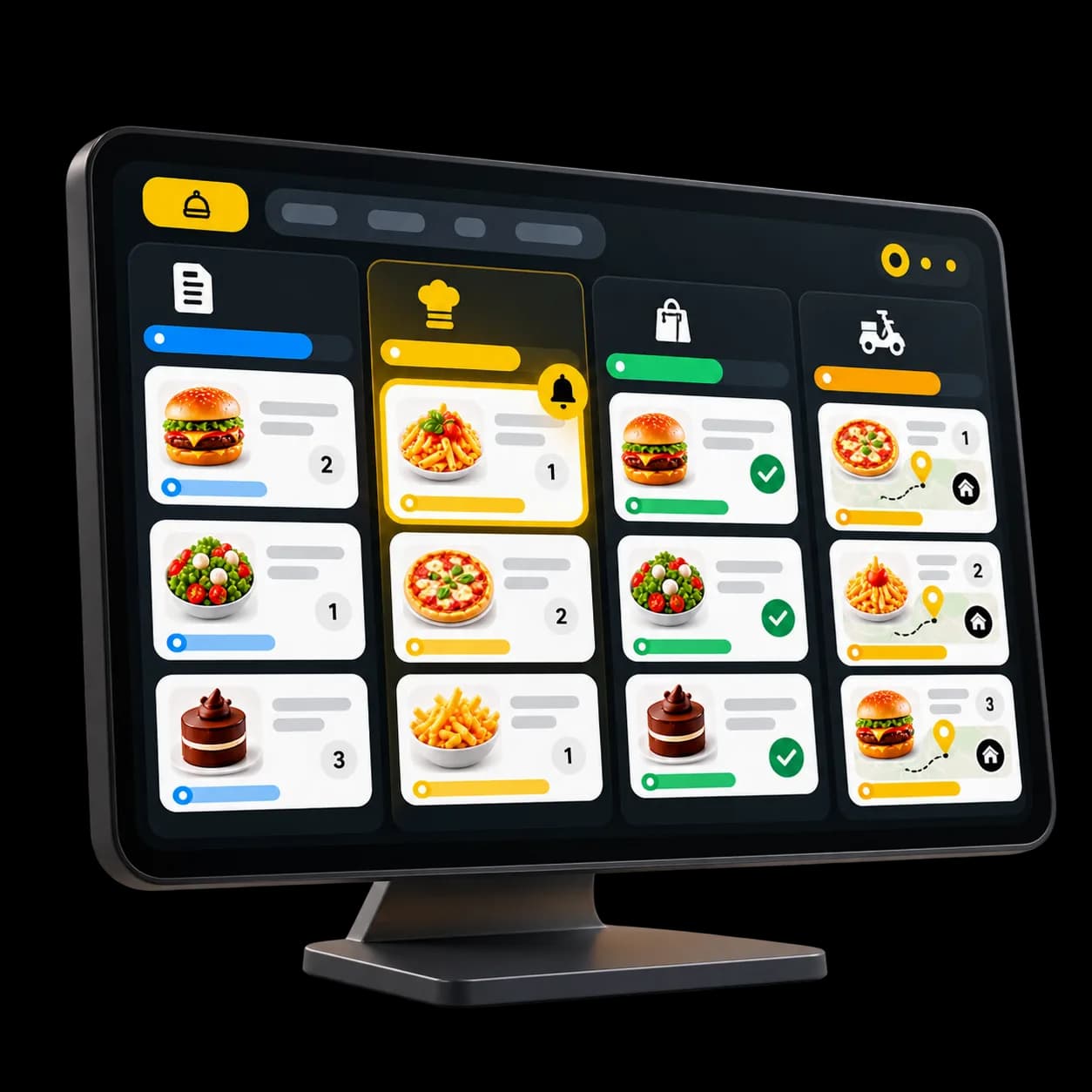
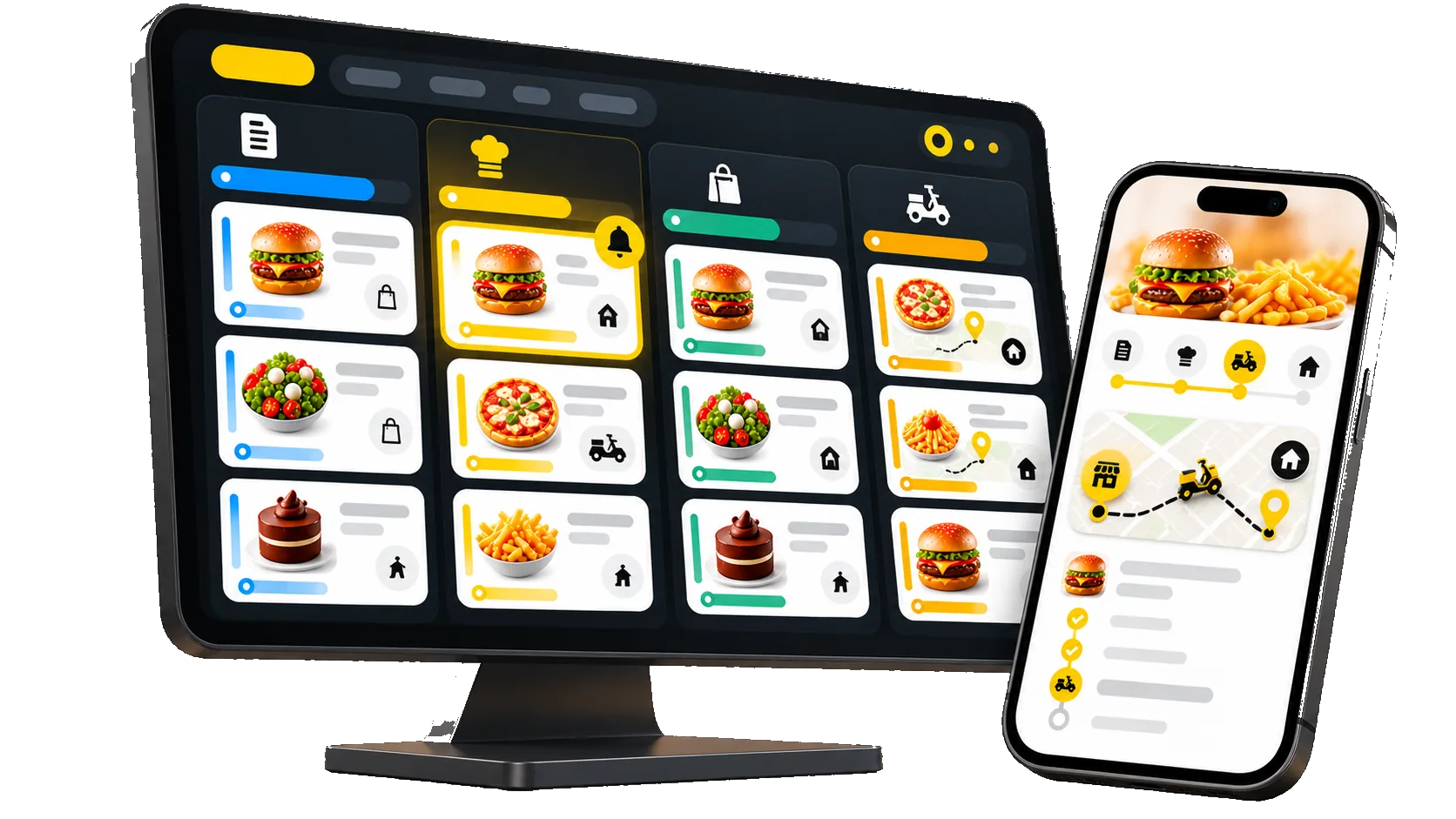
Same list, same team. The order is marked as a delivery and moves by status.
One list
Dining room, pickup and delivery sit in the same queue.Marked as delivery
The order type and the address are on the order.One status at a time
Confirmed, preparing, ready, delivered: the team moves it forward.On a kitchen screen, if you use one
A production screen is optional. The order list is enough to cook from.Nothing to retype
The order is already in Waiterr. Nobody keys it in again.
PAYMENTS
The guest pays. The money reaches you.
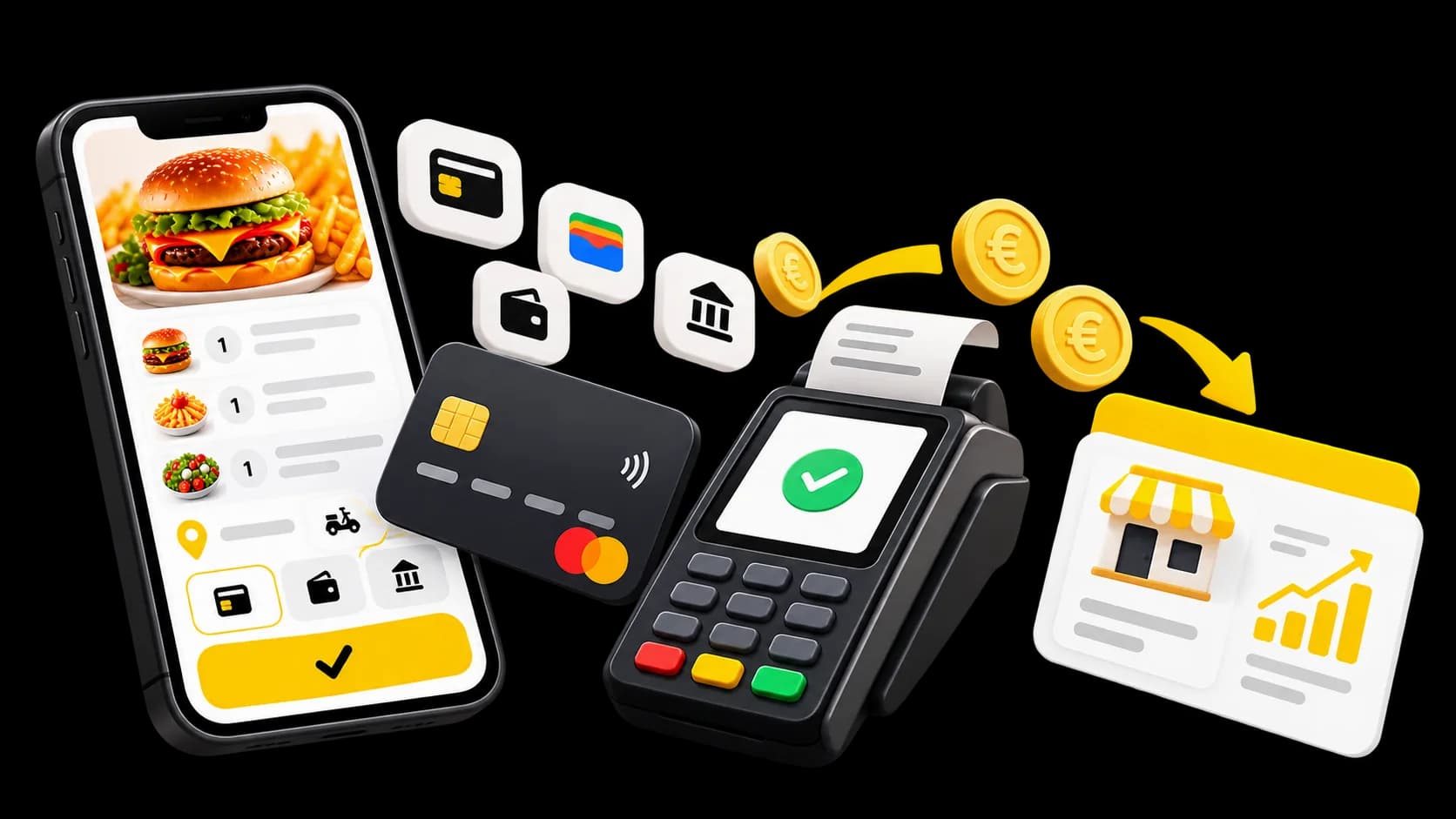
You connect the provider available in your country, Stripe for example. Online payments are charged on that account.
Your account
Payments are charged on your provider’s account, not held by Waiterr.Card online
The guest pays when they order, before you start cooking.Wallets and local methods
Apple Pay, Google Pay, Bancontact or Payconiq, depending on your country and what you turn on.Pay on delivery
You can let the guest pay at the door, if you turn that method on.Tip
The guest can add one when they pay, if they want to.You choose
Turn each payment method on or off for delivery orders.
ORDER STATUS
Guests can see where their order stands.
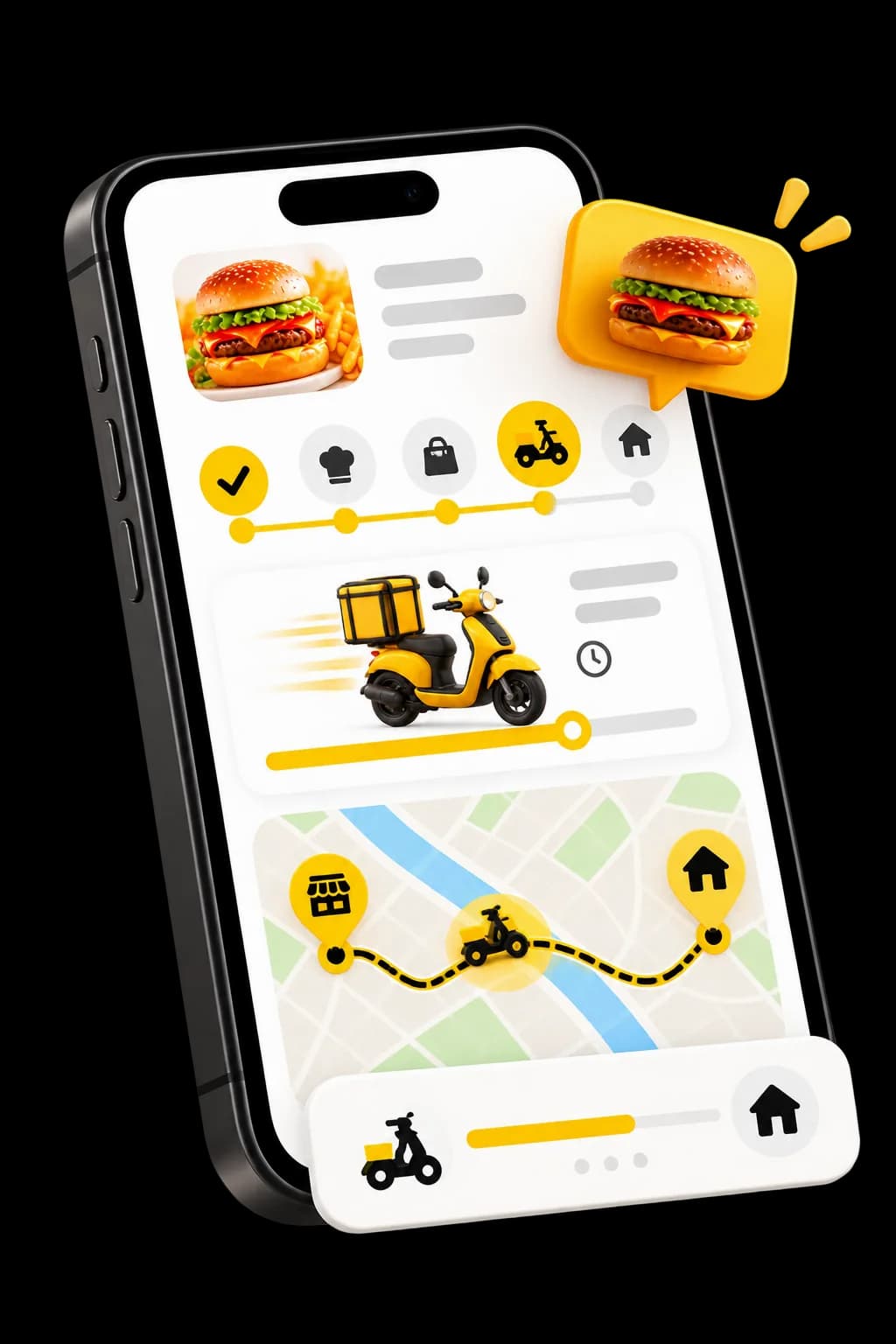
They see the order status as your team updates it. That is the status of the order, not a courier’s position.
Confirmed
The order is accepted and goes to preparation.
Preparing
Your team has started on it.
Ready
It can leave. You organise the drop-off.
Delivered
You mark it delivered once it has been handed over.
The guest reads these states on their page. They are not following a courier on a map.
SETTINGS
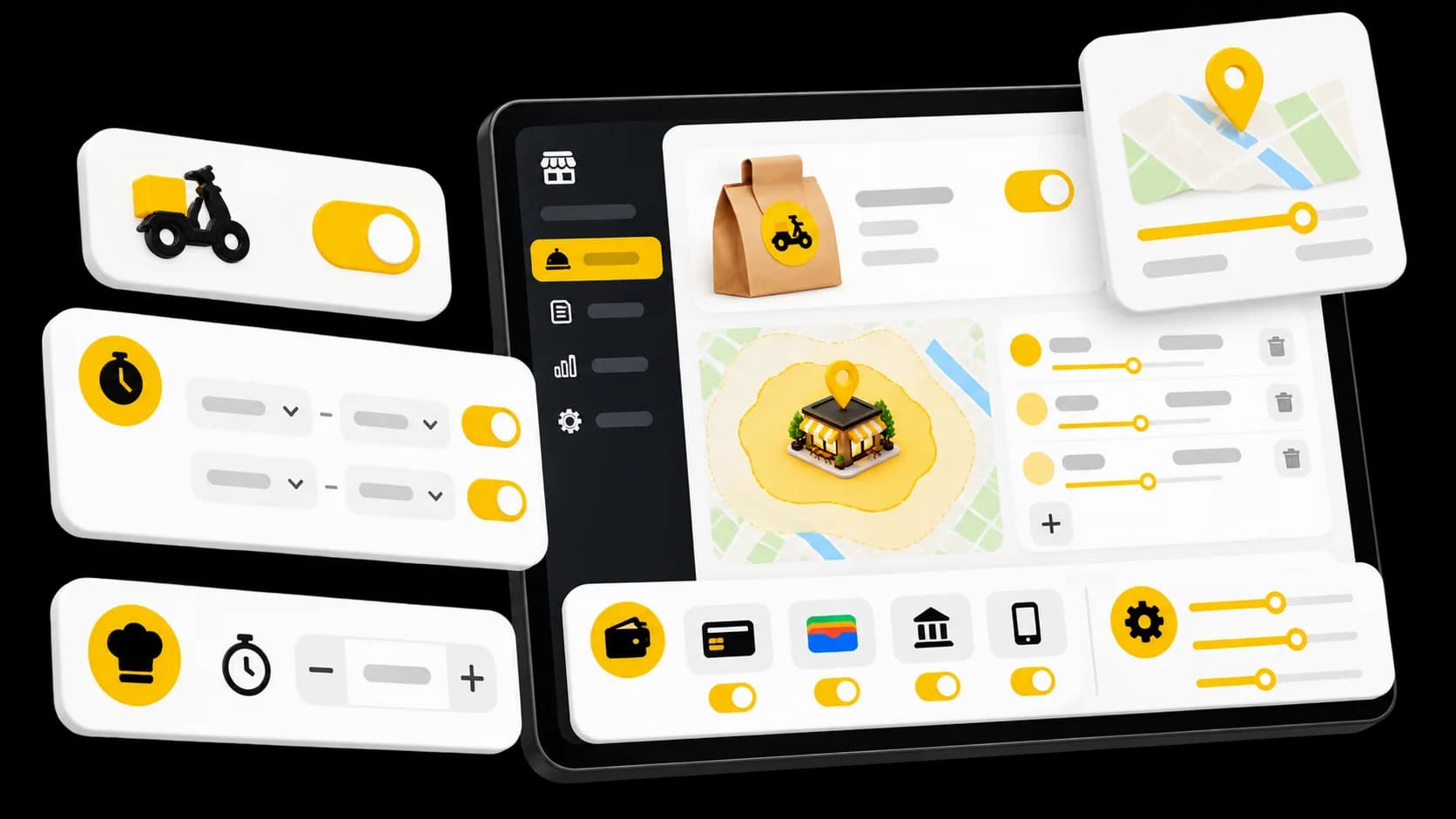
Your delivery service, your settings.
You open the service, announce a time, and choose what can be ordered and how it is paid.
Open and close
Turn delivery off when you cannot cover it. Turn it back on later.Announced time
An average, shown when a guest is looking to be delivered.What is available
Switch off a dish that has run out. It leaves the page; the service stays open.Delivery price
A product can have a different price for delivery and for eating in.Payment methods
Choose which ones are offered on delivery orders.
AFTER THE DROP-OFF
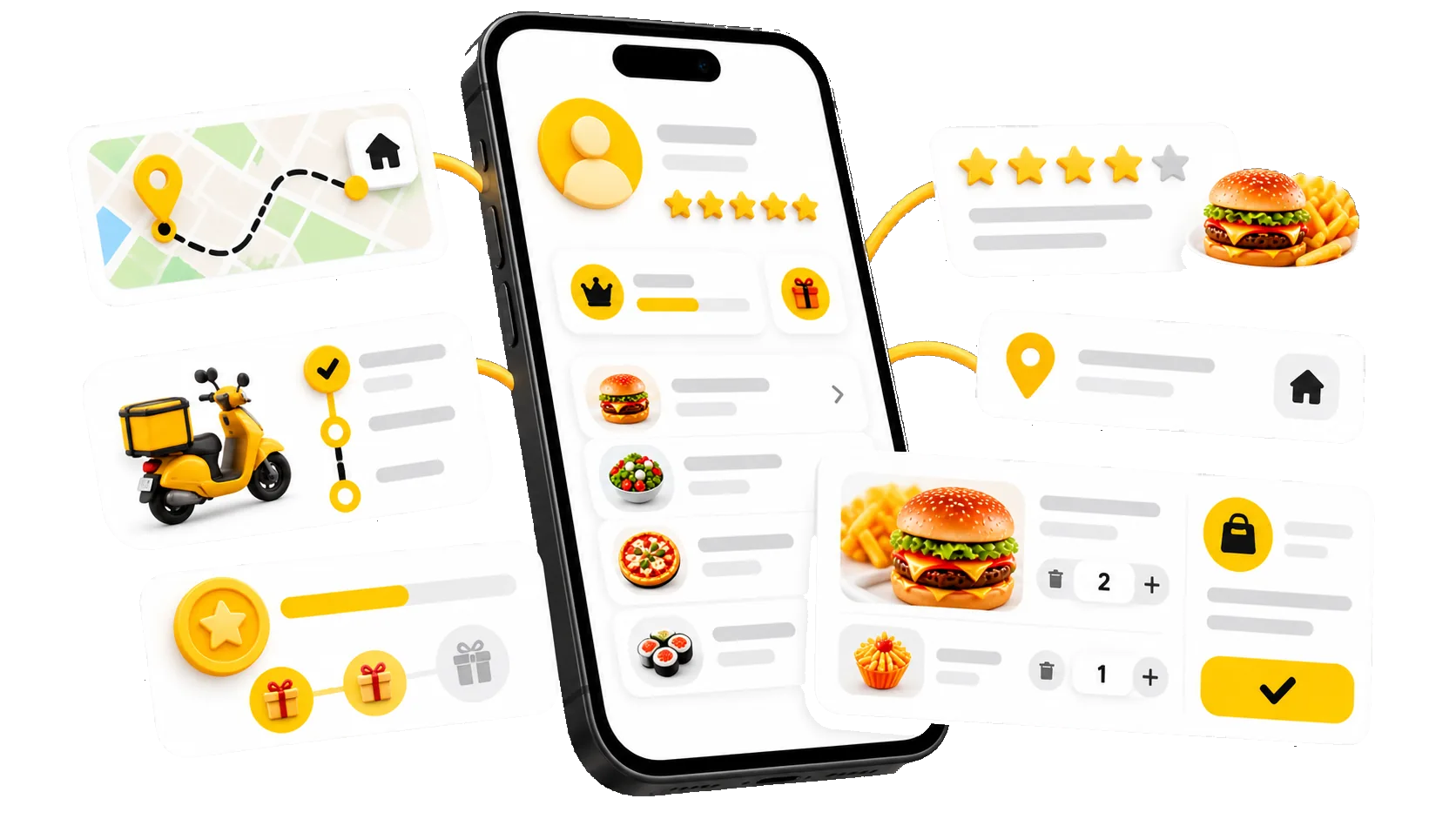
The order stays on the guest’s record.
If they create an account, this delivery joins their history. You recognise them next time.
An account, if they want one
They can order without one, or create one to come back faster.History
What they ordered, to which address, and when.Loyalty points
Deliveries feed your programme if you have turned it on.Rewards
They can use a reward or a code when they pay.Reviews
They can leave a review attached to the order.Your relationship
This information stays with your venue.
INSIDE WAITERR
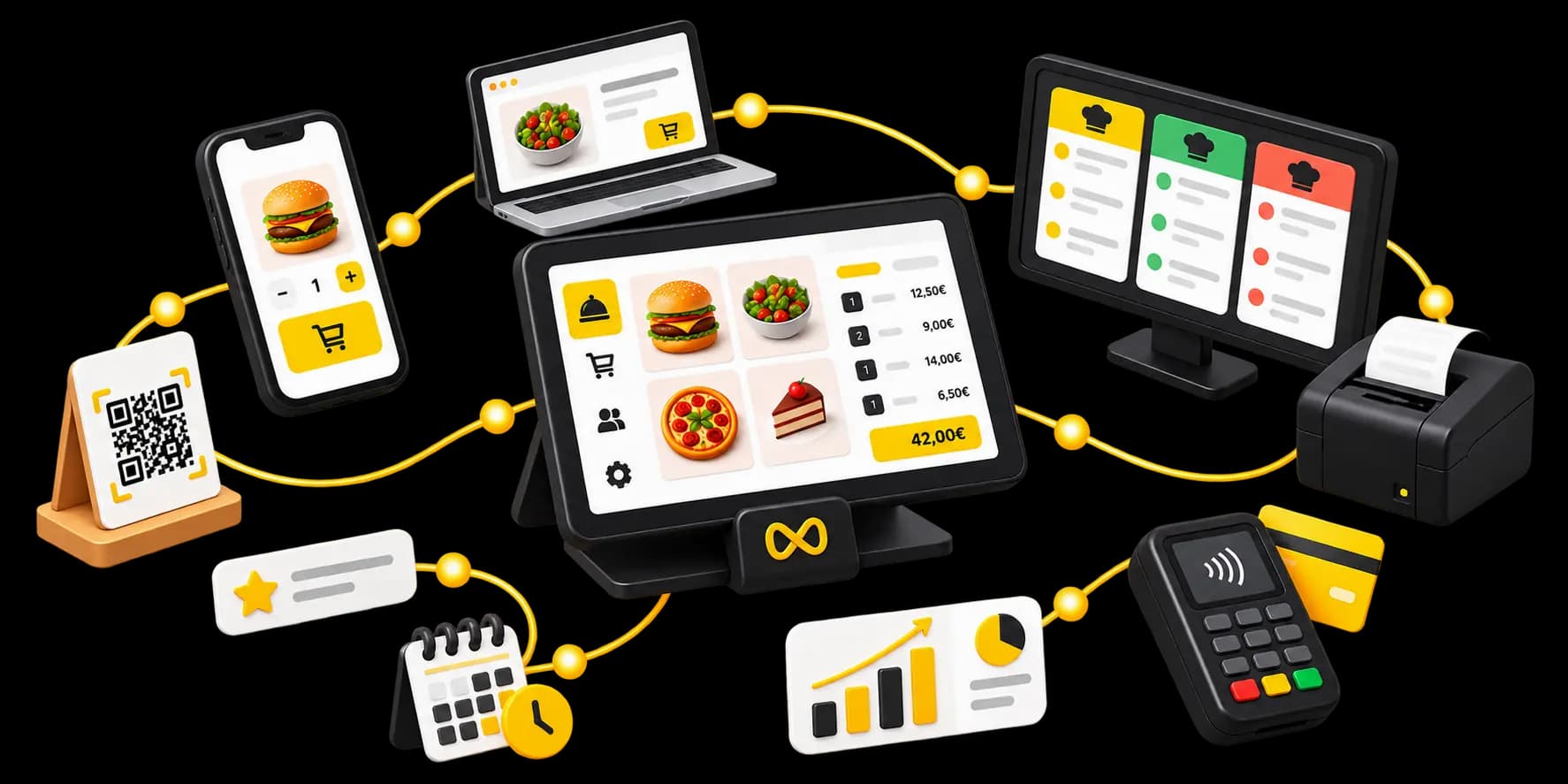
Delivery, alongside the rest of your service.
Same menu, same payments, same guest record. Delivery is not a tool sitting next to Waiterr.
WHAT IT COSTS
Delivery is on every plan.
No separate module. What changes between plans is the Waiterr fee.
0.5%
Waiterr fee
On the Essential plan.
TO START
Free plan
Delivery is included, with a 2% Waiterr fee.
Your payment provider’s fees apply separately.
See the plansWHO IT IS FOR
For venues that deliver themselves.
The same ordering page, whether you have a dining room or only a round to run.


Questions about delivery
What venues ask before they open their page to delivery.
How do I turn on delivery with Waiterr?
In your settings, turn the delivery service on and create at least one zone, with a radius or a drawn outline and its fee. Then choose which payment methods this channel offers.
Your ordering page then offers delivery to the addresses you cover. While the service is off, no new delivery order can be placed.
Can I set my own delivery zones?
Yes. You can set a radius in kilometres around your venue — the distance is as the crow flies — or draw an outline on the map.
You can have several, and switch one off without closing the service.
Can I charge different delivery fees?
Yes. Each zone has its own fee. When an address falls in more than one zone, the lower fee applies.
A zone can also be free: set its fee to zero.
How do orders reach the venue?
In the same list as your other orders, marked as deliveries, with the guest’s address.
Your team moves them forward by status. If you use a production screen, they show up there too. It is not required: the order list is enough to cook from.
Can the guest follow their order?
Yes, on their status page. They see the order move through confirmed, preparing, ready and delivered, as your team updates it.
That is the status of the order. It is not a courier’s position.
Who makes the delivery?
Today, the venue organises its own deliveries.
Waiterr provides the ordering page, payment, zones, preparation and status tracking. Handing the order to the guest stays with you.
Where do the payments go?
To the account of the payment provider you connected. The money does not pass through a Waiterr balance, and payouts follow that provider’s timing.
The Waiterr fee depends on your plan. The detail is on the pricing page.
Can I offer delivery and Click & Collect together?
Yes. They are two separate services on the same ordering page. The guest picks delivery or pickup, depending on what you have turned on.
Both land in the same list. You can switch one off without closing the other.
Ready to take delivery orders?
Turn the service on, draw your zones, choose how guests pay, then share your page.
- Free plan available
- No commitment
- Ready in minutes