RESERVATIONS
Your bookings, your tables, your guests.
Bookings taken online, over the phone and through Google, on one sheet.
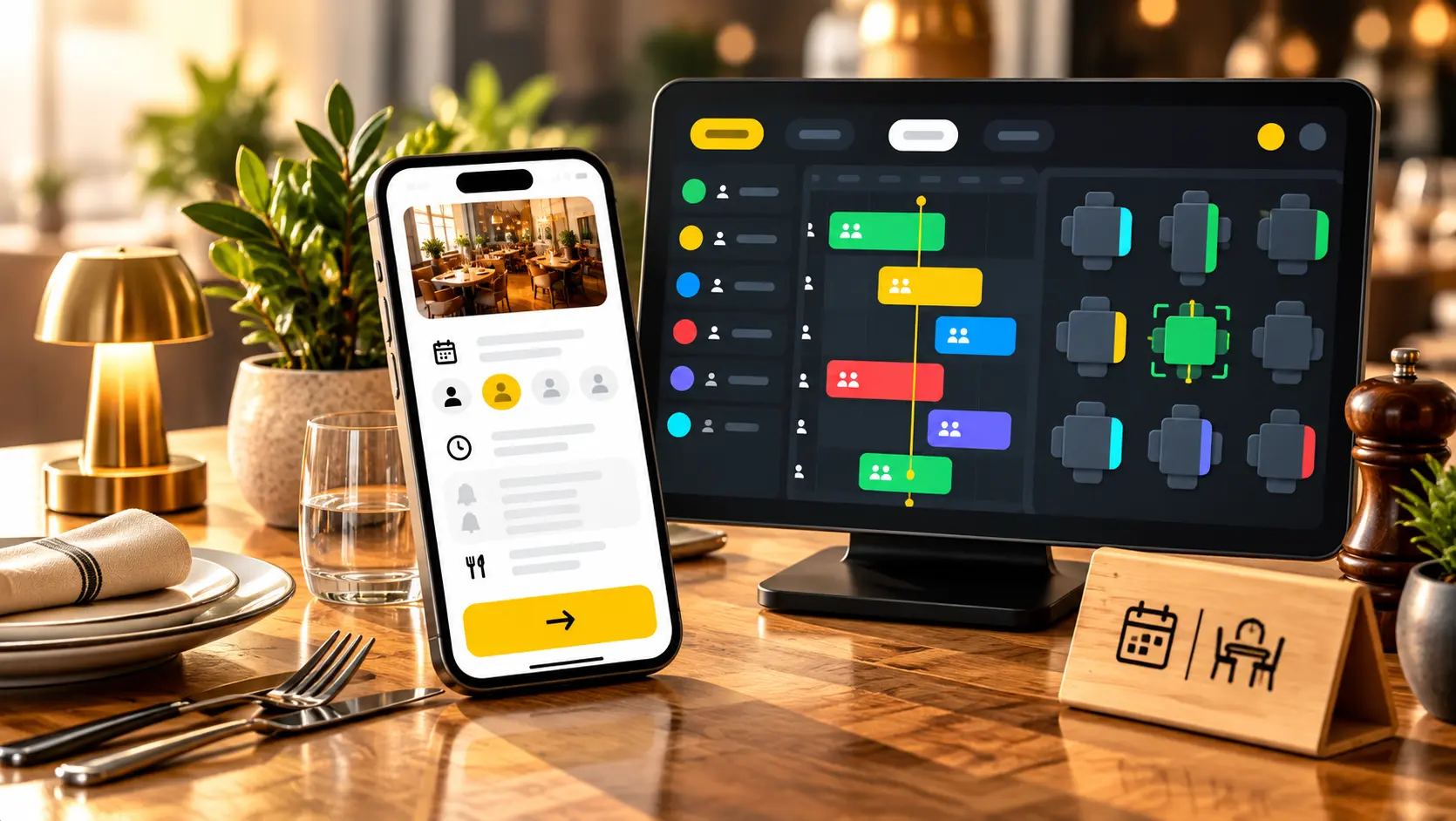
Your booking sheet, your floor plan and your guest profiles work together, so you always know who is coming, when, and where to seat them.
- 50 bookings a month, free
- No commitment
A sheet you can read
See the service ahead of you, table by table.
Fewer empty tables
Optional card guarantee when the risk is worth covering.
Bookings in seconds
On the phone or at the door, without leaving your screen.
Guests you recognise
Habits and preferences come up on their own.
FOUR WAYS TO BOOK
Guests book wherever they find you.
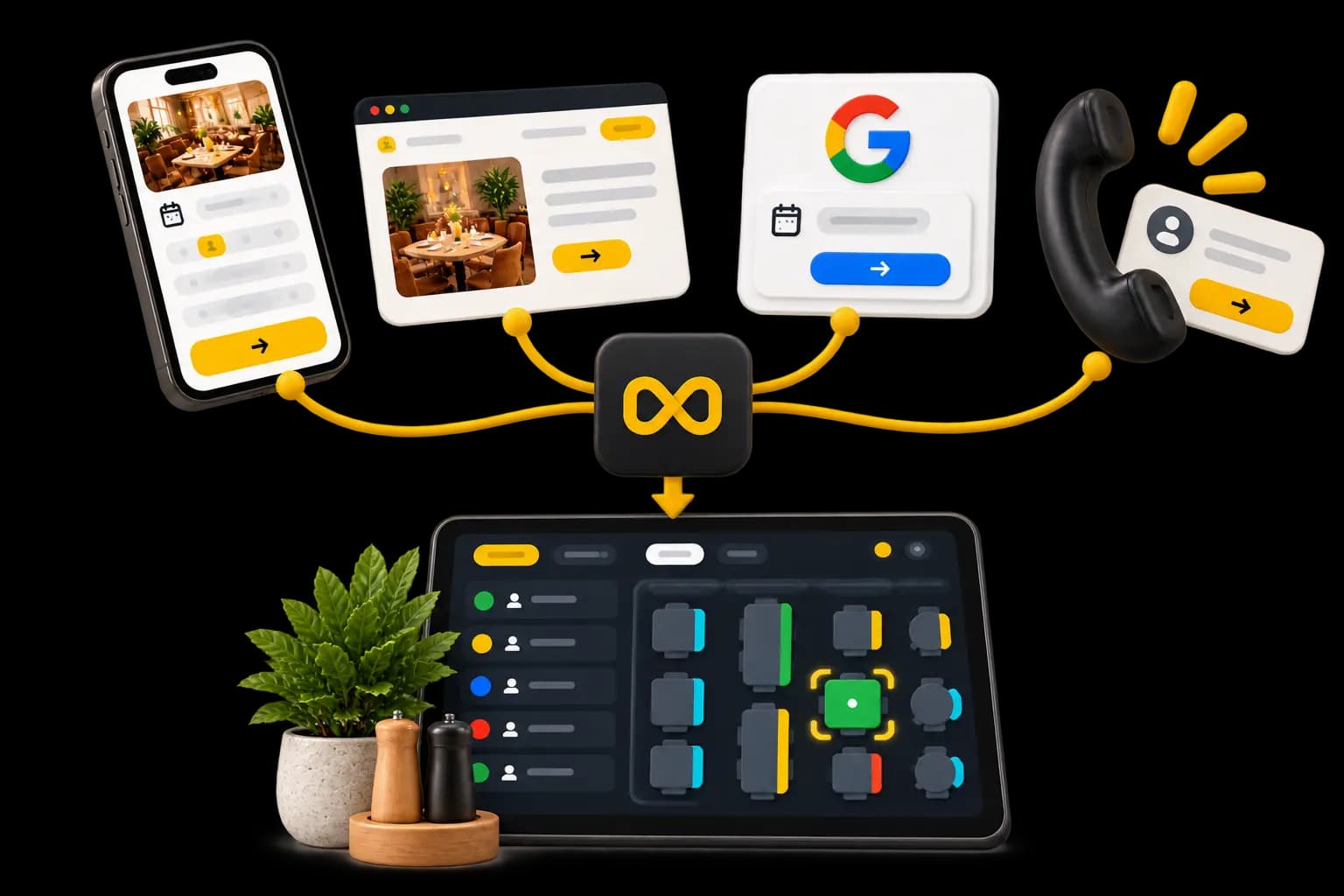
Your website, your Waiterr page, Google or a phone call — you decide which doors are open.
Your Waiterr page
A booking page ready to use, even if you have no website of your own.Your own website
Add the booking module yourself, or let us put it in for you.Reserve with Google
Your open slots can show on your listing, where the search starts.Over the phone
A guest calls? Take the booking without leaving your sheet.
HOW IT WORKS
From enquiry to table.
Five steps, and the first one happens without you.
The guest books
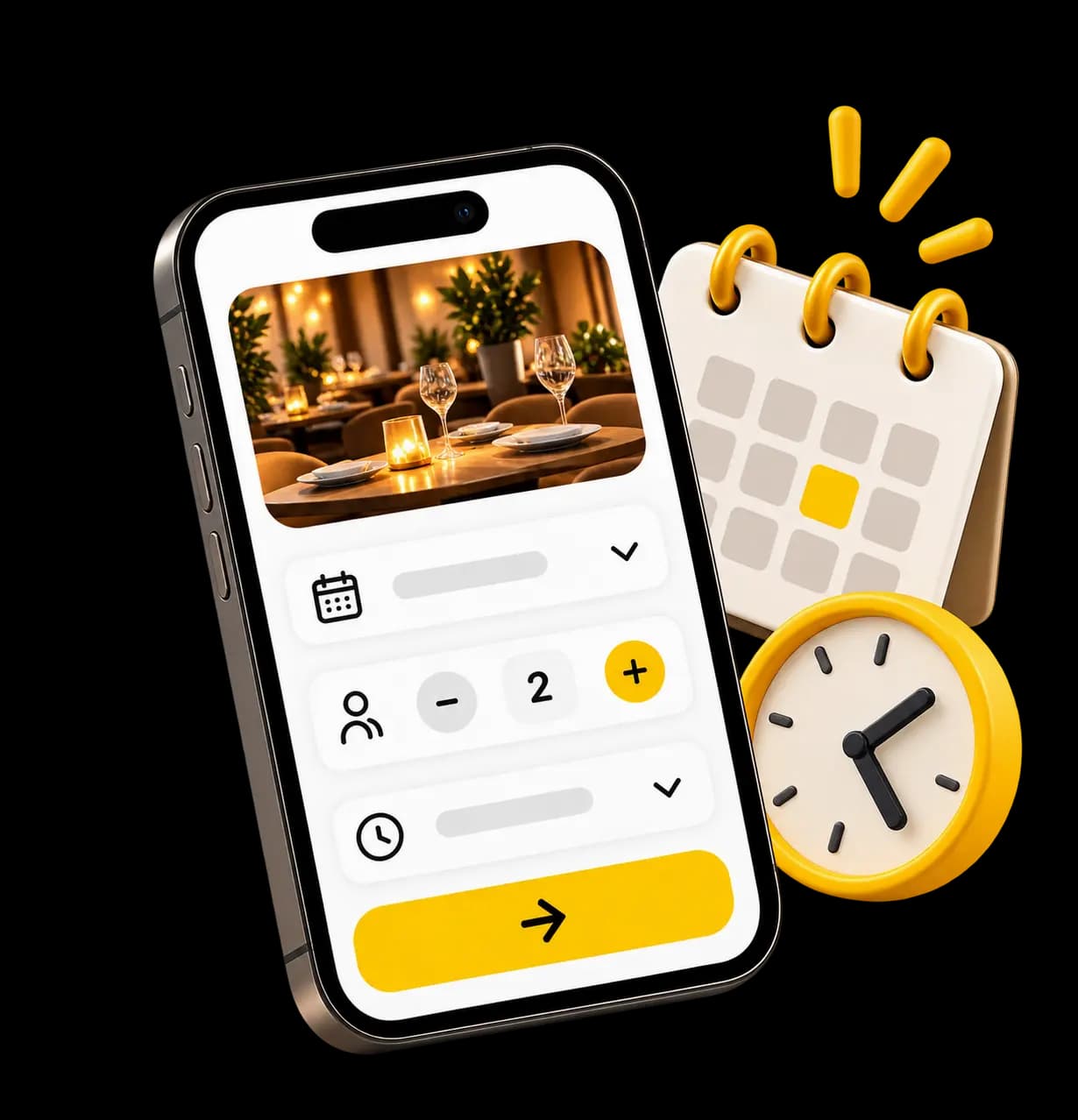
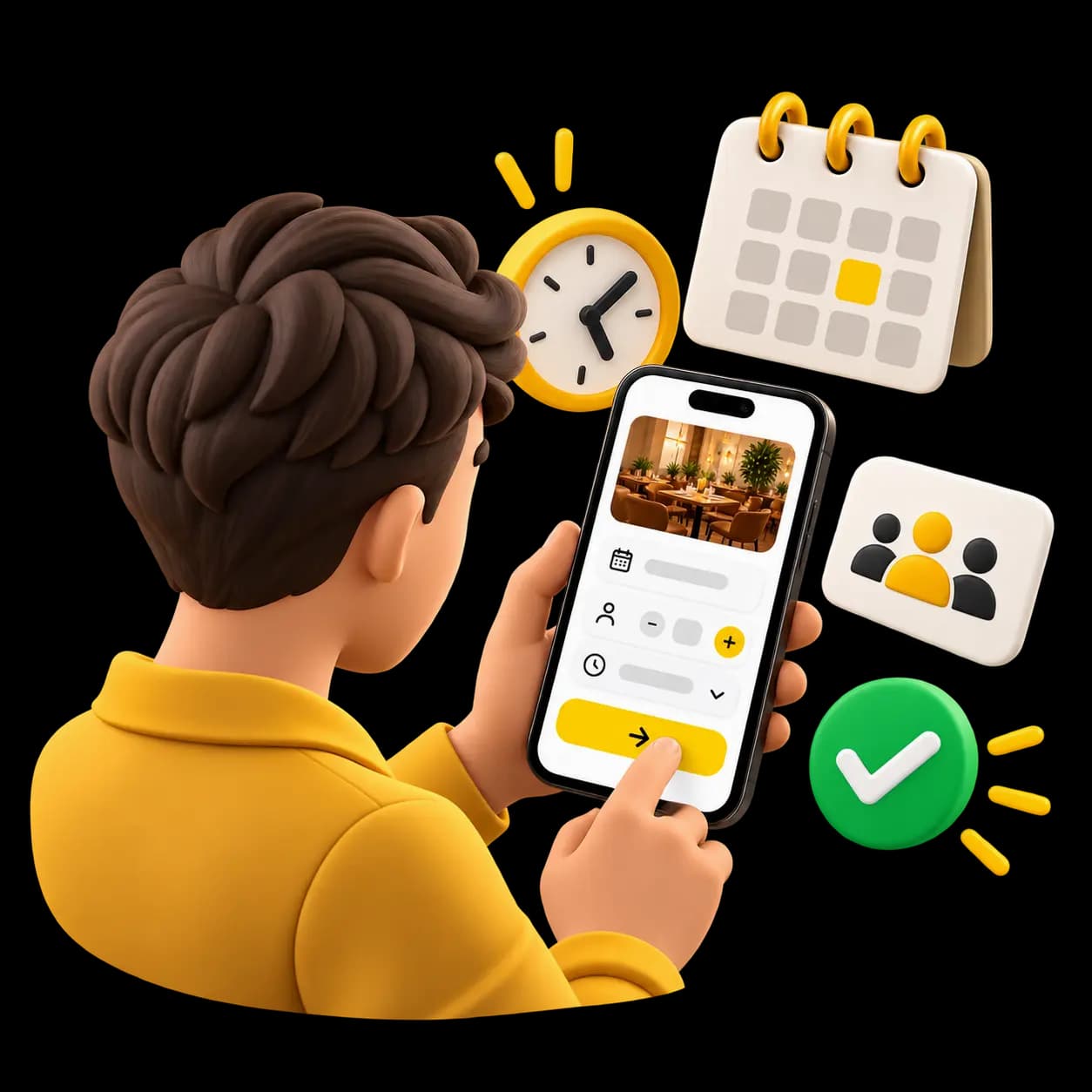
They pick a date, a time and how many are coming.
You are told
The booking lands on your sheet and your team gets a notification.
The table is sorted
Assign it on the floor plan, or automatically if you turn that on.
You greet them
Your team has the booking and what is worth knowing about them.
You know them better
Every visit adds to their profile for the next one.
YOUR SERVICE
Tonight, at a glance.
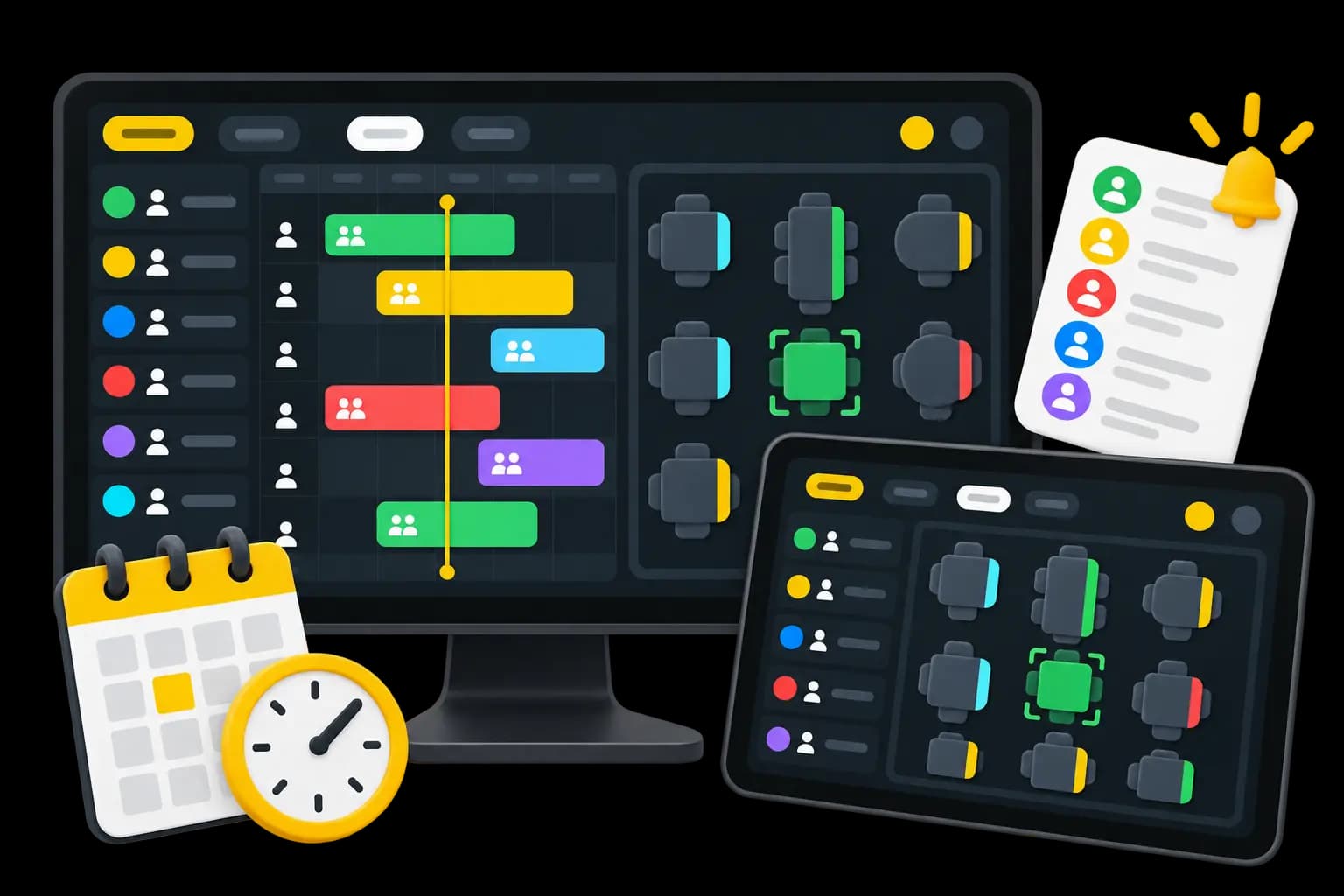
Who is coming? What time? How many covers? Which table is still free? Your team can see it without asking anyone.
Booking sheet
Every booking and how long it holds a table, across the day.Floor plan
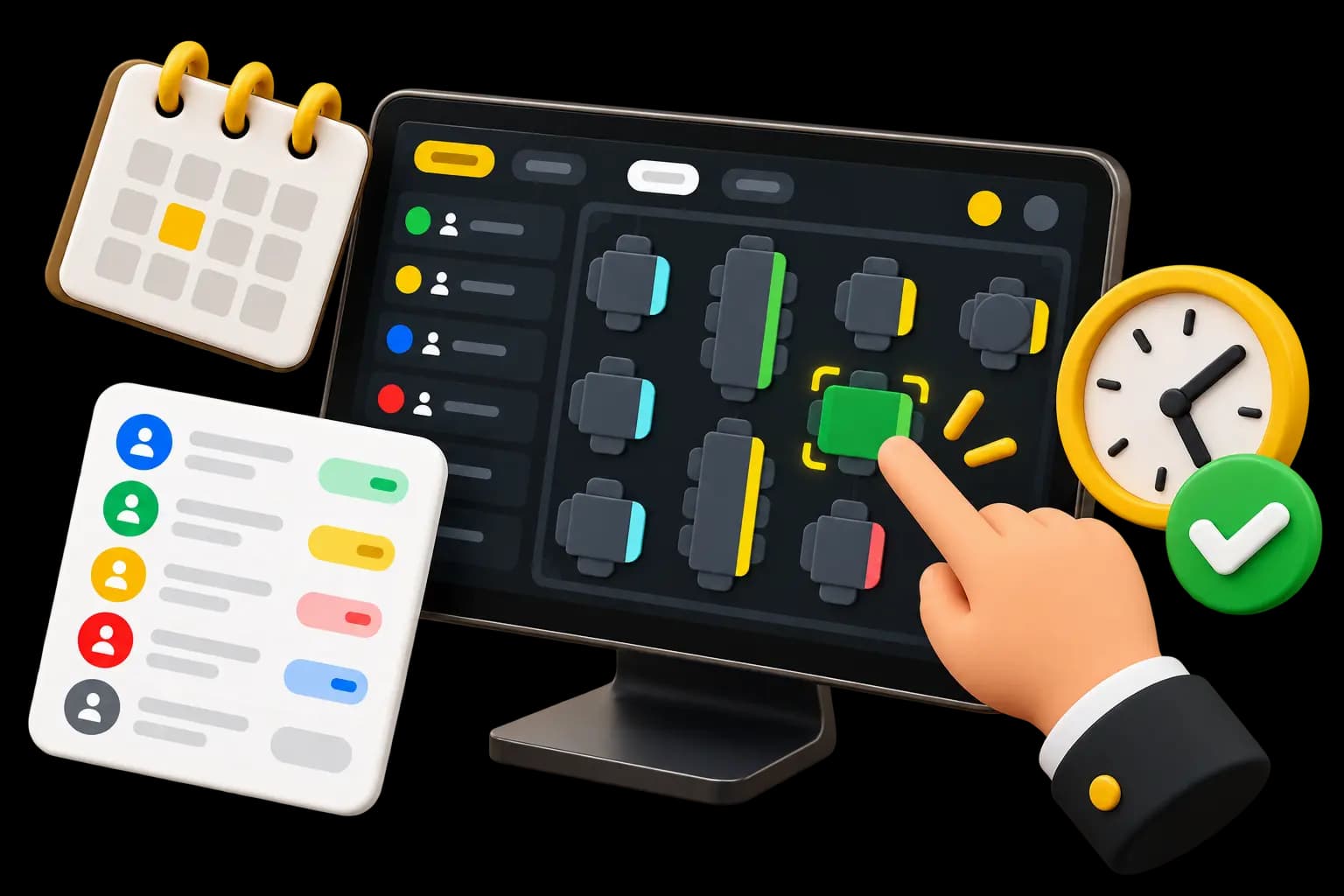
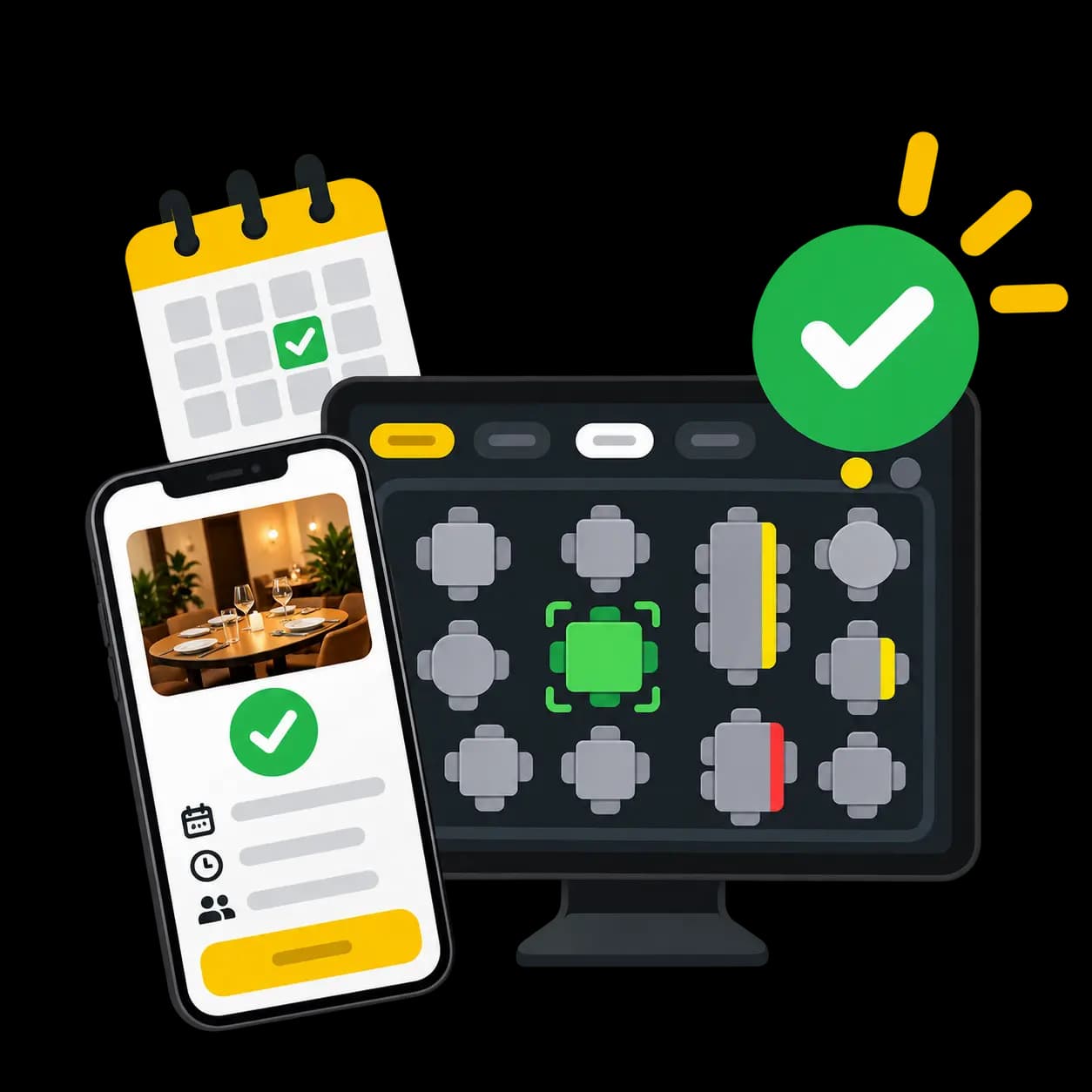
Which tables are free, booked or occupied, right now.Seating
Assign, move, or seat someone who walked in without booking.Today's arrivals
The next guests and their times stay in front of you.Print-out
Print the day's list or the floor plan when your team works on paper.
YOUR RULES
Your rules. Your way of hosting.
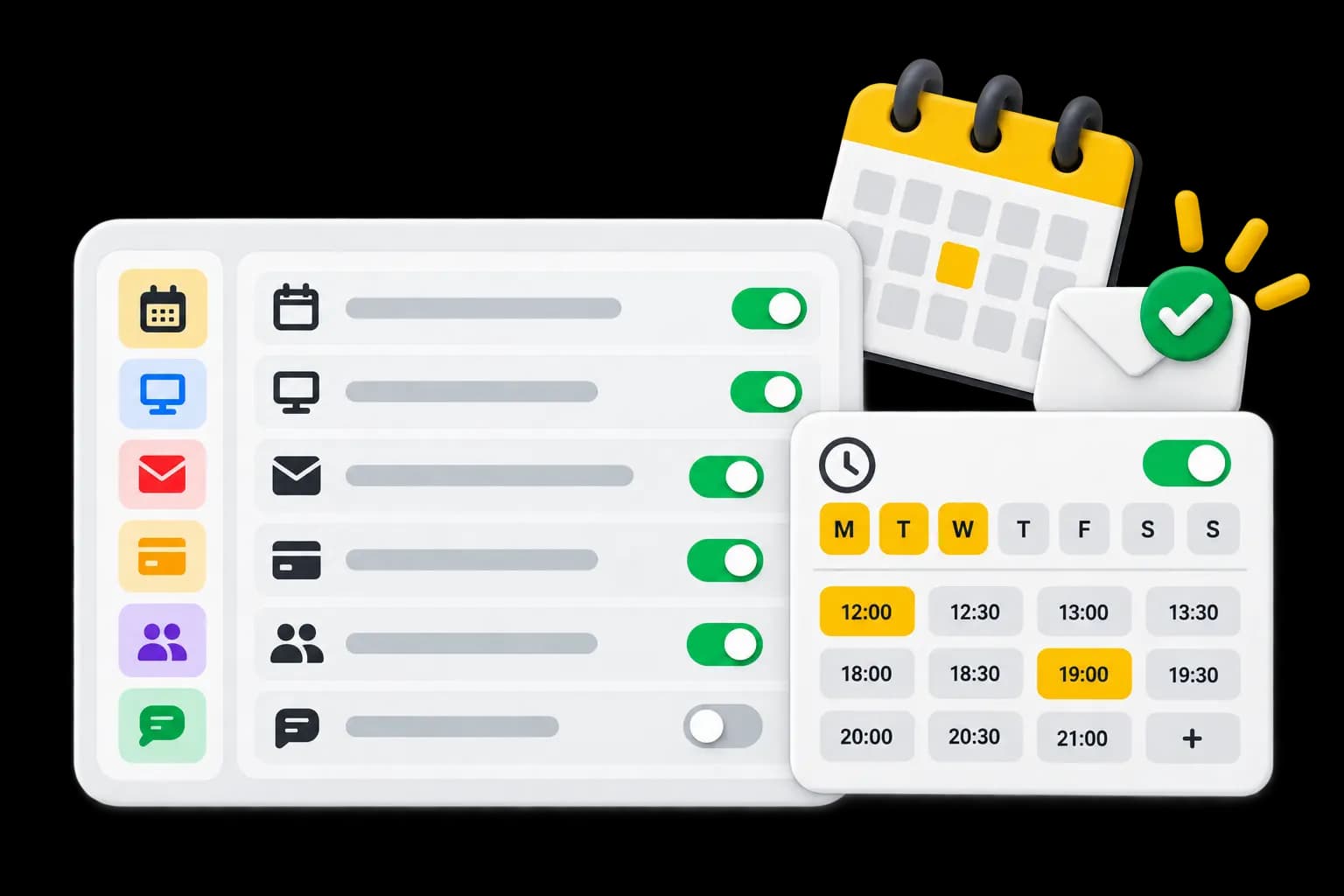
Waiterr fits the way your venue works, not the other way round: you decide when and how guests can book with you.
Sittings and hours
Your services, your times, and how long a table is held.How far ahead
When the diary opens, and how close to the sitting you still take bookings.Confirmation
Automatic, or approved by your team if you would rather have the last word.Tables and areas
Automatic seating if you enable it, and a choice of area if you offer one.Card guarantee
Ask for one when you judge it worth it, on selected bookings only.Your own message
What a guest should know before they come, said while they book.
KNOWING YOUR GUESTS
Every booking teaches you something.
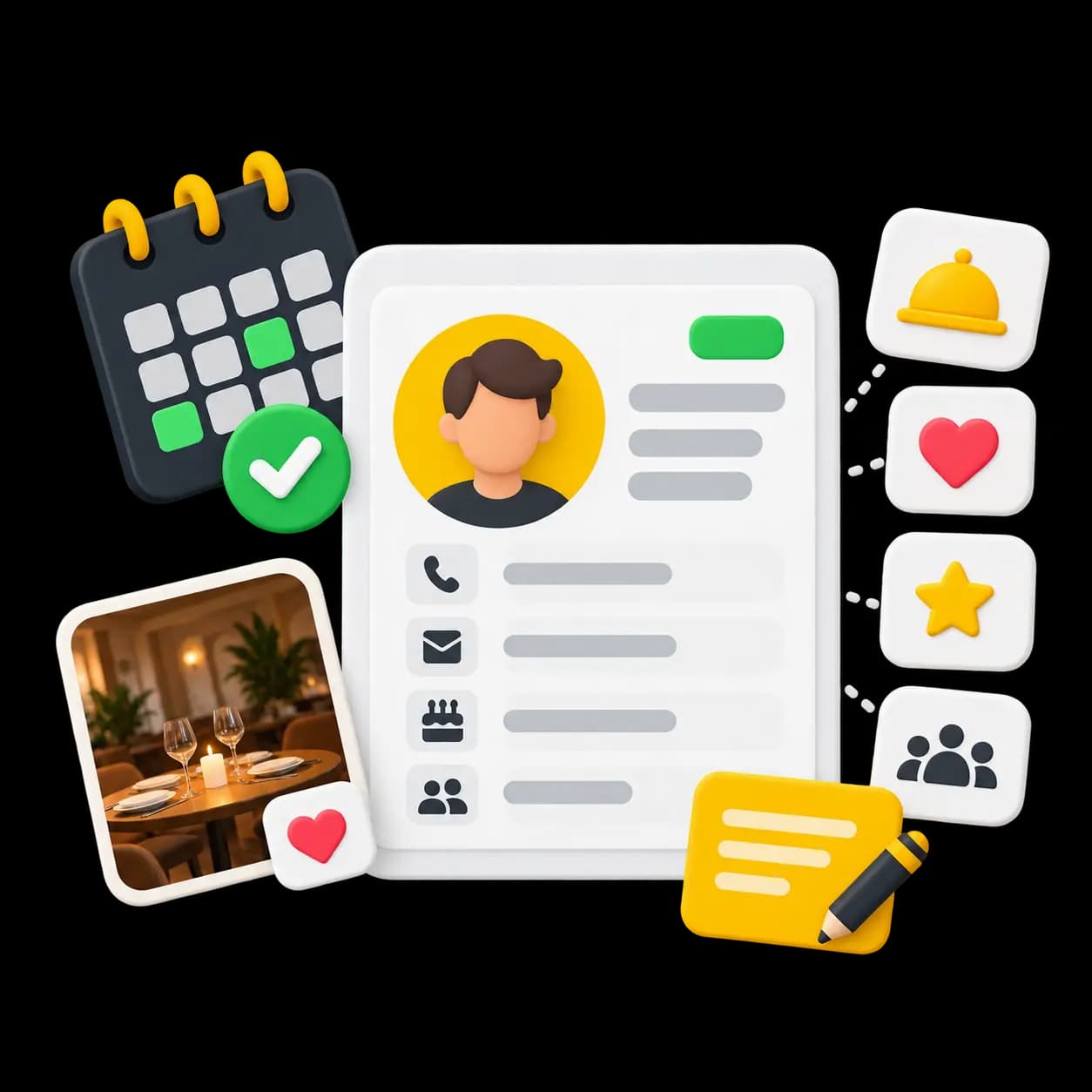
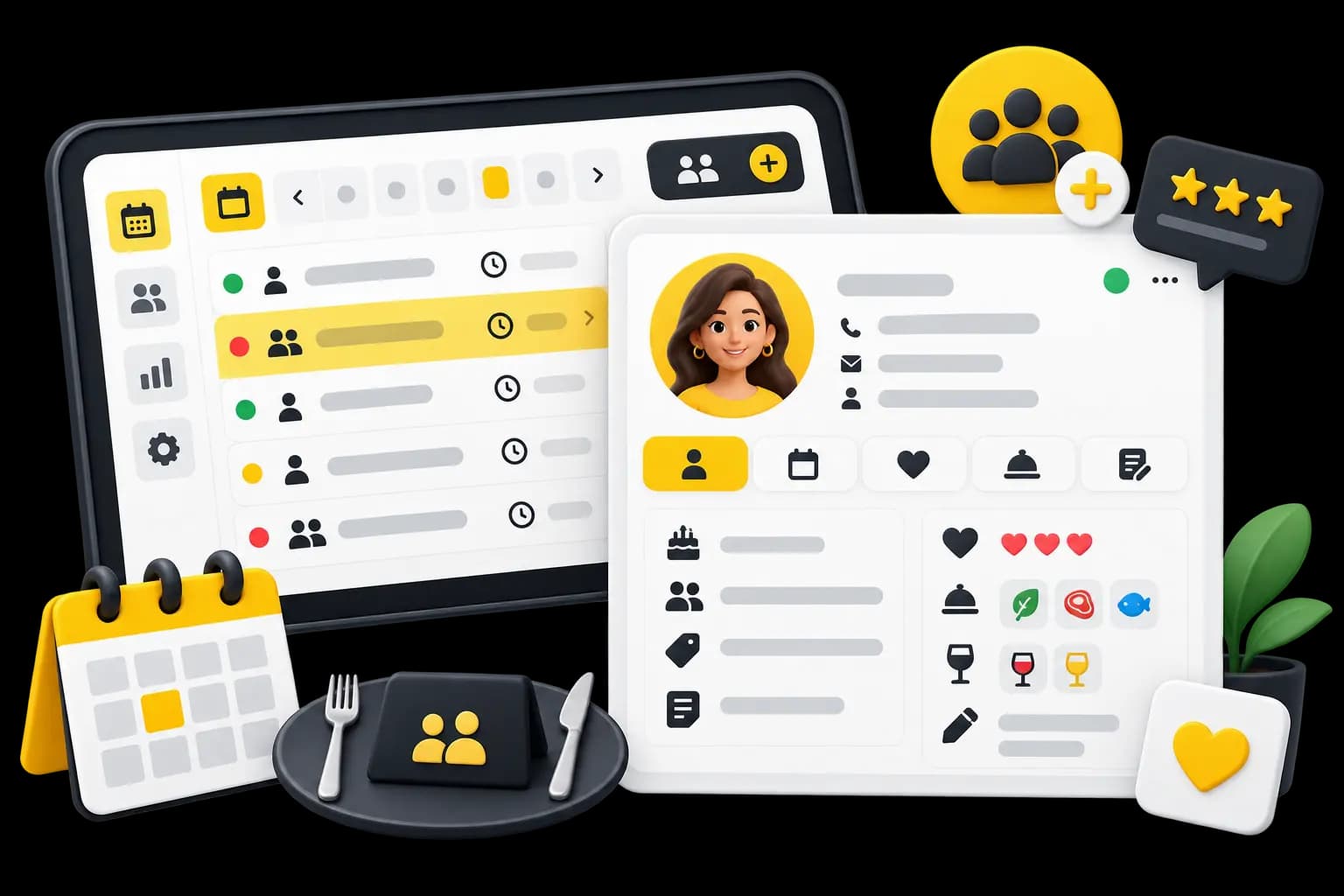
Their history and the things worth remembering sit on the booking, so the welcome can be a little more personal each time.
Their visits
How often, how many covers, and when.Their habits
Their usual table, their usual sitting, what they tend to order.Dates that matter
A birthday noted once comes back on its own.What they tell you
An allergy, a diet or a special request, kept on their profile.Your own notes
A remark written once, found again next time.
WHAT CHANGES
Fewer back-and-forths. A better organised room.
The phone still rings. It just stops deciding how your evening goes.
Less phone tag
A guest who books online does not call back to confirm.
Nothing slips
No booking stranded between a diary page and a voicemail.
Fewer mistakes
No misheard names, and no sitting promised twice.
A service you saw coming
You know in the morning what the evening holds.
More time on the floor
Time not spent writing things down is time spent hosting.
AFTER THE BOOKING
The booking is only the beginning.
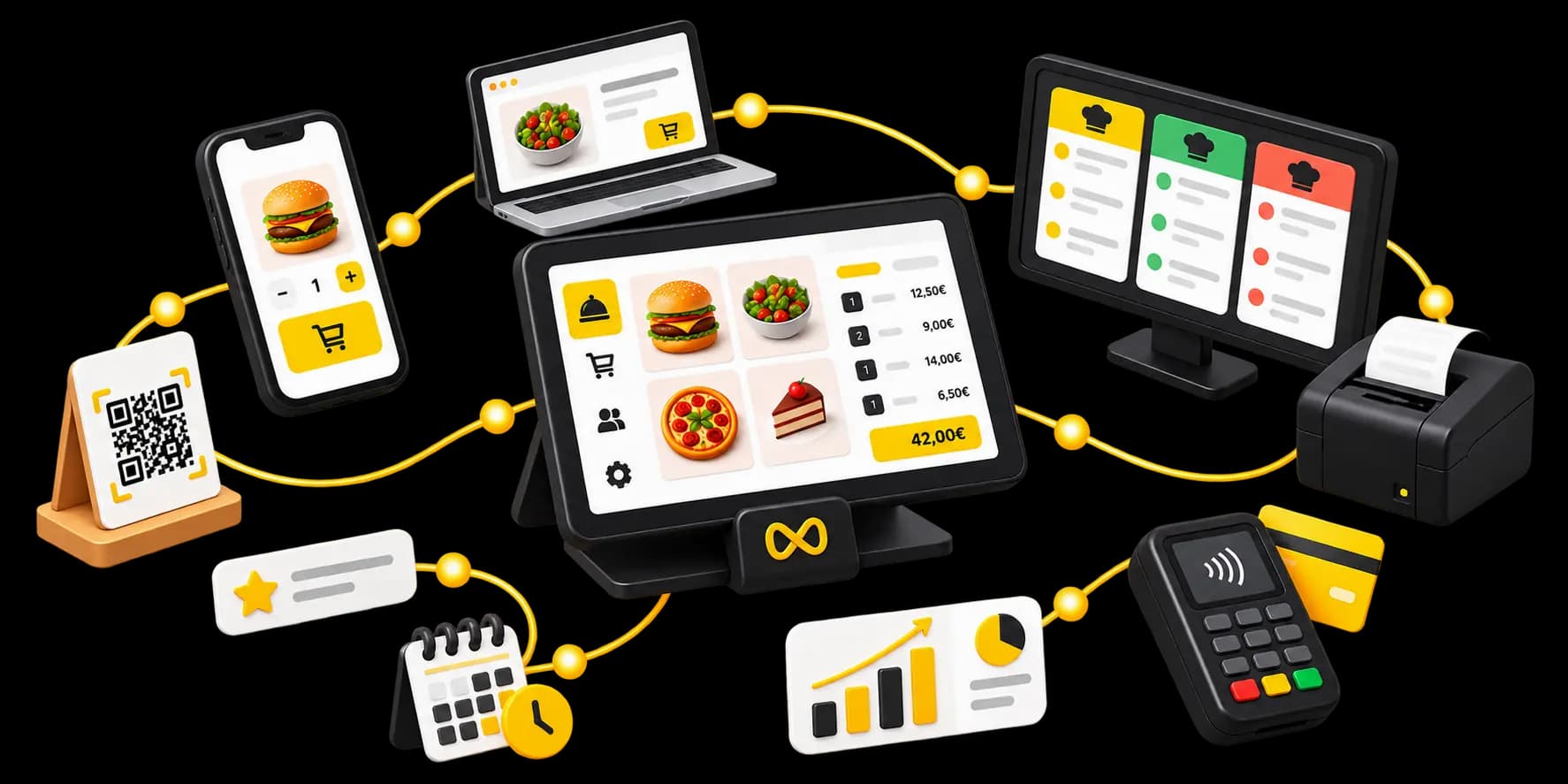
Once the guest is seated, the floor plan, the ordering, the kitchen, the payment and the loyalty side take over — nobody types their name again.
- Floor planThe booking becomes a real table, not a line in a list.
- Order at tableOnce seated, guests order from their own phone.
- Kitchen screenThe order reaches the pass with the table number on it.
- PaymentThe bill is settled at the table, with nobody waiting to be found.
- Guest databaseA reservation can be linked to an existing record.
- LoyaltyA regular is recognised the moment they book again.
START WITHOUT RISK
50 bookings a month. On us.
Try Waiterr reservations with no commitment. Past that, you simply pay for what you use.
€0
Up to 50 bookings a month
Per location, on the free plan.
BEYOND THAT
Pay as you go
Beyond that, digital reservations are billed per booking, still with no commitment. Walk-ins and manual entries are not charged.
No per-cover fee, on any plan. Essential, Pro and Business include unlimited digital reservations. Waiterr Reserve is only if you need reservations without the rest of Waiterr.
See pricing in detailWHO IT SUITS
The same booking flow, shaped to your room.
Table service, a terrace and a one-off evening are not booked the same way.



Your questions about reservations
Apps, putting booking on your own site, Reserve with Google, card guarantees and the free plan — the things people ask us most.
Do my guests need to download an app?
No. It all happens in the browser, from your website, your Waiterr page or your Google listing. Your guest picks a date, a time and how many are coming, then confirms. Nothing to install, for them or for you.
Can I put booking on my own website?
Yes. The booking module drops into your existing pages and picks up your own branding. You can add it yourself, or ask us to do it for you. If you do not have a website, your Waiterr page does the same job with nothing to set up.
How does Reserve with Google work?
Where the integration is available, your open slots appear straight on your business listing: the guest books without leaving the search results or the map, and the booking lands on your sheet like any other. It is the channel that catches people looking for a table before they know your name.
Can I log a booking taken over the phone?
Yes, and it is built to be quick: name, number of covers, slot, and the booking is on the sheet without switching screens. Someone who turns up without booking is seated straight onto a free table on the floor plan.
Can I ask for a card guarantee?
Yes, if you want to, and you choose when: on every slot, only on the busiest ones, or only for certain bookings such as large parties. If the guest does not turn up, you charge the amount you stated. It does not guarantee they come, but an empty table no longer costs only you.
Can I pick the table, or have it assigned automatically?
Either. By default you seat each booking yourself on the floor plan. If you enable automatic assignment, bookings are placed on available tables according to the number of covers — and you can still move any of them at any time.
Can I print today's bookings?
Yes. You can print the day's booking list or the floor plan, for the host stand or for a team that would rather work on paper.
What happens after the 50 free bookings?
Nothing stops. The free plan includes 50 digital reservations a month per location; beyond that, further digital reservations are billed at the rate shown on our pricing page, up to a monthly cap. Manually entered reservations and walk-ins are not charged. Essential, Pro and Business include unlimited digital reservations. There is no per-cover fee on any plan.
Ready to simplify your bookings?
Create your account, open your first sitting and take your first booking today. The free plan is enough.
- Free plan available
- No commitment
- Ready in minutes