Loyalty programme
A loyalty programme that fits your venue.
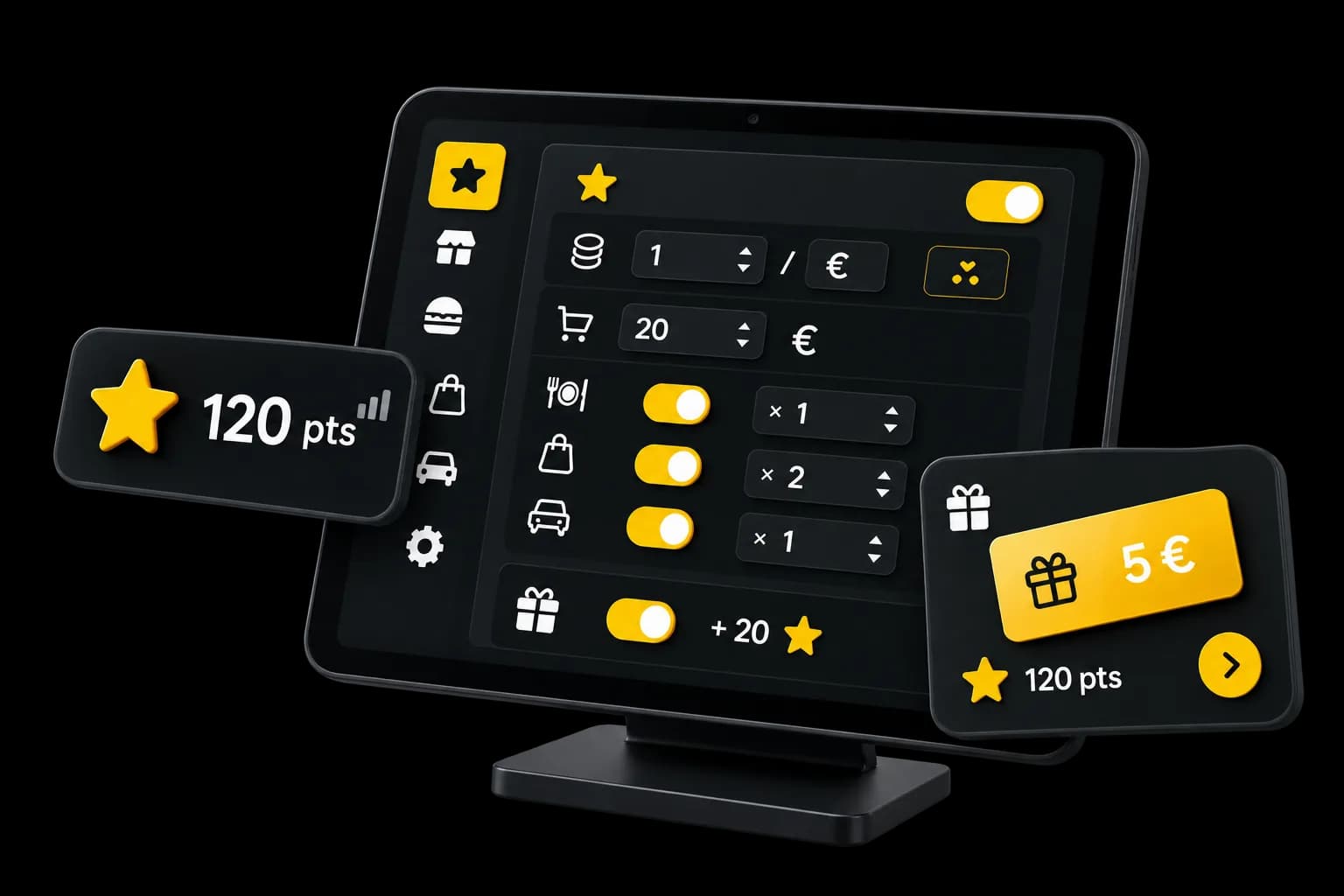
Set how your customers earn points.
Create your rewards and let them use those points on compatible online orders.
- Included in every plan
Loyalty points
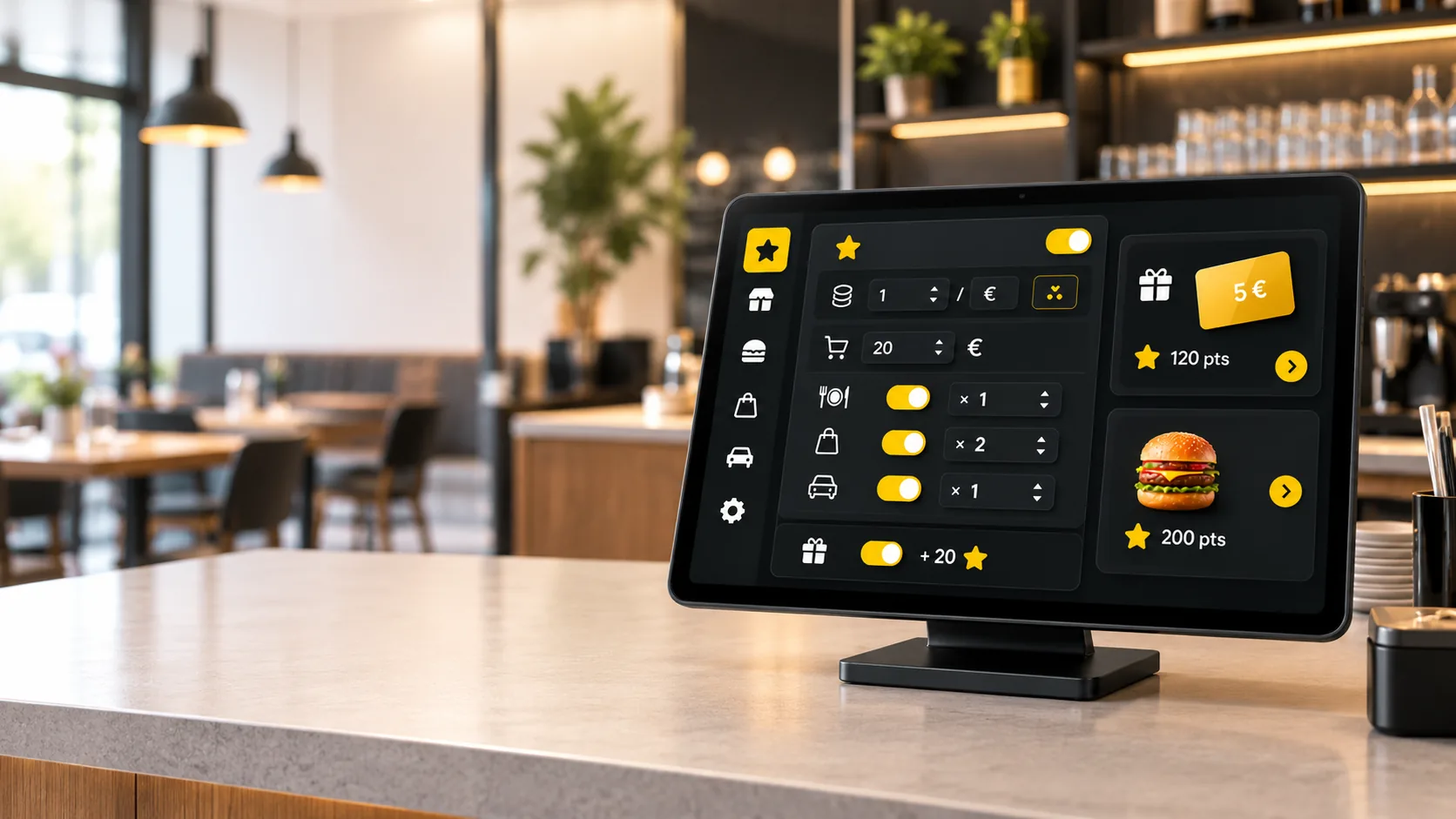
How many points are earned on purchases that meet the programme.
Rules you set
Adapt the points to the order type and the products.
Rewards
Offer a fixed discount or a free product.
Use online
For signed-in customers, during the online order.
Points and rewards
Your customers earn points on eligible purchases.
When an order meets the programme and its payment is confirmed, the points can be added to the customer’s record.
Eligible order
It is linked to a customer and meets the programme.Points added
Based on the products and the supported order type.Rewards
They are used afterwards, online.
Setup
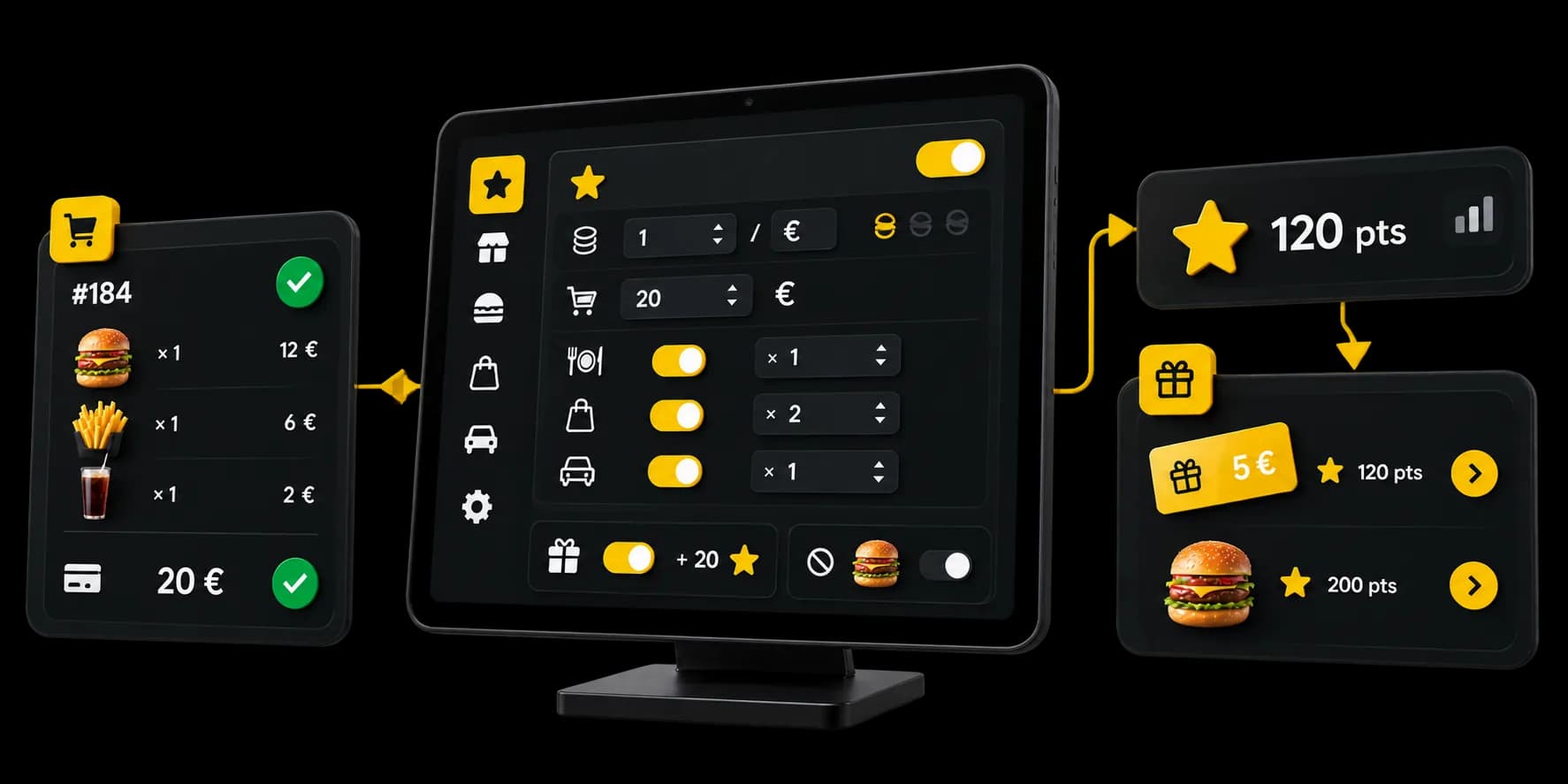
Choose how your customers earn points.
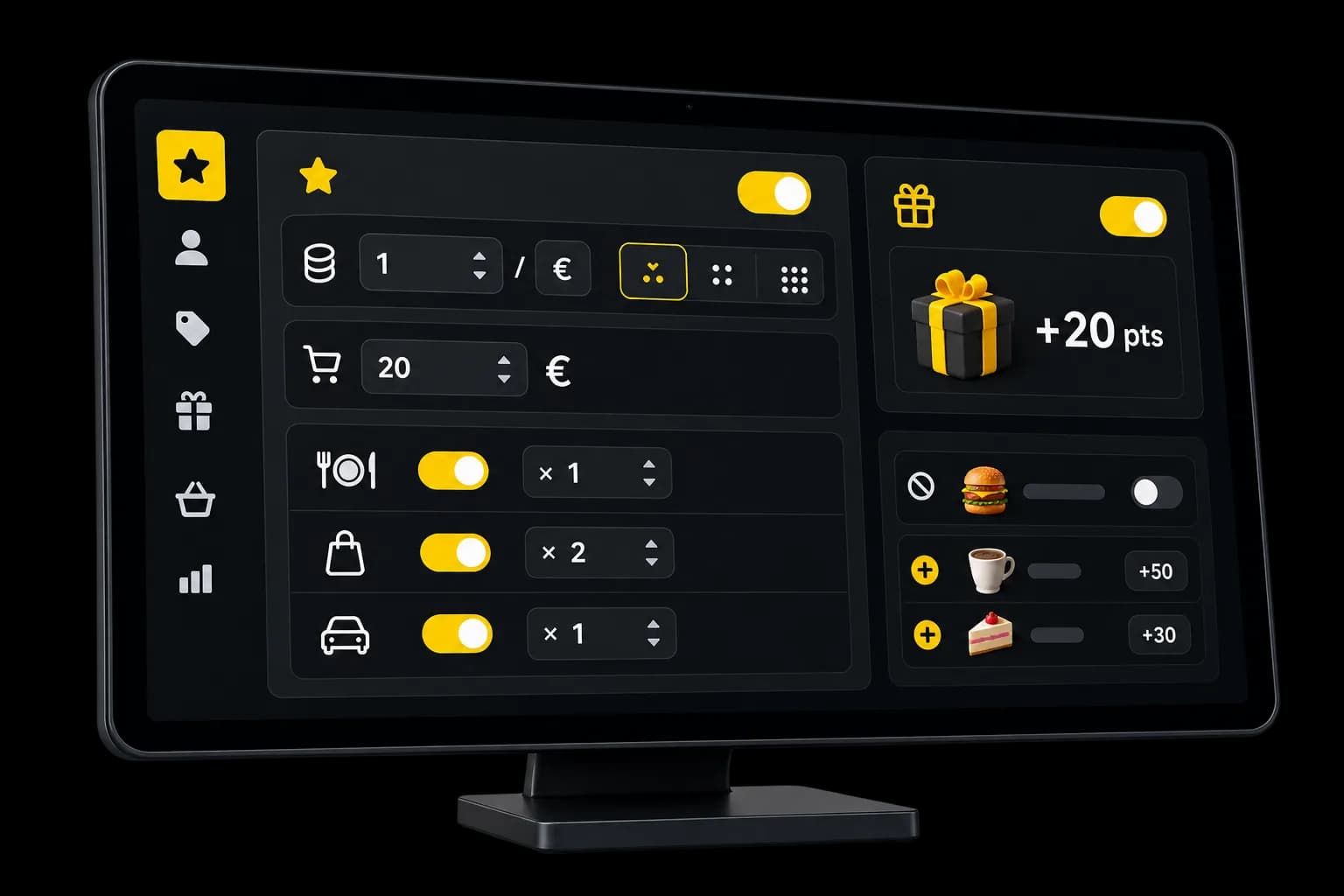
Points per euro, a rounding rule and, if you need one, a minimum order amount.
Points per euro
How many points each euro of the products concerned is worth.Rounding
Down, to the nearest whole number, or up.Minimum order
Below this amount, the order earns nothing. You can leave it empty.Programme on or off
The programme stays off until you turn it on for the venue.
Order types
Different rules for each order type.
Choose which order types earn points, and set a multiplier for each one.
Dine-in
For the dine-in orders the programme covers. QR orders at the table do not earn points.Takeaway
For takeaway orders.Delivery
For delivery orders.
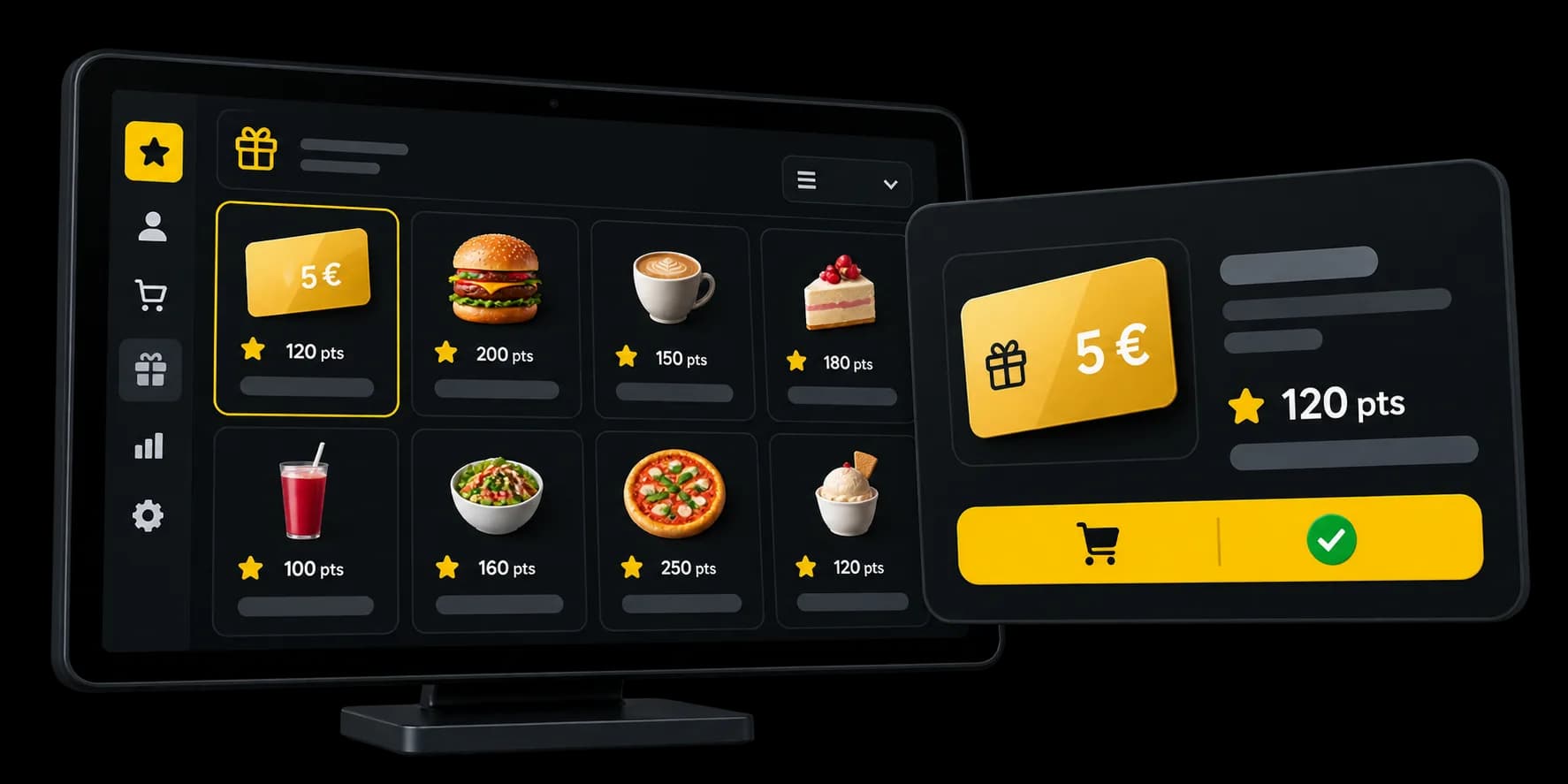
Rewards
Create rewards your customers can get with their points.
Set how many points a fixed discount or a free product costs. You can also cap how many rewards apply per order and, if you want, per day.
Fixed discount
A set amount in euros.Free product
The product must already be in the cart for the reward to apply online.Points required
Each reward has its own point cost.
For the customer
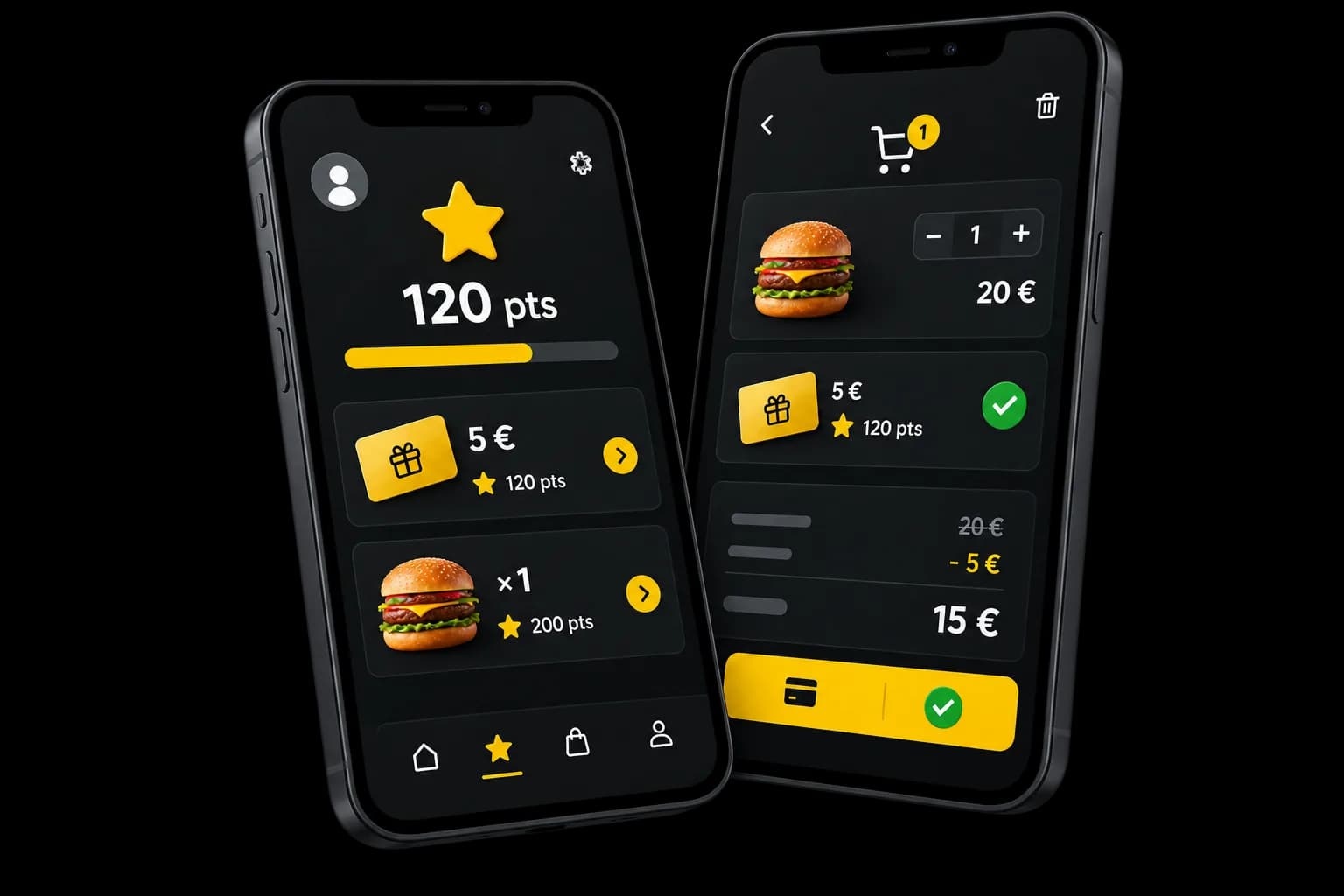
Your customers use their points on their online orders.
Once signed in, they see their balance and choose a reward on an order the programme covers.
Points balance
The balance stored for this venue.Available rewards
The rewards on offer depend on the points balance and what is in the cart.Use in the cart
Nothing is applied without that choice.
Extra rules
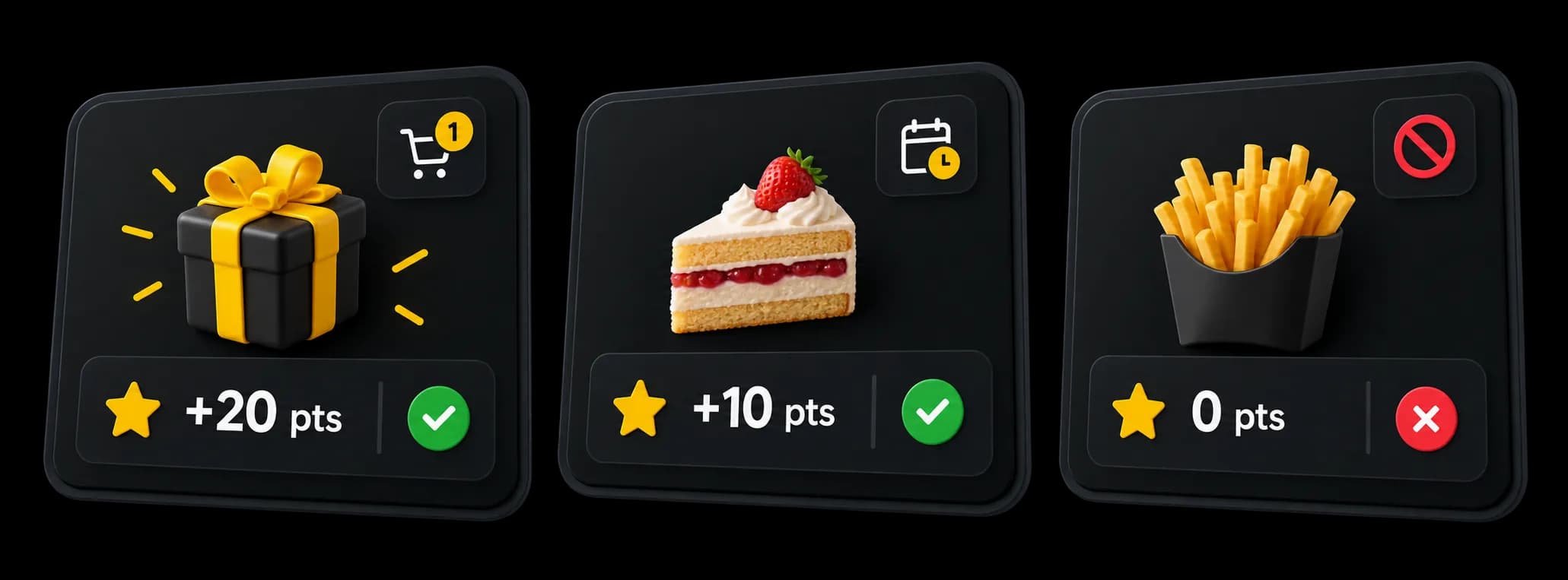
Grant bonuses and exclude certain products.
Bonuses are added to the calculated points. Excluded products earn none.
Welcome bonus
It is added on the first order that earns points, not when the record is created.Bonus on some products
Extra points on the products you choose, for a period if you set one.Excluded products
These products do not earn points.
Point tracking
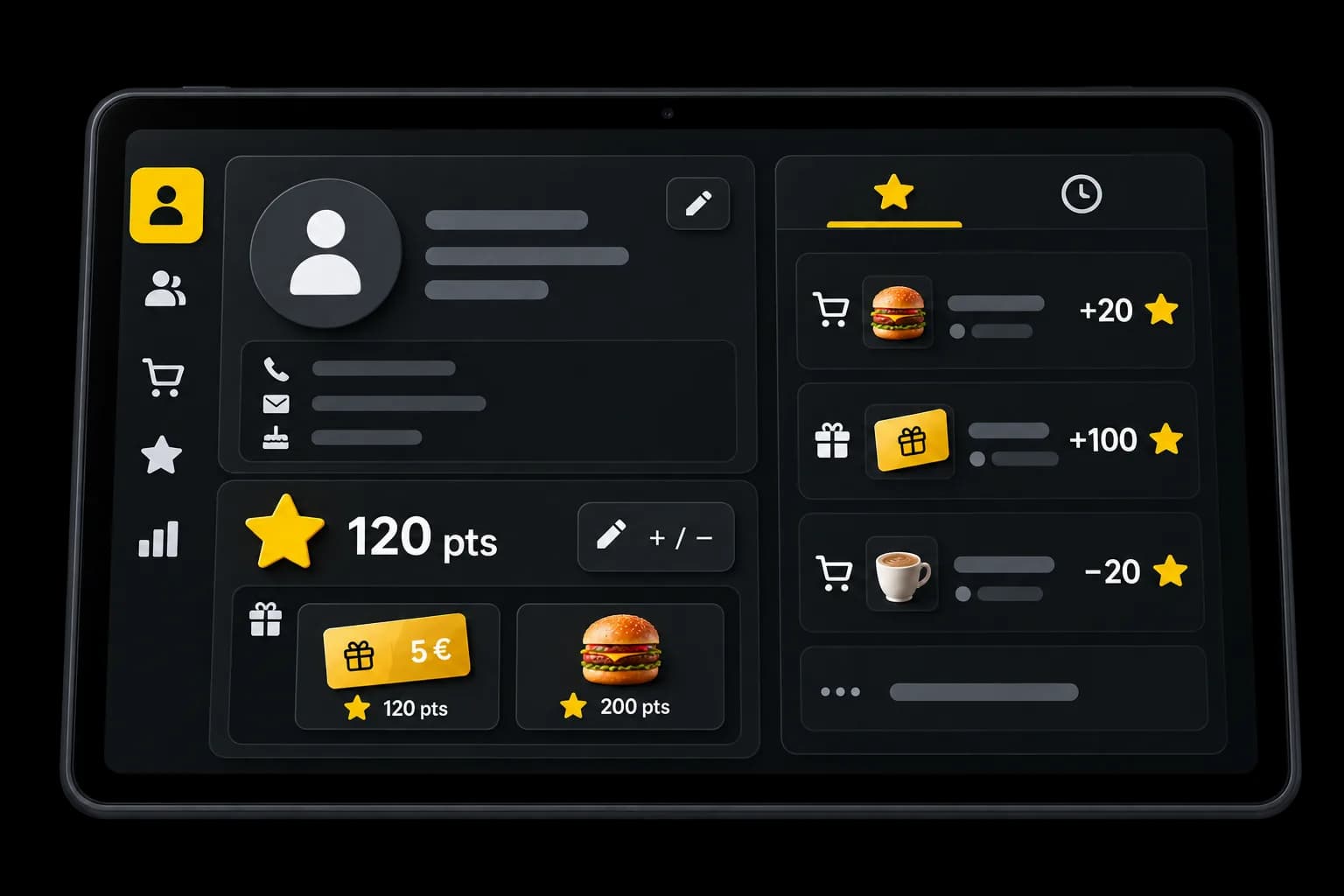
See the balance and the loyalty movements.
From the customer record, see the points stored and their history. A manager can also adjust them by hand.
Balance
The number of points stored on the record.History
Point movements stay visible on the record.Manual adjustment
A manager can add or remove points.
Loyalty programme
From awarding points to using rewards.
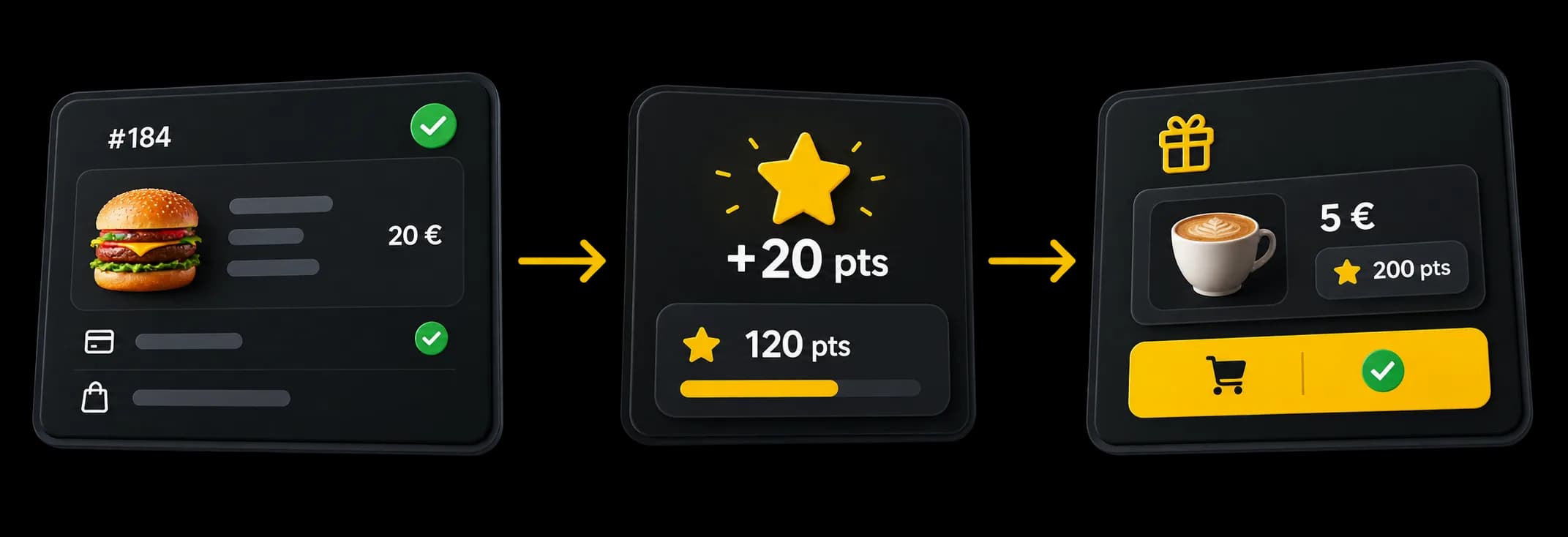
You set the rules. A linked, paid order can earn points, which then go towards a reward.
- SetupSwitched on for the venue, with its own rules.
- Eligible ordersLinked to a customer, and paid.
- BalanceThe points stay on the customer’s record.
- RewardsDuring the online order.
Questions about loyalty
What teams ask before they turn a points programme on.
How does the loyalty programme work?
The venue turns its programme on and sets the rules. Eligible orders that are linked to a customer and paid can earn points. A signed-in customer can then use them for some rewards online.
How are the points calculated?
From the points per euro, the rounding, any minimum, the products concerned and the order type. Some products can be left out, or earn a bonus.
Do all orders earn points?
No. The programme has to be on, and the order linked to a customer, eligible and paid. QR orders at the table do not earn points.
Can I use different rules by order type?
Yes, for the dine-in orders the programme covers, and for takeaway and delivery. Each has its own switch and multiplier. That does not make QR orders at the table eligible.
Which rewards can I offer?
A discount of a fixed amount in euros, or a free product. The product must already be in the cart for the reward to apply online.
Where can customers use their points?
Signed-in customers can use a compatible reward during a supported online order. Spending points directly at the till is not available.
Can I see or adjust a customer’s points?
Yes. The customer record shows the balance and the movements. A manager can adjust the points by hand.
Ready to offer a loyalty programme?
Set your rules and your rewards directly in Waiterr.
- Free plan available
- No commitment