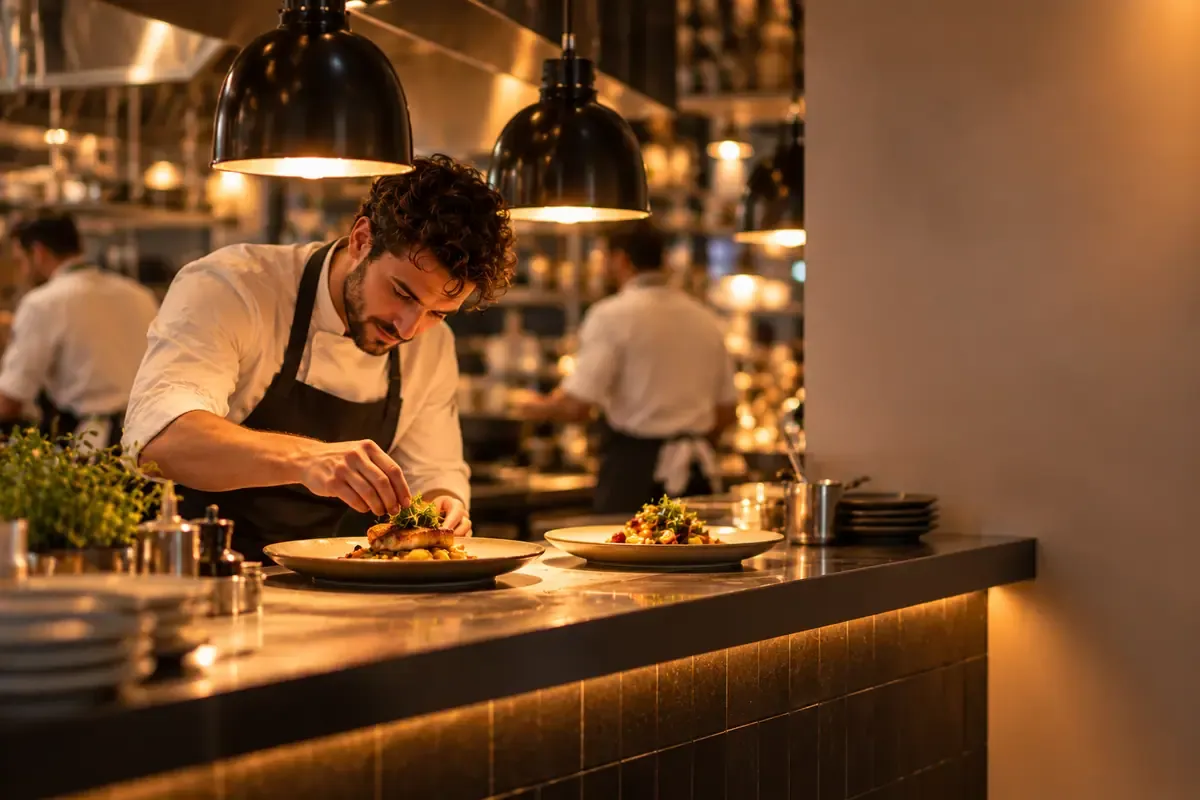
Restaurant dining room in the evening, with the venue booking page on a phone
Venue website
The website of your restaurant.
A page under your name, with the story, the hours, the address, the menu and the photos. Guests book a table and place orders online, for delivery or pickup.
- A dedicated address, or your own domain.
- Details, booking and ordering in one place.
Your name
The address shows your venue, not a marketplace.
One page
Story, hours, menu, booking and contact on the same page.
Online ordering
Turn on pickup, delivery, or both, directly on your page.
Your header
Logo, cover photo and venue name at the top of the page.
Setup
How the page goes online
The page uses the venue name, hours and address you already keep.
 01
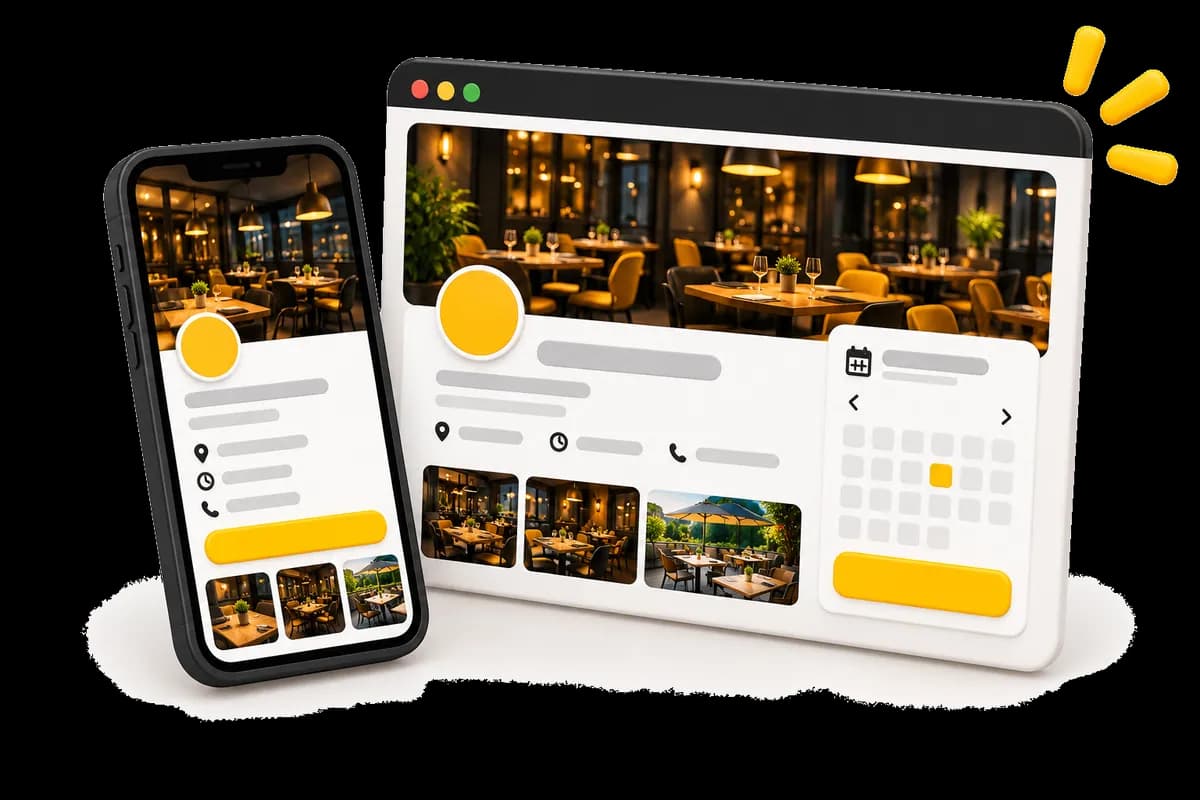
01The venue page
Name, logo, photo, hours and address are your venue’s.
 02
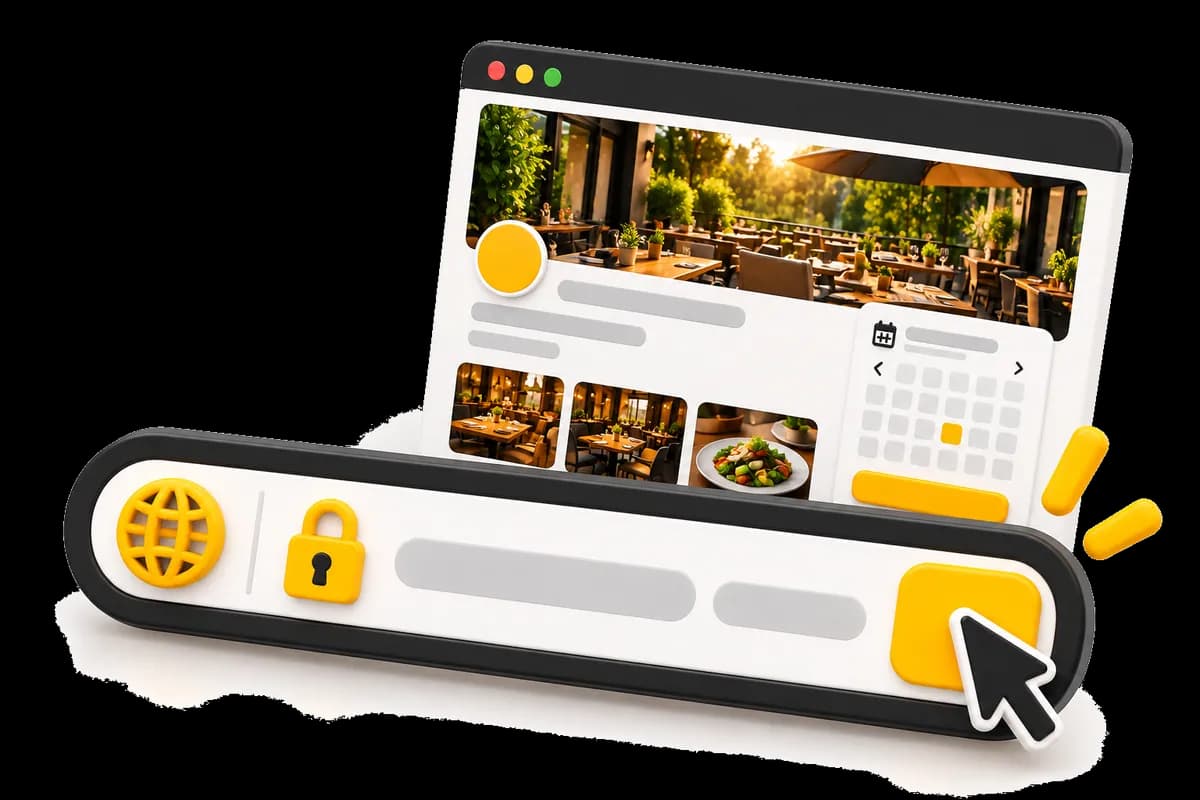
02The page address
Your page is reached through a dedicated address, for example resto.page, or through your own domain name.
 03
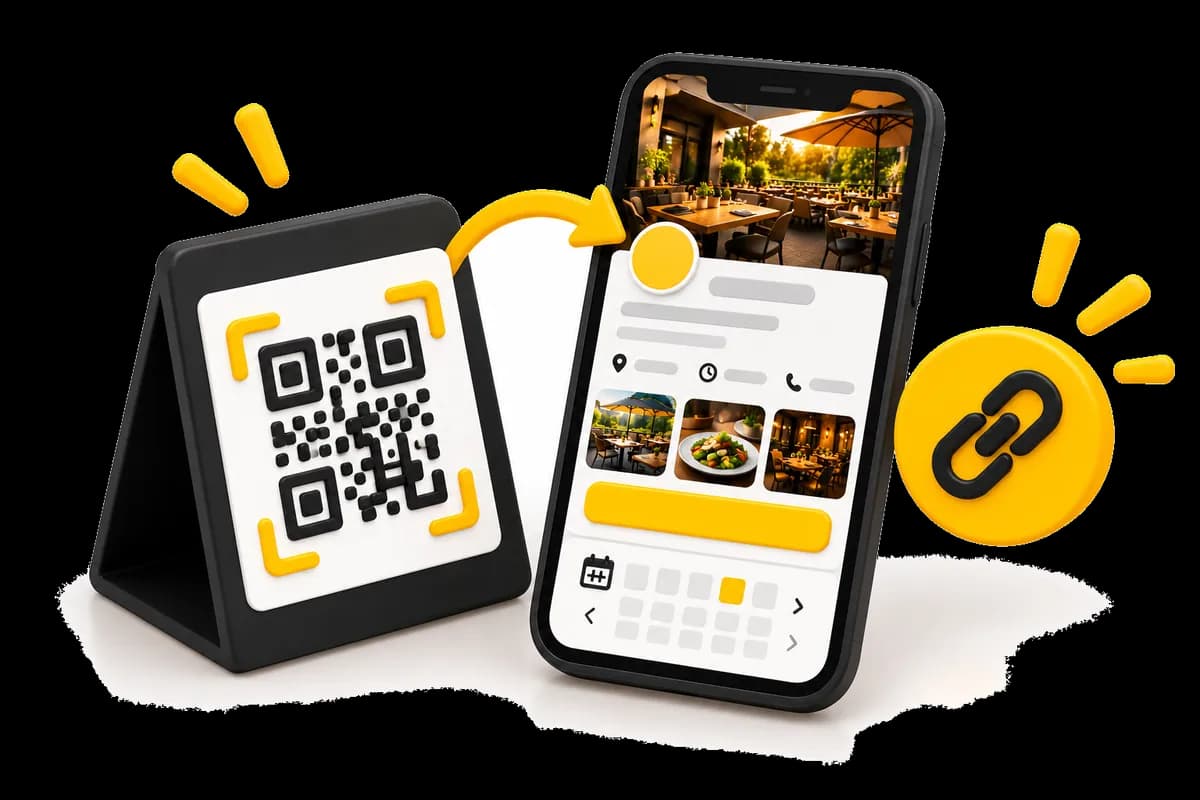
03The link you share
Booking, ordering and contact start from this page.
The page
On a phone and on a computer
The same page: your venue, a table booking, and online orders for delivery or pickup.
The Market Table
Seasonal cooking, an evening dining room, a terrace when the weather holds.
Hours
Mon–Sat 12:00–15:00, 17:30–22:00
12 rue du Marché, 75004 Paris
Choose a date
Guests2
Time
20:00
Call to book
Opening hours
Mon–Sat 12:00–15:00, 17:30–22:00
Sunday closed
12 rue du Marché, 75004 Paris
Reservation secured by Waiterr
The venue page on a computer and the booking screen on a phone
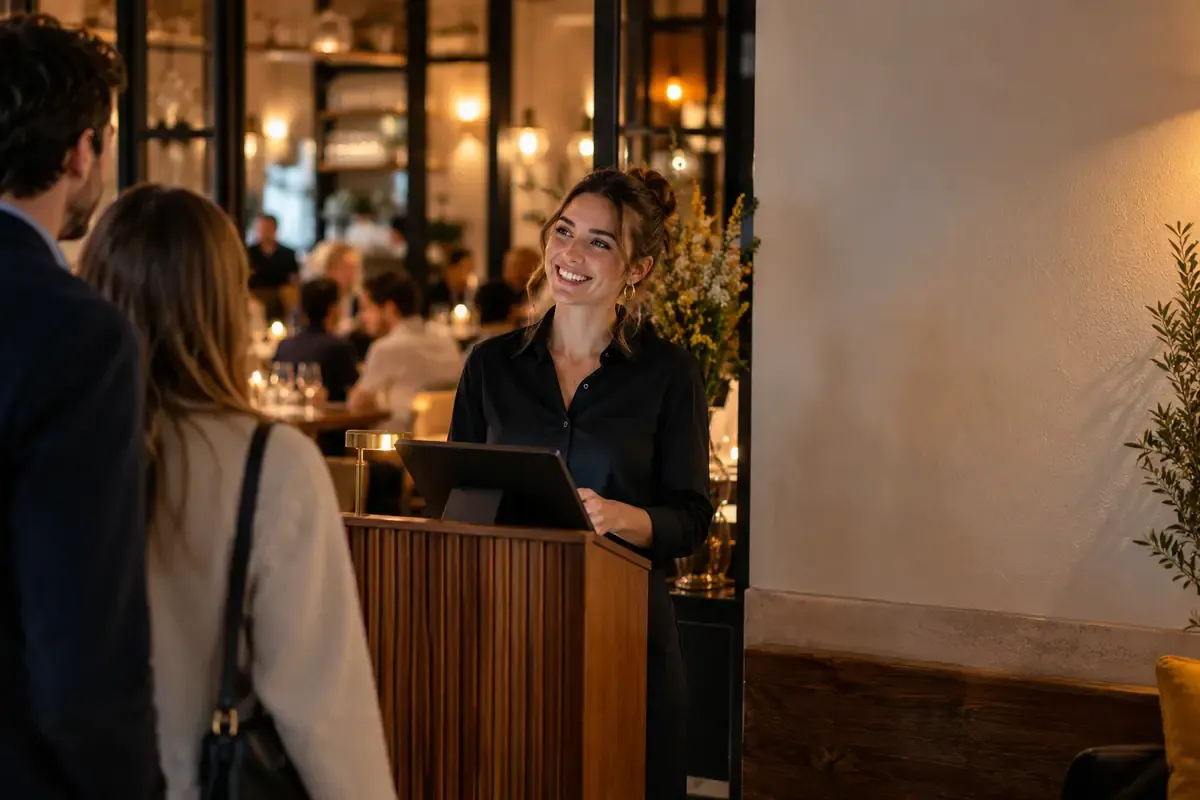
Venue
The Market Table
Mon–Sat · 12:00–15:00, 17:30–22:00
12 rue du Marché, 75004 Paris
About the venue
Your venue's details
The guest sees who you are, when you are open, where you are, and the menu.
- IntroductionA few lines about the house, with the cover photo.
- HoursThe week’s opening times, and the days you are closed.
- The menuThe dishes, with photos and prices. The menu can stay read-only: you do not have to turn ordering on.
- PhotosThe room, the dishes, the counter: what the guest will see on arrival.
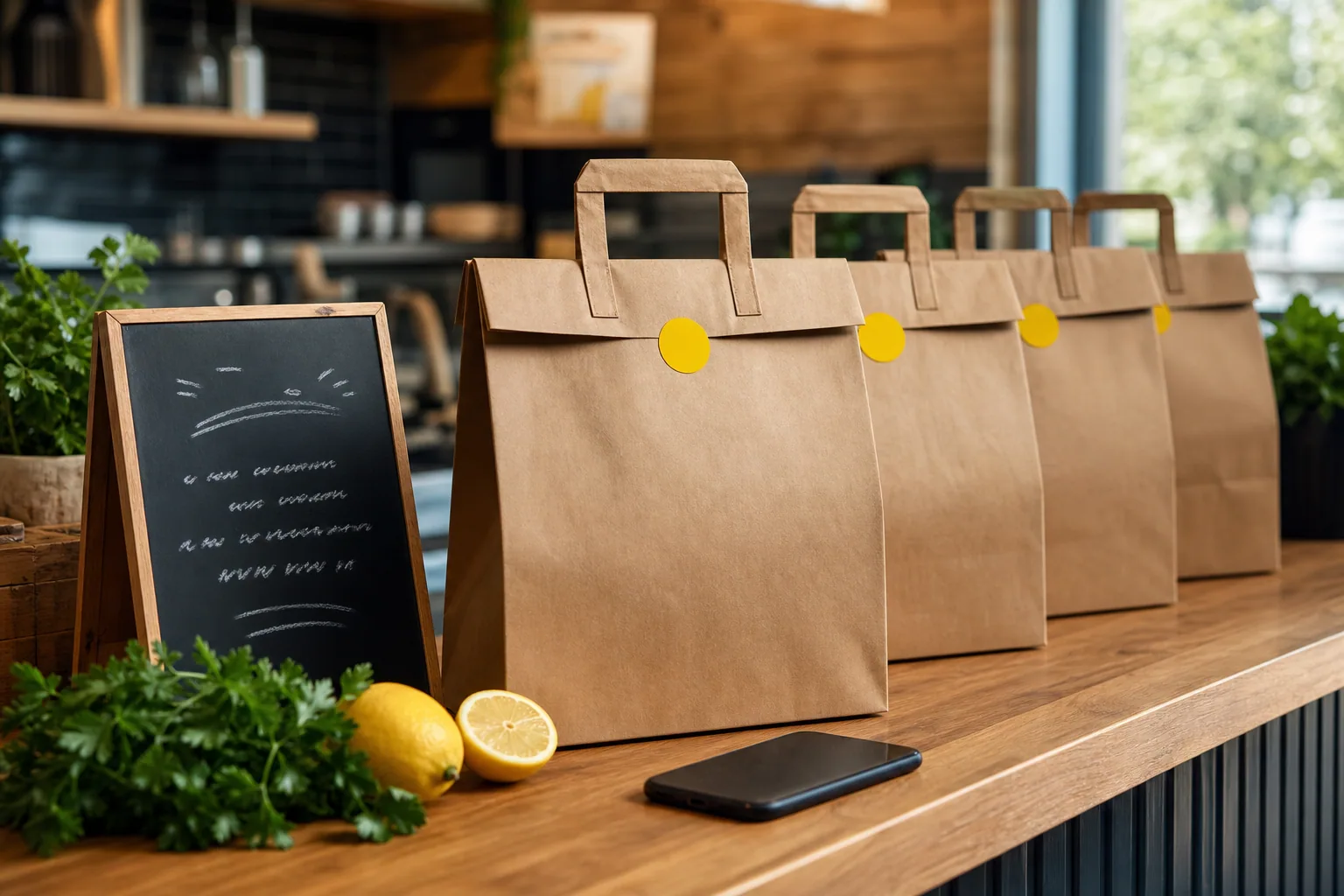
Order
Pickup · Paid
Delivery · Preparing
Online ordering
Delivery and pickup
You turn on pickup, delivery, or both. The guest orders from your page.
- PickupThe guest orders for pickup and pays on the page.
- DeliveryThey enter an address. You prepare, and you organise the delivery.
- PaymentWaiterr accepts most payment methods available in your country.
Booking
20:00
4 guests
Confirmed
Booking
Book a table
The guest picks a date, a party size and a time. They can also call.
- Date and timeSlots follow the venue’s opening hours.
- Party sizeThe guest sets the number of covers before confirming.
- CallThe venue phone number is on the same page.
Address
your-restaurant.resto.page
your-restaurant.com
Address
The address of your page
Your page is reached through a dedicated address (app.restaurant, resto.page, myresto.link) or through your own domain name.
- A Waiterr addressFor example resto.page, app.restaurant or myresto.link.
- Your domain nameThe same page can open on the venue’s domain.
- One exampleA demo page shows the booking journey.
Around the page
The page and the rest of Waiterr
The menu, the booking and online ordering feed the same page.
Venues
Which venue it is for
Restaurant, bar, café or food truck: the page carries the place’s name.



Questions about the website
The address, what the guest finds, and the menu without ordering.
Do I already need a website?
No. Each venue has its page, with its name, hours and address. If you already have a domain name, the page can open on that too.
Which address does the guest see?
Your page is reached through a dedicated address, for example on resto.page, app.restaurant or myresto.link, or through your own domain name.
What is on the page?
The introduction, hours, address, menu, photos, table booking, delivery or pickup ordering according to your setup, and a way to reach you.
Is delivery always offered?
No. You turn on pickup, delivery, or both, directly on your page. Click & collect and delivery describe the two paths.
Can the menu be shown without ordering?
Yes. The page can show the menu for reading only. You turn on pickup or delivery only if you want to.
Can I keep my domain name?
Yes. The page can open on the venue’s domain name, as well as on a Waiterr address.
Is this a marketplace?
No. It is your venue’s page: your name, your logo, your photo. It is not a listing among other businesses.
Is booking on the same page?
Yes. The guest picks a date, a party size and a time, or they call. The module is described on the table booking page.
Open your venue’s page.
Story, hours, menu and booking, with online ordering if you want it.
No commitment